Schedule a Safety Check
Late walk home, solo run at dusk, a first meeting with a stranger — Android's Safety Check watches the clock for you. Set a duration, and if you do not check in when it expires, your emergency contacts get your location automatically. Here is how to set one up and when to use it.
TL;DR / Quick Fix
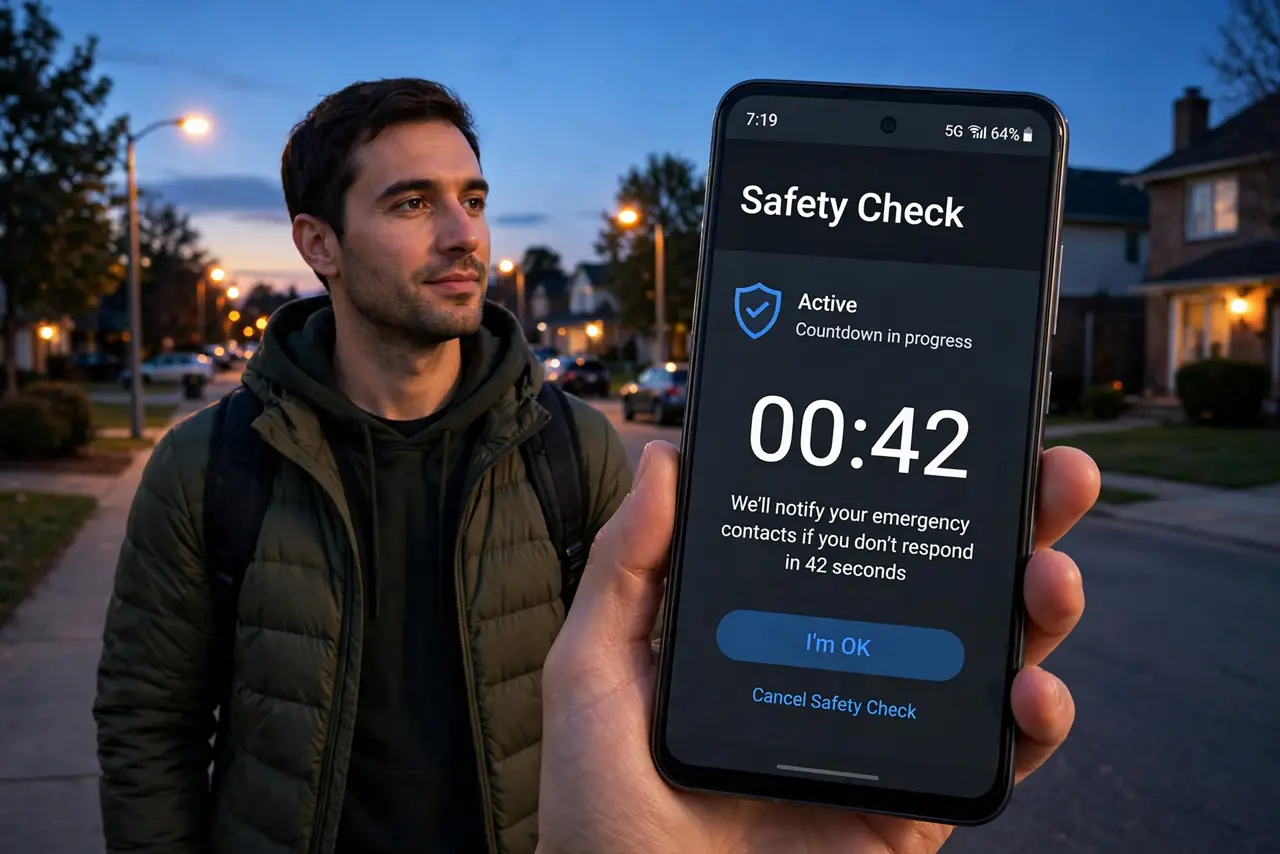
Quick fix: open the Personal Safety app, tap Safety Check, and set when it should check on you. If you don't respond, it alerts your chosen contacts with your location. It's the Android answer to Check In — same idea, same quiet reassurance for late walks and solo trips.
Follow these steps
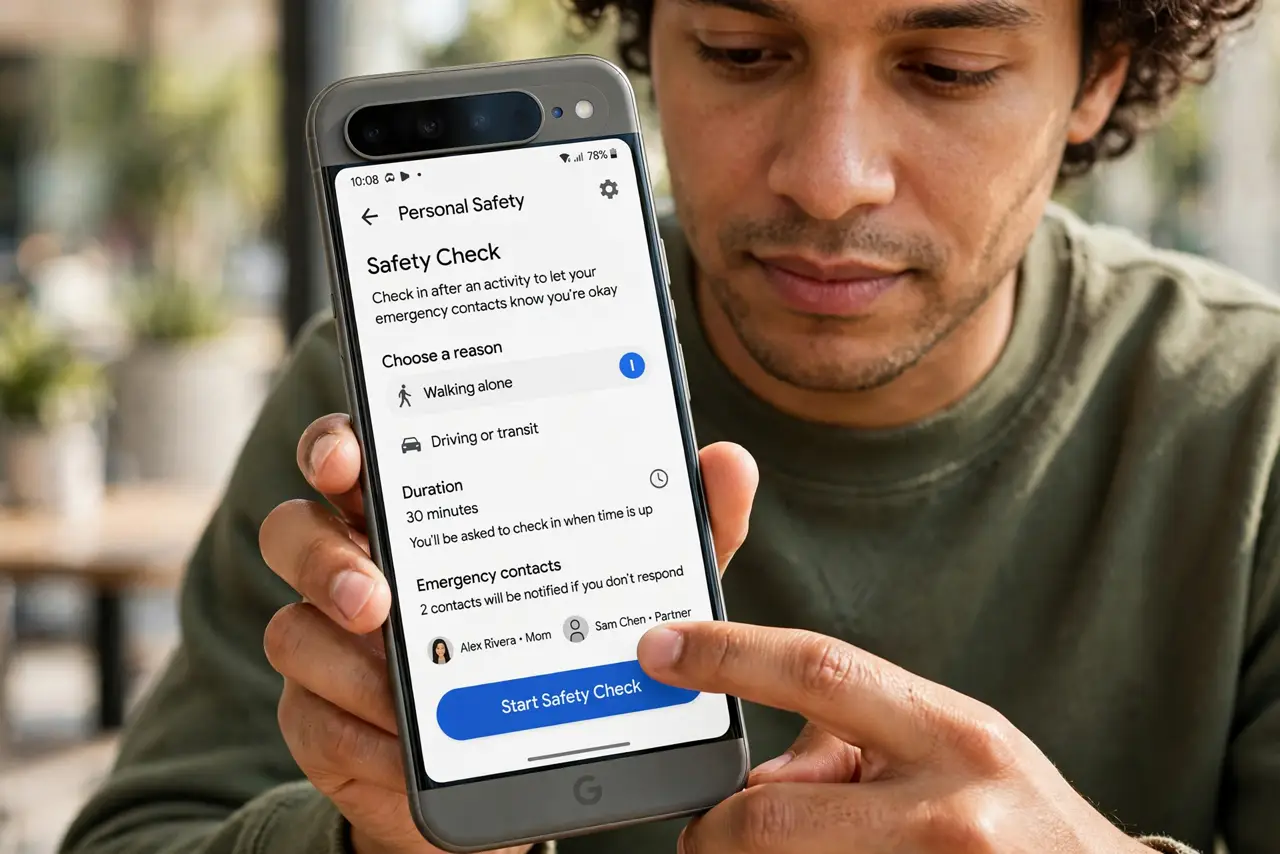
- Open Personal Safety. Find the Personal Safety app — preinstalled on Pixels, downloadable elsewhere. Tap Safety Check to begin.
- Set the reason and duration. Choose Solo walk, Run, or a custom reason, then set how long you need — the walk home plus a buffer.
- Pick your emergency contacts. Choose who gets alerted. They receive your location only if you miss the check-in — not before.
- Respond to the check-in prompt. When the timer expires, the phone asks if you are okay. Tap I'm fine to end it, or let it escalate.
- Know what contacts receive. Your last known location plus a notice that you missed the check-in. Enough to act on, nothing more.
- Use it for the routine trips. The late commute, the evening jog, the blind date — Safety Check shines on repeatable everyday risks, not just adventures.
What NOT to do
- Do not set a razor-tight timer. Give yourself buffer — a missed check-in over five minutes of chatting escalates unnecessarily.
- Do not choose contacts who sleep through notifications. Pick people who actually respond at the hours you walk.
- Do not rely on it with a dying battery. A dead phone cannot check in — charge before the late trip.
- Do not treat it as a tracker. Contacts see your location only on a missed check-in — it is a safety net, not surveillance.
Frequently asked questions
Is Safety Check the same as iPhone Check In?
Same idea, different platform — timed check-ins with automatic location alerts to chosen contacts. See the iPhone version for the Apple side.
Do my contacts see my location all the time?
No — only if you miss the check-in. Until then, they know nothing beyond that a check is scheduled.
What if I lose signal during the check?
The phone tries until the timer expires, then escalates with the last known location. The safe failure mode, by design.