Fix Bluetooth Audio Crackling on Windows
Music that crackles only over Bluetooth, while wired audio sounds clean, points to the wireless link rather than your speakers or headphones. Bluetooth shares radio space with Wi-Fi and other devices, so small changes often fix it. Start with the simplest checks.
TL;DR / Quick Fix
Quick fix: move closer to the computer and remove objects between you and it. Then disconnect and reconnect the Bluetooth device, restart Bluetooth, and test wired audio. If wired audio is clean, update the Bluetooth driver and turn off other nearby Bluetooth devices one at a time.
Follow these steps
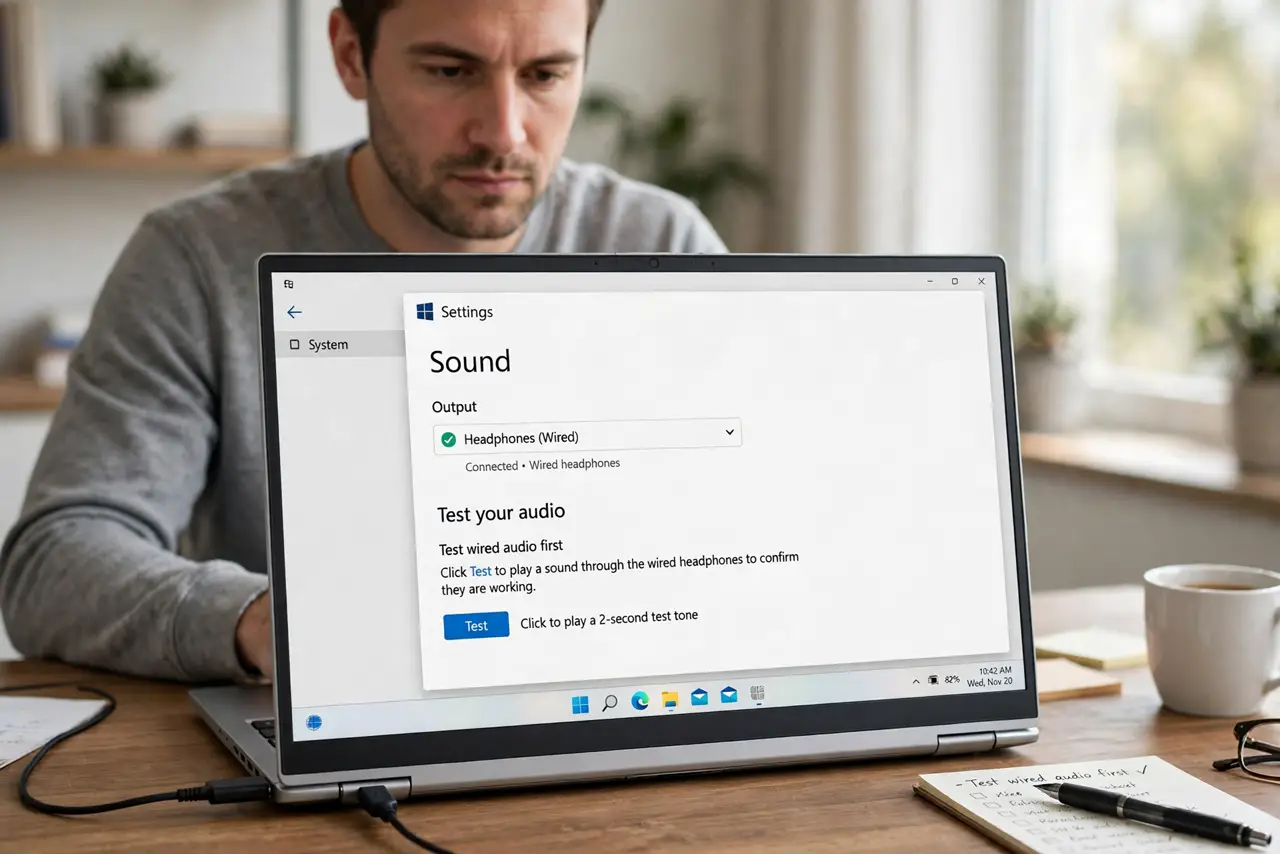
- Test wired audio first. Plug in wired headphones or speakers and play the same audio. If wired audio is clean, the problem is the Bluetooth link, not the audio file or the app.
- Move closer and clear the path. Sit within a few feet of the computer with nothing large between you and it. Walls, metal desks, and a body blocking the signal can all cause crackling.
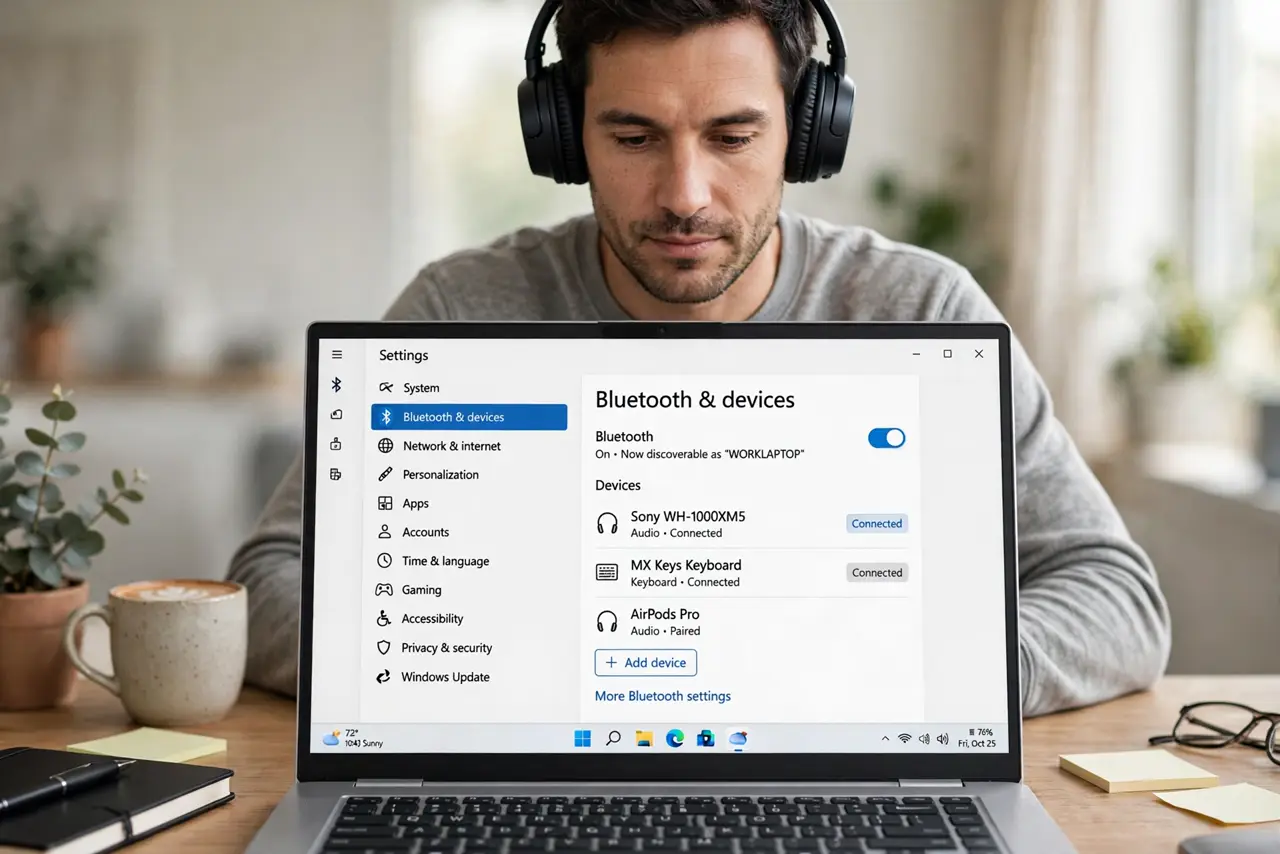
- Disconnect and reconnect the device. Open Settings, then Bluetooth and devices, remove the device, and pair it again. A fresh pairing clears a weak or confused connection that a simple reconnect may keep.
- Restart Bluetooth on the computer. Turn Bluetooth off in Settings, wait ten seconds, and turn it back on. Then reconnect the device and play audio again before changing anything else.
- Update the Bluetooth driver through Windows Update. Open Settings, then Windows Update, and install any offered updates. Restart the computer after updating, then test the same audio at the same distance.
- Reduce interference from other devices. Turn off Bluetooth on nearby devices you are not using, and move away from a busy Wi-Fi router or microwave if the crackling follows a pattern. Test again after each change.
What NOT to do
- Do not buy a new headset first. Crackling that only happens over Bluetooth is usually a connection or driver problem, not a broken headset.
- Do not install a random driver updater tool. Use Windows Update or the computer maker's own support pages for driver updates.
- Do not turn the volume to maximum to mask crackling. That can distort the sound further and makes it harder to tell whether a fix worked.
- Do not forget the wired test. Skipping it can send you fixing the app or the audio file when the Bluetooth link was the problem all along.
Frequently asked questions
Why does Bluetooth crackle but wired audio sound fine?
Wired audio does not use radio, so it avoids distance, obstacles, and interference that can break up a Bluetooth signal.
Does low battery cause crackling?
Yes, a low device battery can cause dropouts and crackling, so charge the headphones or speaker fully and test again.
Will a new Bluetooth adapter fix it?
Only if the built-in Bluetooth is faulty. Try distance, re-pairing, and driver updates first, since those fix most crackling without new hardware.