A Saved Login Fills the Wrong Username
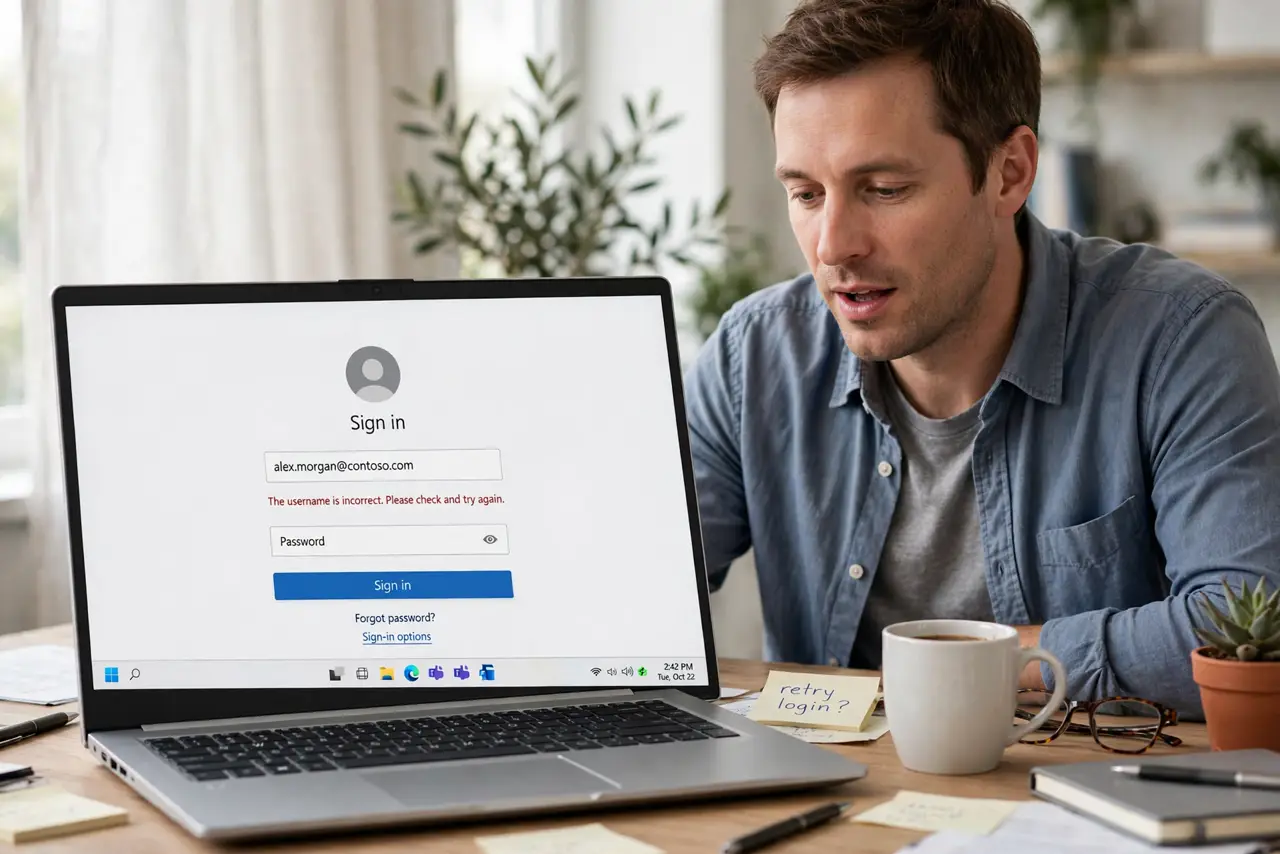
The login page fills in an old username — or someone else's — and you have to fix it every time. The browser saved multiple logins for that site, and it is picking the wrong one.
TL;DR / Quick Fix
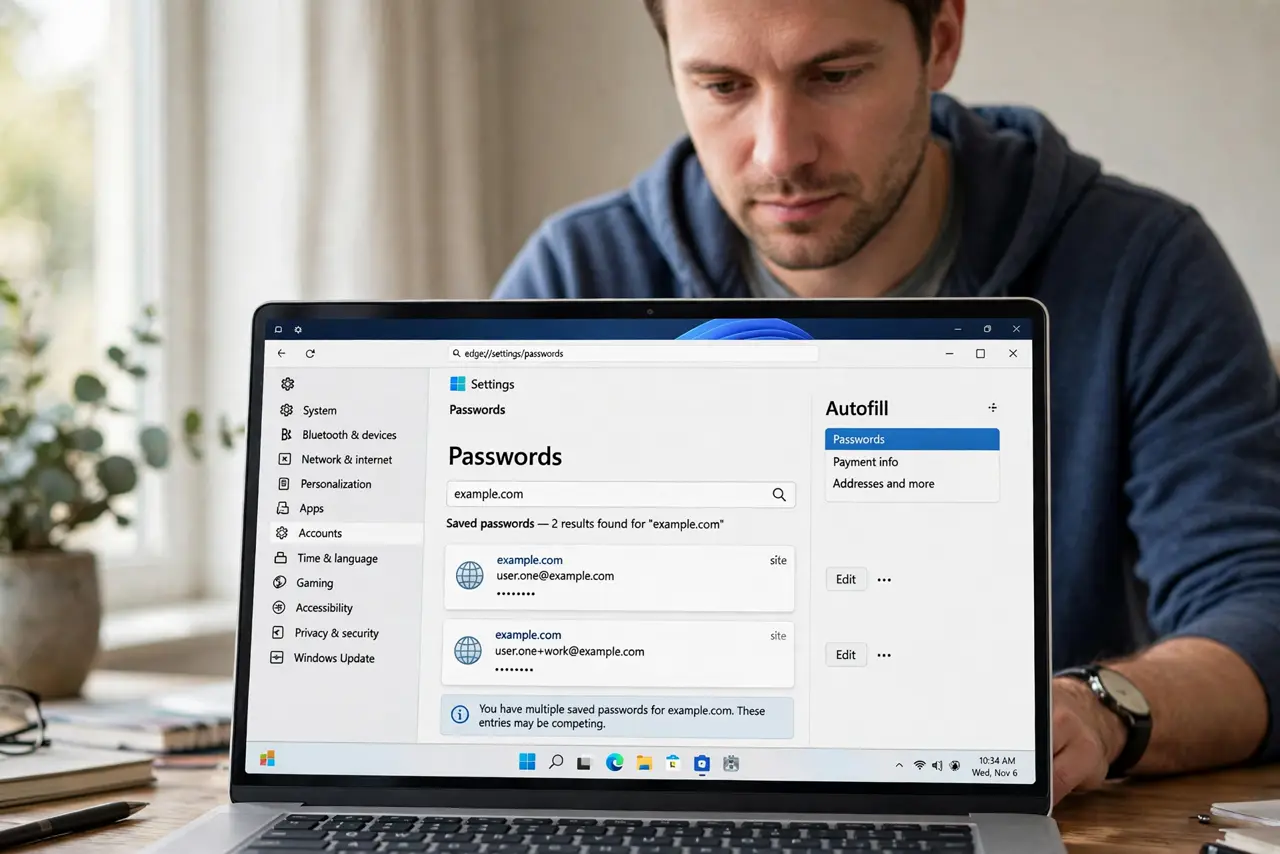
Quick fix: open the browser's saved passwords, search for the site, and delete every outdated or duplicate entry. Keep only the correct login, then reload the page and let autofill offer the single surviving entry. Check subdomains too, since www and non-www versions can each hold a competing entry.
Follow these steps
- Open the saved passwords list. Go to browser settings, then passwords or autofill, and search for the site. You will likely find two or more entries competing.
- Delete the wrong and duplicate entries. Remove outdated usernames and duplicates, keeping only the correct current login. Fewer entries means no more guessing by the browser.
- Check for subdomain duplicates. Some sites save separately for www and non-www versions. Clean both, since the wrong one may hide under a slightly different address.
- Reload the page fresh. After cleaning, reload the login page and click the username field. The browser should now offer only the correct entry.
- Check for a missing password underneath. If the right username appears but no password fills, a missing password may be underneath. Re-save it by logging in once manually.
- Turn off competing extensions. Password-manager extensions can fight the built-in autofill. If both are active, pick one and disable the other's autofill.
What NOT to do
- Do not just keep correcting it manually. Two minutes of cleanup ends a daily annoyance permanently.
- Do not delete every saved password in frustration. Delete only that site's entries, and keep the hundred logins that work fine.
- Do not save the wrong login again on top. Logging in manually without cleaning first just adds a third competing entry.
- Do not share the login to work around it. Fix the saved entry instead of handing credentials to someone else.
Frequently asked questions
Why does it pick the wrong username?
Because several logins are saved for that site, and the browser guesses among them instead of knowing which is current.
Will deleting entries log me out?
No. Deleting a saved login only removes the autofill entry; your account and sessions are untouched.
What if the right entry keeps coming back wrong?
A syncing device may be re-adding the old entry. Clean it on all synced devices, not just one.