Browser Says Connection Not Private? Fix It
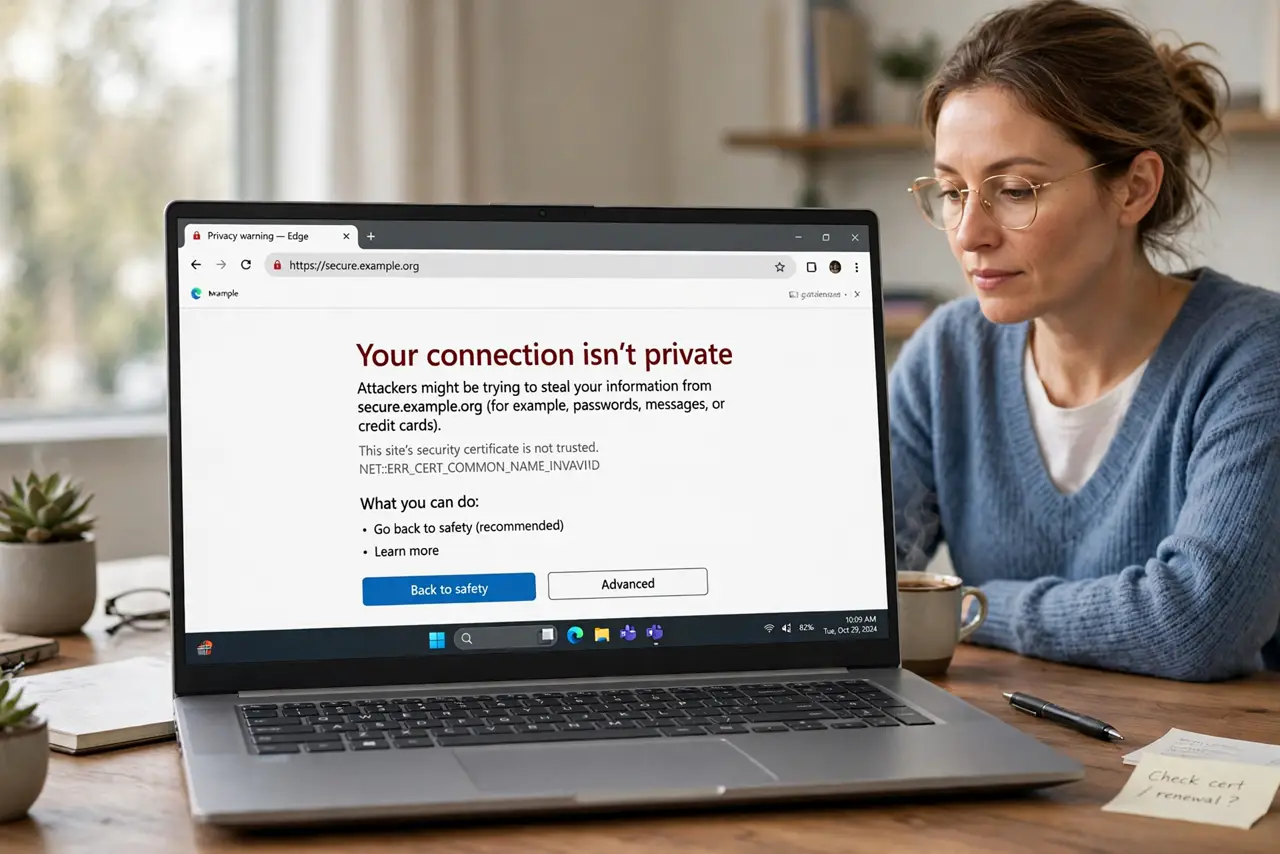
The browser warns that a connection is not private and refuses the site, even a site you trust. The warning usually means the site certificate cannot be verified, often because the device clock is wrong, the network intercepts traffic, or the site itself has a problem.
TL;DR / Quick Fix
Quick fix: do not enter passwords or payment details on the warning page. Check the device date and time are automatic and correct, try the site on another network, and only proceed if you fully understand the risk. Write down what worked for next time.
Follow these steps
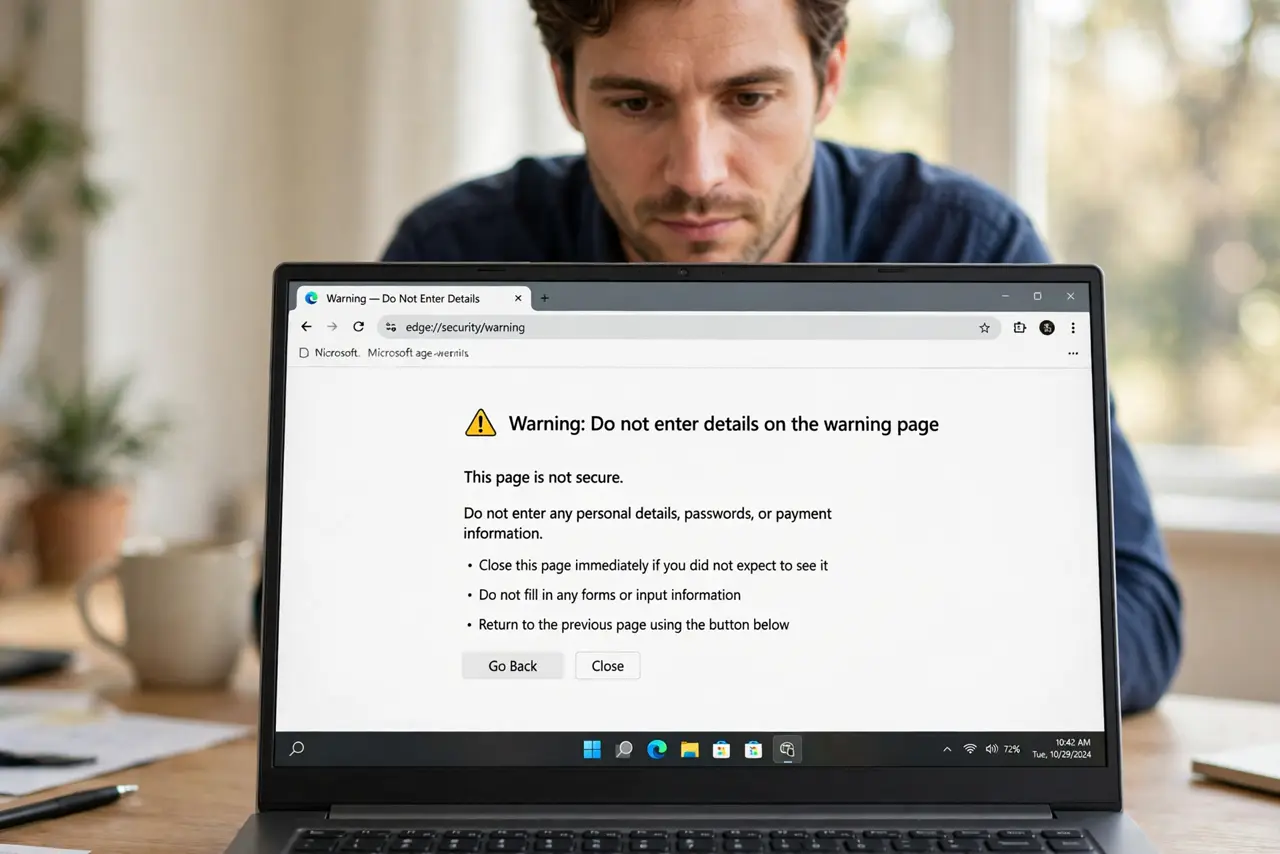
- Do not enter details on the warning page. Stop before typing any password, payment, or personal details on a warning page. The warning means the browser cannot confirm the site is really who it claims to be.
- Check the device date and time. Open date and time settings and turn on automatic time with the correct time zone. A clock set far wrong makes valid site certificates look expired or not yet valid.
- Try the site on another network. Try the site on mobile data or another network. If it loads there, the first network, such as a public Wi-Fi portal, may be intercepting the connection.
- Clear browser data for that site. Clear cookies and cached data for the site, then try again. Stale site data can trigger a warning that a fresh load would not.
- Update the browser and system. Update the browser and the device system, since old software may distrust newer certificates. An update often clears warnings on sites that are actually fine.
- Contact the site owner if it persists. If the warning persists on every network for a trusted site, contact the site owner. A truly expired or misconfigured certificate is theirs to fix, not yours to bypass.
What NOT to do
- Do not click through the warning to reach a bank, shop, or mail account. Bypassing on a sensitive site risks your login and payment details.
- Do not set the clock by hand to force the site to load. A wrong clock hides the real error and breaks other secure sites too.
- Do not ignore a warning that appears on every site. A warning everywhere points to your device clock or network, so fix that first.
- Do not install a certificate offered by an unknown network. Unknown certificates let that network read traffic the warning was trying to protect.
Frequently asked questions
Why does a trusted site show not private?
The device clock may be wrong, the network may intercept traffic, or the site certificate may be expired or misconfigured.
Can a wrong clock cause this warning?
Yes. Certificates carry valid dates, so a clock set far wrong makes valid certificates look invalid.
Should I ever click through the warning?
Only if you fully understand the site and the risk, and never for banks, shops, or mail. For a trusted site, contact its owner instead.