Browser Offers the Wrong Translation Language?
A browser offers the language it thinks you want, based on your preferred languages list and the page itself. When that list is wrong or incomplete, the offer is wrong too, and the fix is in the language settings.
TL;DR / Quick Fix
Quick fix: open the browser language settings, put your preferred language first, and remove languages you do not read. Then reload the page and use the translate menu to pick the correct target language manually. Last, test another page in the same language to confirm it.
Follow these steps
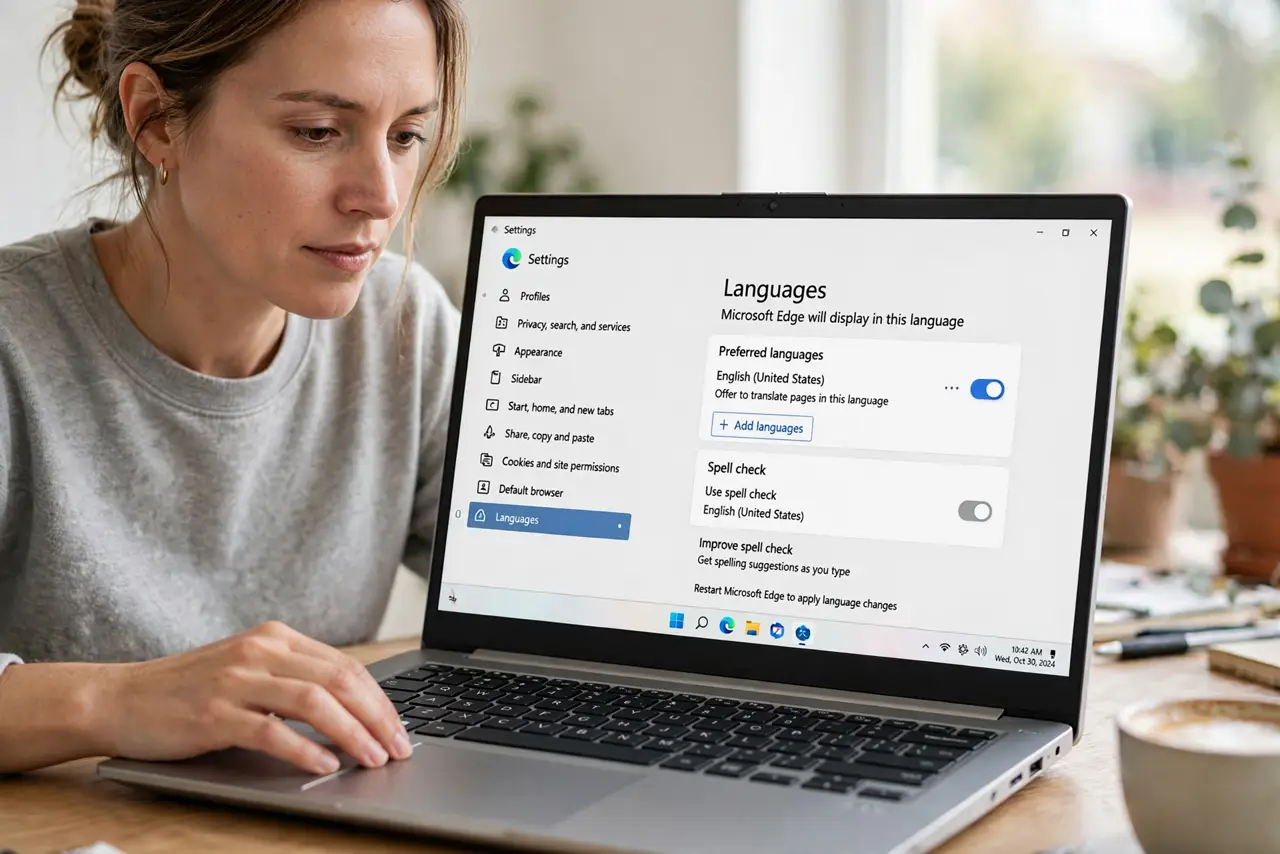
- Open the browser language settings. Open browser settings, find Languages, and view the preferred languages list in order. The first language is the one the browser offers most often.
- Put your preferred language first. Move the language you read best to the top of the list. The browser uses this order when it decides which translation to offer.
- Remove languages you do not read. Delete languages you never use from the list. Extra languages give the browser more wrong guesses to offer.
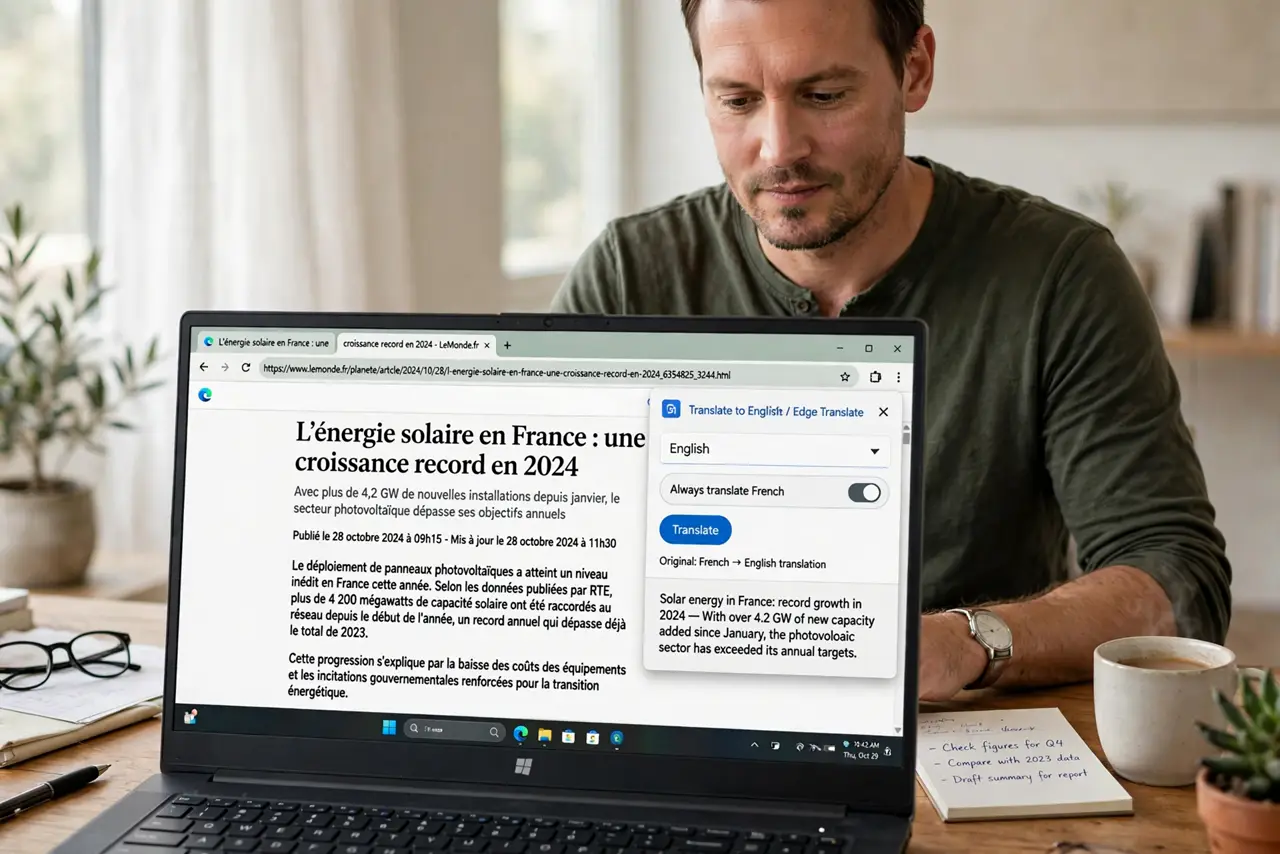
- Check the page language detection. Reload the page and open the translate menu in the address bar. If the detected page language is wrong, choose the correct source language there when the browser allows it.
- Translate manually to the right language. Use the translate menu to pick your preferred language as the target, even if the automatic offer was wrong. A manual choice overrides the offer for that page.
- Test another page in the same language. Visit another page in the same language and check the offer. A correct offer there confirms the settings change worked.
What NOT to do
- Do not add every language you vaguely know. A short, accurate list gives better offers than a long, hopeful one.
- Do not trust a machine translation for legal or medical wording. Use it to understand the gist, then check an official version.
- Do not change the device language to fix one page. Browser language settings are the right place for browser translation.
- Do not keep clicking the wrong offer hoping it changes. Set the language list once, then translate manually.
Frequently asked questions
Why does the browser offer a language I do not read?
Your preferred languages list may include it, or the page language may be detected incorrectly.
Will changing the list affect other sites?
Yes, in a good way. The same preferred order applies across sites, so offers improve everywhere.
Can I stop translation offers completely?
Yes. Most browsers let you turn off the offer to translate pages in the language settings.