Browser Video Plays but Has No Sound? Fix It
Silent browser video is almost always a mute setting, not a broken speaker. Tabs, sites, and the system volume each have their own mute, so check them in order before touching anything else.
TL;DR / Quick Fix
Quick fix: check the tab is not muted, raise the browser volume in the system volume mixer, and confirm the site is allowed to play sound. Then test another video to learn whether the problem is one video or every video.
Follow these steps
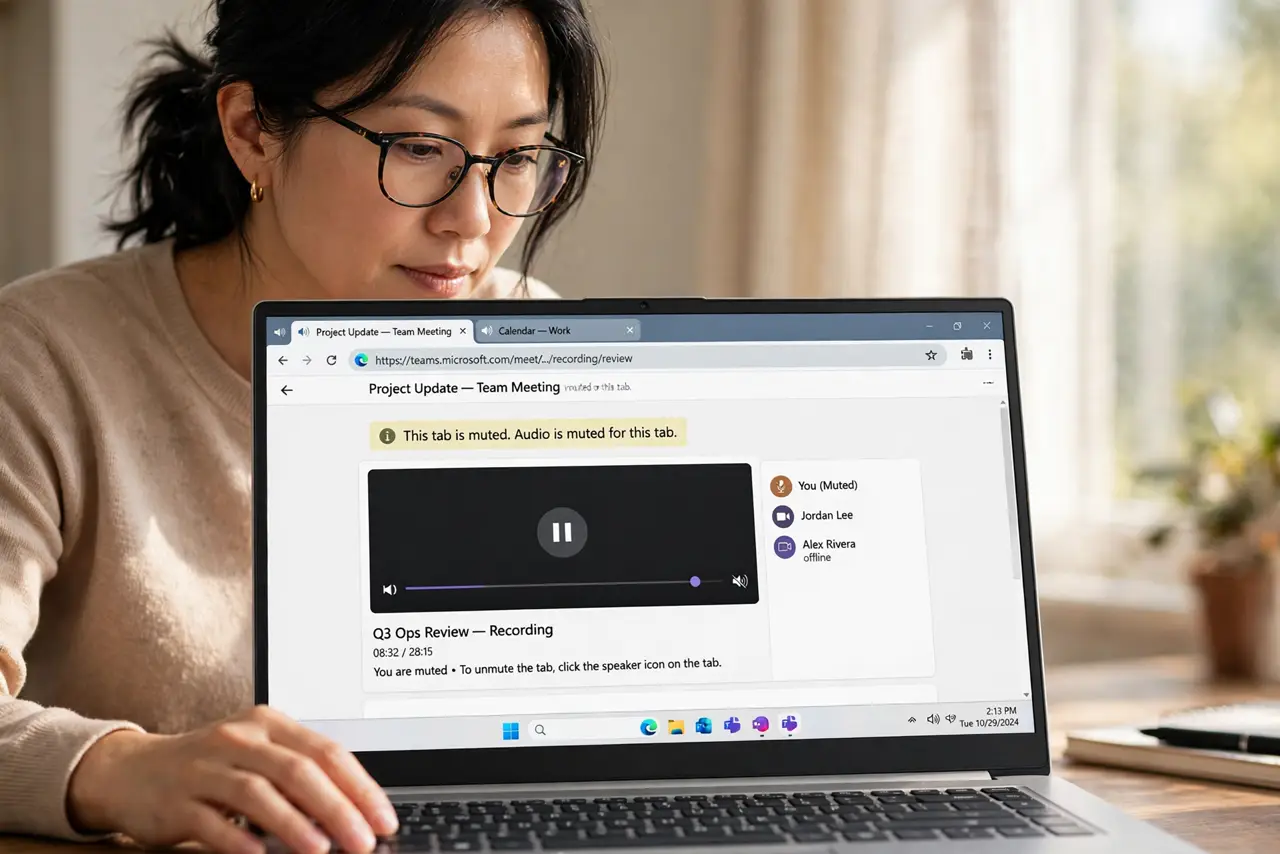
- Check whether the tab itself is muted. Look at the tab for a muted speaker icon, right-click the tab, and choose Unmute site or Unmute tab if it is muted. A muted tab stays silent even when the rest of the computer plays sound.
- Turn up the volume in the video player. Click the speaker icon inside the video player and raise its volume. Player volume is separate from system volume, and it is easy to leave at zero by accident.
- Check the browser volume in the system mixer. Open the system volume mixer and confirm the browser is not muted or turned down there. On Windows, right-click the speaker icon and open the volume mixer to see per-program levels.
- Allow sound for that site. Open the site settings for the page and confirm sound is allowed. A site blocked from playing sound will show silent video even when everything else works.
- Test another video on another site. Play a video somewhere else. Sound everywhere else points to one site or video; silence everywhere points to the system or the browser.
- Restart the browser and test again. Close the browser fully, reopen it, and replay the video. A stuck audio session sometimes clears only with a full restart.
What NOT to do
- Do not install a codec pack from a random site. Modern browsers play common web video without extra packs, and stray downloads add risk.
- Do not set the system volume to maximum to compensate. Find the muted control instead, so you do not blast the next sound.
- Do not allow sound on every site permanently. Allow it for the site you trust and are using.
- Do not assume the speakers are broken. If other programs play sound, the speakers are fine and the mute is in the browser.
Frequently asked questions
Why does one video have no sound but others do?
That video may have been uploaded without an audio track, or the site may have its own mute setting.
Can a muted tab stay muted after I close it?
Some browsers remember a site mute, so check the site sound setting even after reopening the page.
What if no program plays sound?
Then check the system output device and volume first, because the problem is wider than the browser.