What Is CGNAT?
You set up port forwarding exactly right — the rule is there, the device has its IP — and nothing from outside can reach it. Before you factory-reset the router in frustration, check one thing: your ISP may be using CGNAT, which makes port forwarding impossible no matter how perfect your settings are. Here is what CGNAT is and what you can actually do about it.
TL;DR / Quick Fix
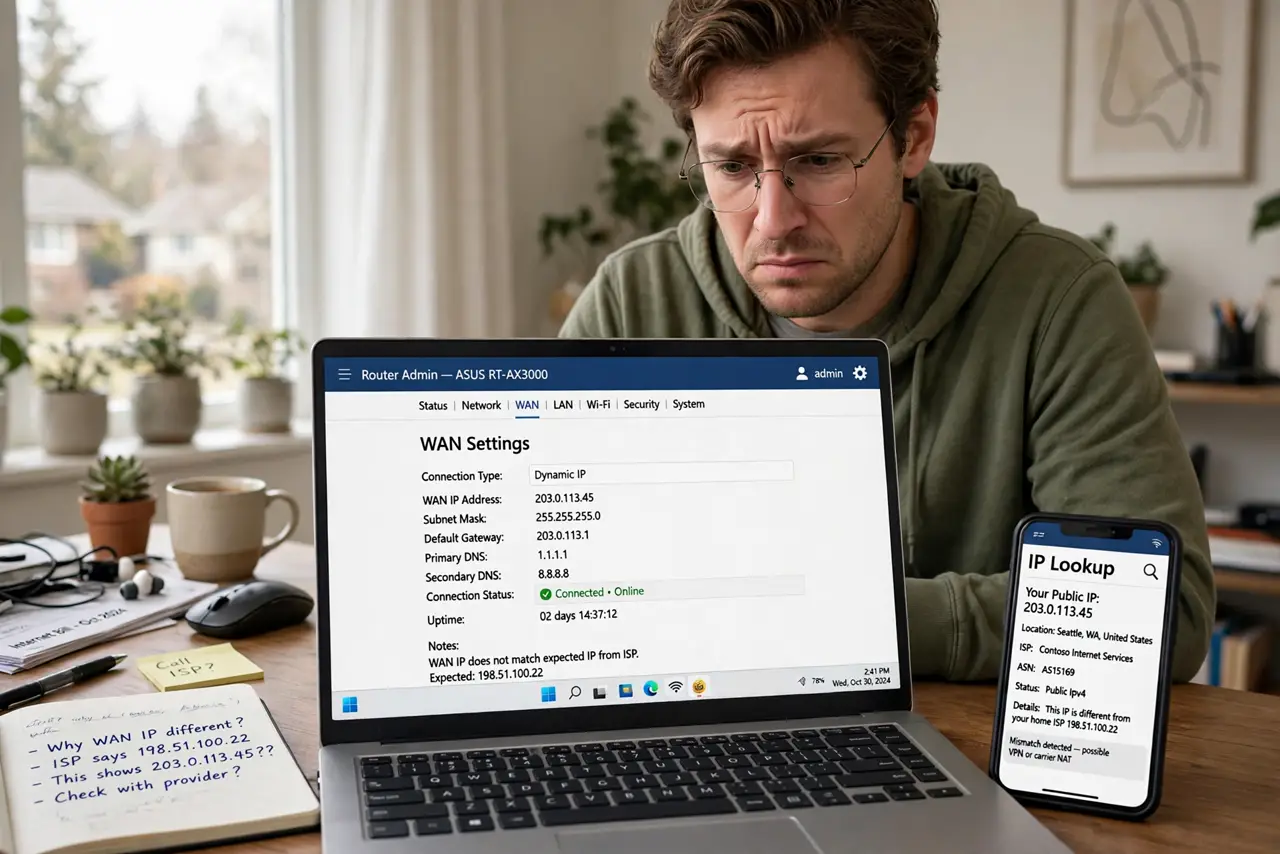
Quick fix: when port forwarding fails despite correct settings, your ISP may use CGNAT — customers sharing one public IP, blocking inbound connections. Compare your router's WAN IP with a public-IP lookup; if they differ, forwarding cannot work. Ask your ISP for a public IP or use a relay service.
Follow these steps
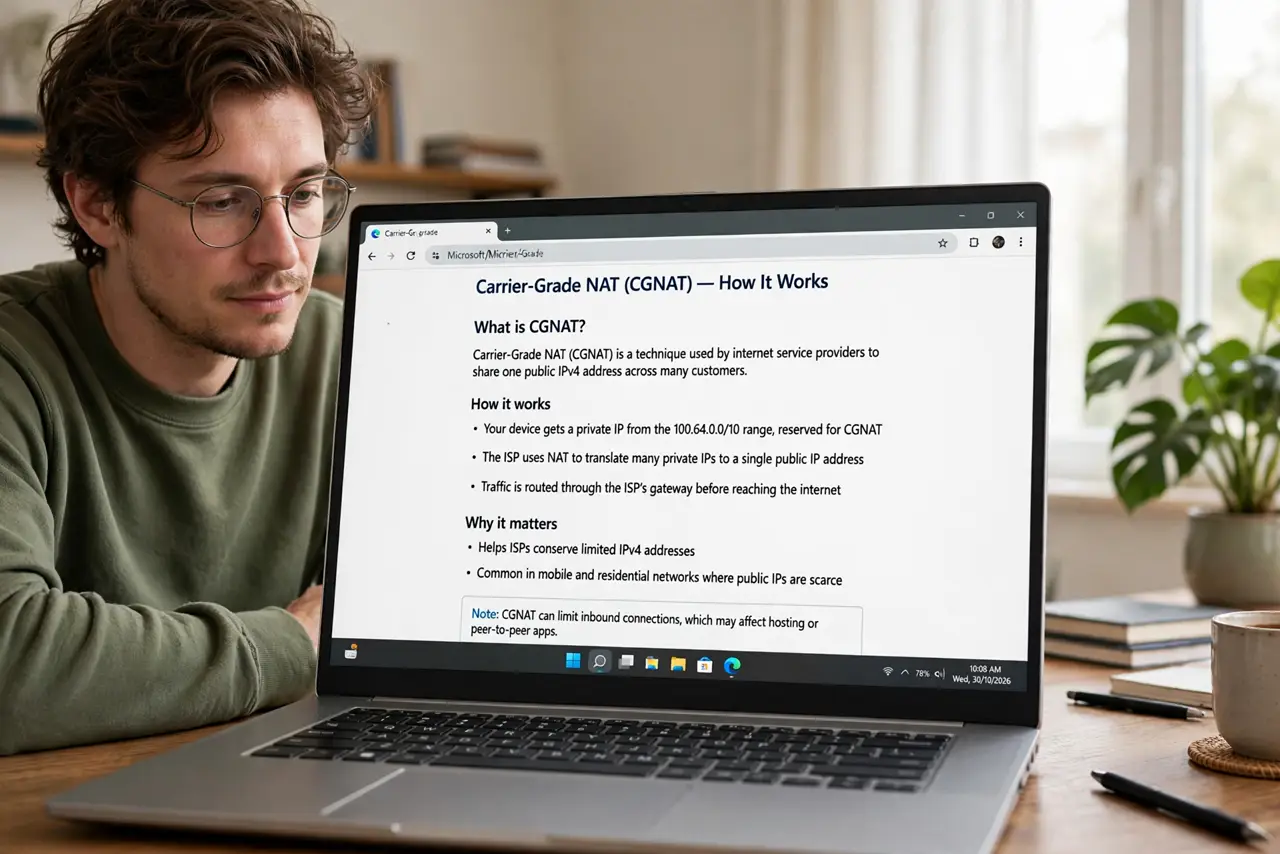
- Learn what CGNAT actually is. Carrier-Grade NAT means your ISP puts many customers behind one public IP address — like an apartment building sharing one street address with no apartment numbers. Inbound connections from the internet cannot find your specific connection, so port forwarding rules in your router never get reached.
- Confirm you are behind CGNAT. Log in to your router and note its WAN IP, then check your public IP on any 'what is my IP' site from a device on your network. If the two differ, you are behind CGNAT (or a second layer of NAT — see the double NAT symptoms to tell them apart).
- Check whether your ISP offers a public IP. Many ISPs will give you a real public IP on request — sometimes free, sometimes as a paid add-on, sometimes only on business plans. A quick call to support asking 'do you offer a public IPv4 address?' settles it.
- Ask specifically about a static or public IP. Some ISPs move you off CGNAT if you ask; others charge a few dollars monthly for a static IP. Get the exact terms before agreeing — 'public IP' and 'static IP' are different products with different prices.
- Use a relay or tunnel service as a workaround. If the ISP will not budge, services that relay traffic through their own public servers can expose your game server or camera without port forwarding. You trade a subscription fee and some latency for connectivity that just works.
- Consider whether you actually need inbound access. Many 'port forwarding' goals — remote camera viewing, game servers — have cloud alternatives now. If a relay or cloud service covers your need, it is simpler than fighting CGNAT at all.
What NOT to do
- Do not keep re-creating port forwarding rules hoping one sticks. If CGNAT is the cause, no rule in your router can ever work — diagnose first.
- Do not pay for a static IP without asking about CGNAT specifically. Some static IPs are still behind carrier NAT; confirm it is a real public address.
- Do not confuse CGNAT with double NAT from your own gear. Two routers of your own is fixable by you; CGNAT is only fixable by the ISP.
- Do not expose services recklessly once you get a public IP. A public address invites scans — keep firewalls up and services updated.
Frequently asked questions
Why do ISPs use CGNAT?
IPv4 addresses ran out, and CGNAT lets one address serve many customers. It is cheap for the ISP and invisible for browsing — it only breaks inbound connections.
Does CGNAT affect gaming?
Mostly no for playing — outbound connections work fine. It breaks hosting game servers and some peer-to-peer voice features that need inbound ports.
Will IPv6 fix CGNAT?
Yes, in principle — IPv6 gives every device its own public address with no NAT needed. In practice, ISP IPv6 rollouts are uneven, so it is not a fix you can count on today.