Change Your Wi-Fi Channel for Less Interference
Your Wi-Fi crawls while the neighbor's flies — and you are both shouting on the same channel. Wi-Fi channels are shared airspace, and in apartments they get crowded. Switching to a quieter channel is free and takes two minutes.
TL;DR / Quick Fix
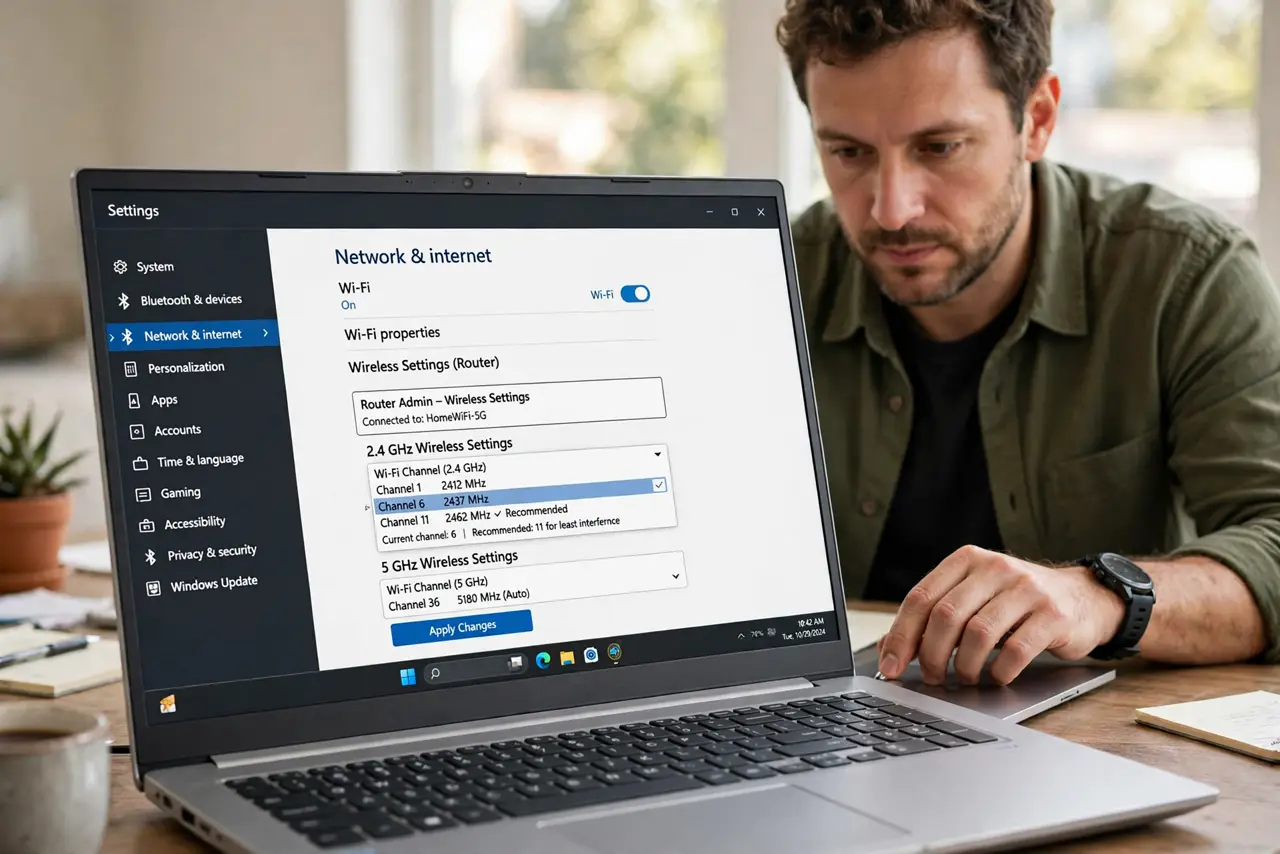
Quick fix: in the router's wireless settings, switch 2.4 GHz to channel 1, 6, or 11 — whichever is least used nearby. A free Wi-Fi analyzer app shows the crowd. On 5 GHz, pick any clear channel; there's more room. Retest speed after each change.
Follow these steps
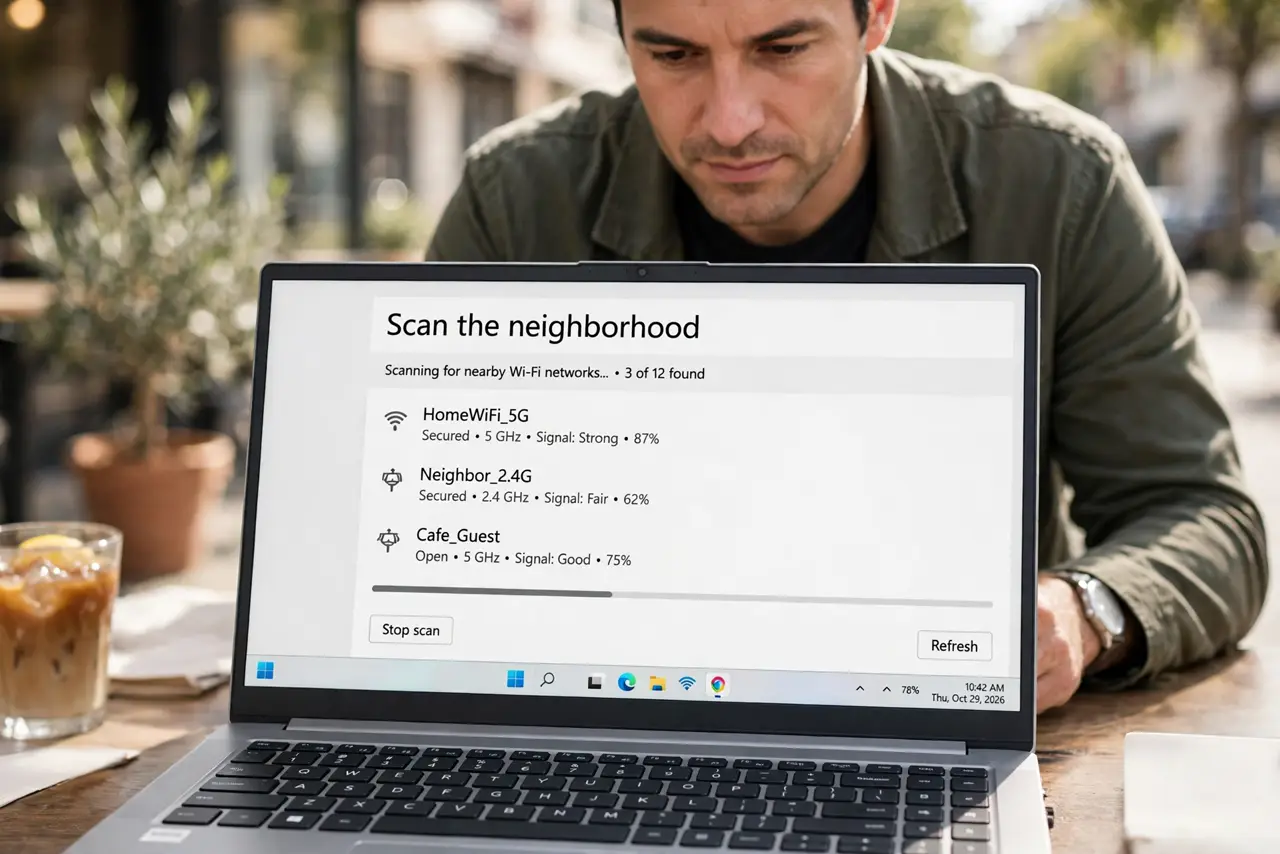
- Scan the neighborhood. A free Wi-Fi analyzer app shows which channels are crowded. Knowledge first, changes second.
- Open wireless settings. Router admin page, then wireless. Both bands have their own channel dropdowns.
- Pick 1, 6, or 11 on 2.4 GHz. Only these three don't overlap. Choose the emptiest — crowded apartments make this the biggest win.
- Pick any clear channel on 5 GHz. 5 GHz channels don't overlap like 2.4's, so any quiet one works.
- Set channel width sanely. 20 MHz on crowded 2.4 GHz; 40 or 80 MHz on 5 GHz. Wider isn't better in a crowd.
- Retest and leave it. Speed-test after the change. If it's better, stop fiddling — channels drift as neighbors change theirs.
What NOT to do
- Do not set 2.4 GHz to channel 3 or 9. Overlapping channels are worse than sharing — stick to 1, 6, 11.
- Do not change channels daily. Neighbors' routers also auto-change; chasing them is a treadmill.
- Do not expect miracles on 5 GHz. It has room already — channel changes help 2.4 GHz most.
- Do not confuse channel with band. Channels are lanes within a band — see 2.4 vs 5 GHz for the band choice.
Frequently asked questions
What is the best Wi-Fi channel?
On 2.4 GHz: the emptiest of 1, 6, 11. On 5 GHz: any clear channel. Best is local — scan, don't guess.
Should I use auto channel?
Auto is fine for most. Manual wins in stubborn crowded buildings where auto picks badly.
Will this fix slow internet?
It fixes Wi-Fi interference slowness. If the internet itself is slow, channels change nothing — test wired.