What Are DFS Channels?
Your router offers DFS channels with a vague warning about radar, and enabling them promises more Wi-Fi room — or mysterious drops at random hours. DFS channels are borrowed spectrum shared with weather radar and aviation, and your router must instantly vacate them when radar appears. Here is when they help and when they hurt.
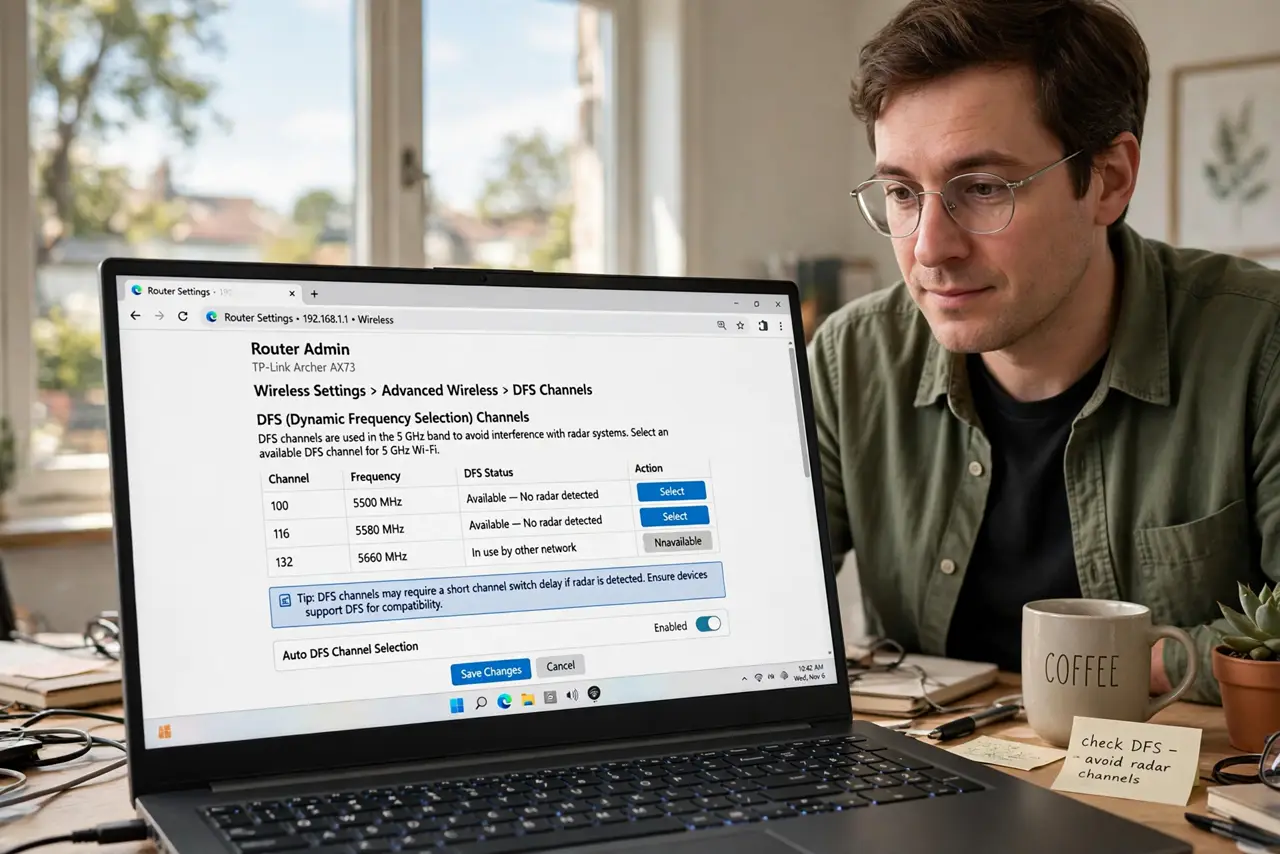
TL;DR / Quick Fix
Quick fix: DFS channels are extra 5 GHz Wi-Fi channels shared with weather radar — routers must vacate them if radar is detected, causing drops. Enable DFS only if your neighborhood's regular channels are congested; near airports or weather stations, the interruptions make them more trouble than they are worth.
Follow these steps
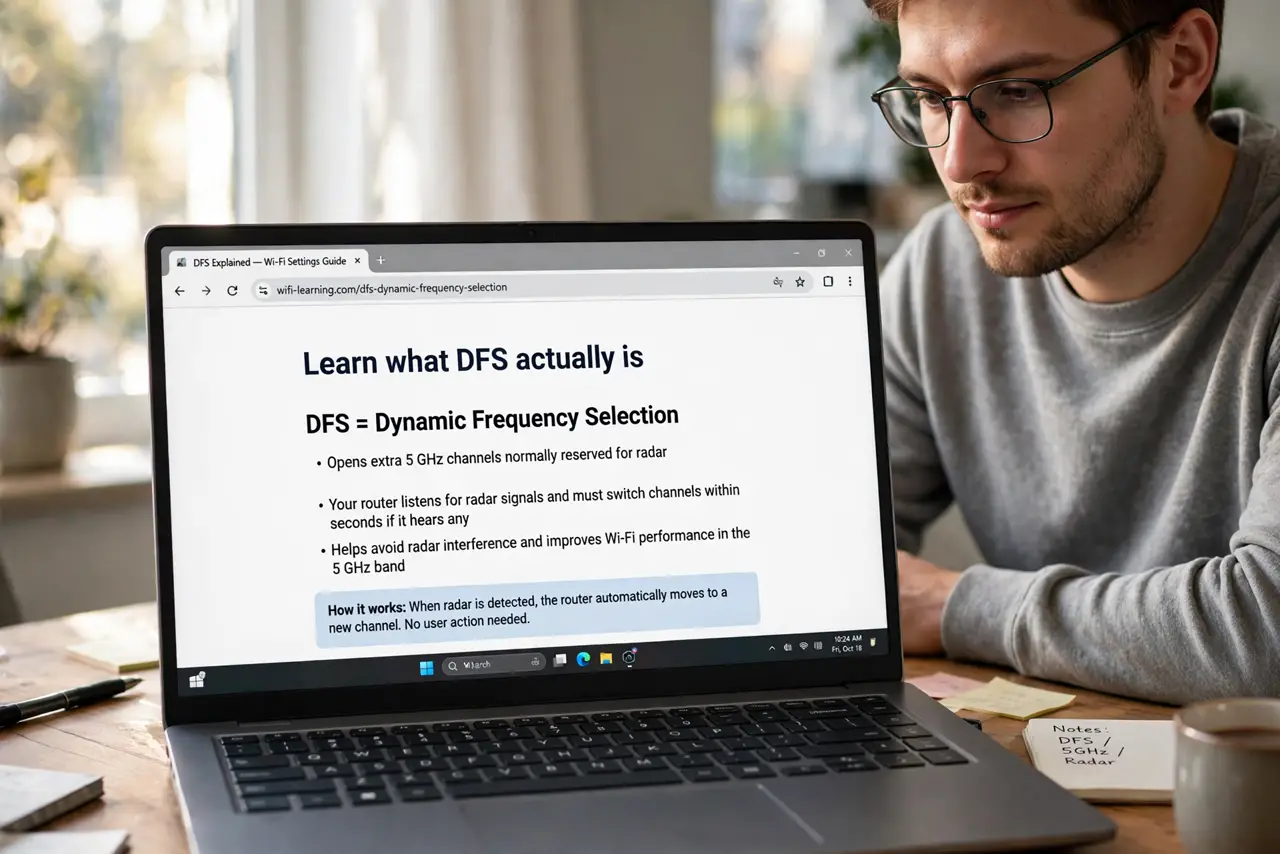
- Learn what DFS actually is. Dynamic Frequency Selection opens extra 5 GHz channels normally reserved for radar. Your router listens for radar signals and must switch channels within seconds if it hears any.
- Know the radar-vacate behavior. When radar is detected, the router drops to a non-DFS channel and cannot return for 30 minutes. That is the mysterious 'Wi-Fi died at 3 AM' event — often a weather radar sweep.
- Check if you are near radar sources. Airports, military bases, and weather stations broadcast in these bands. Live near one and DFS will flap constantly — check a channel width change on regular channels first.
- Enable DFS only when congested. In a crowded apartment building with all normal channels packed, DFS adds breathing room worth the occasional hop. In a quiet suburb, there is nothing to gain.
- Expect slower channel changes. DFS requires a 60-second listening period before using a channel, so routers take longer to start or switch. Patience is part of the deal.
- Watch for a week, then decide. Enable it, note any drops and their times, and compare with a week on regular channels. Real data beats forum opinions — see the DFS deep-dive if you want the full technical picture.
What NOT to do
- Do not enable DFS and forget it near an airport. Constant radar vacates will make your Wi-Fi less reliable, not more.
- Do not assume more channels always means better. If your current channels are clean, DFS adds risk for zero benefit.
- Do not blame the router for 3 AM drops. Check whether DFS was enabled first — scheduled radar sweeps are the classic cause.
- Do not use DFS for latency-sensitive gaming. Unpredictable channel hops are worse for gaming than a slightly slower stable channel.
Frequently asked questions
Will DFS make my Wi-Fi faster?
Not faster — just less congested. Speed comes from signal and width; DFS only adds channel options.
Why did my router take so long to boot with DFS on?
The mandatory 60-second radar listening period before it may transmit. Normal behavior, not a fault.
Are DFS channels legal everywhere?
Rules vary by country, and some routers disable DFS where it is not permitted. Your router handles the legal part automatically.