DNS on the Router vs on One Device
You can change DNS on the router for the whole house, or on one device for just that screen. The two choices behave differently — pick by who you want the change to affect.
TL;DR / Quick Fix
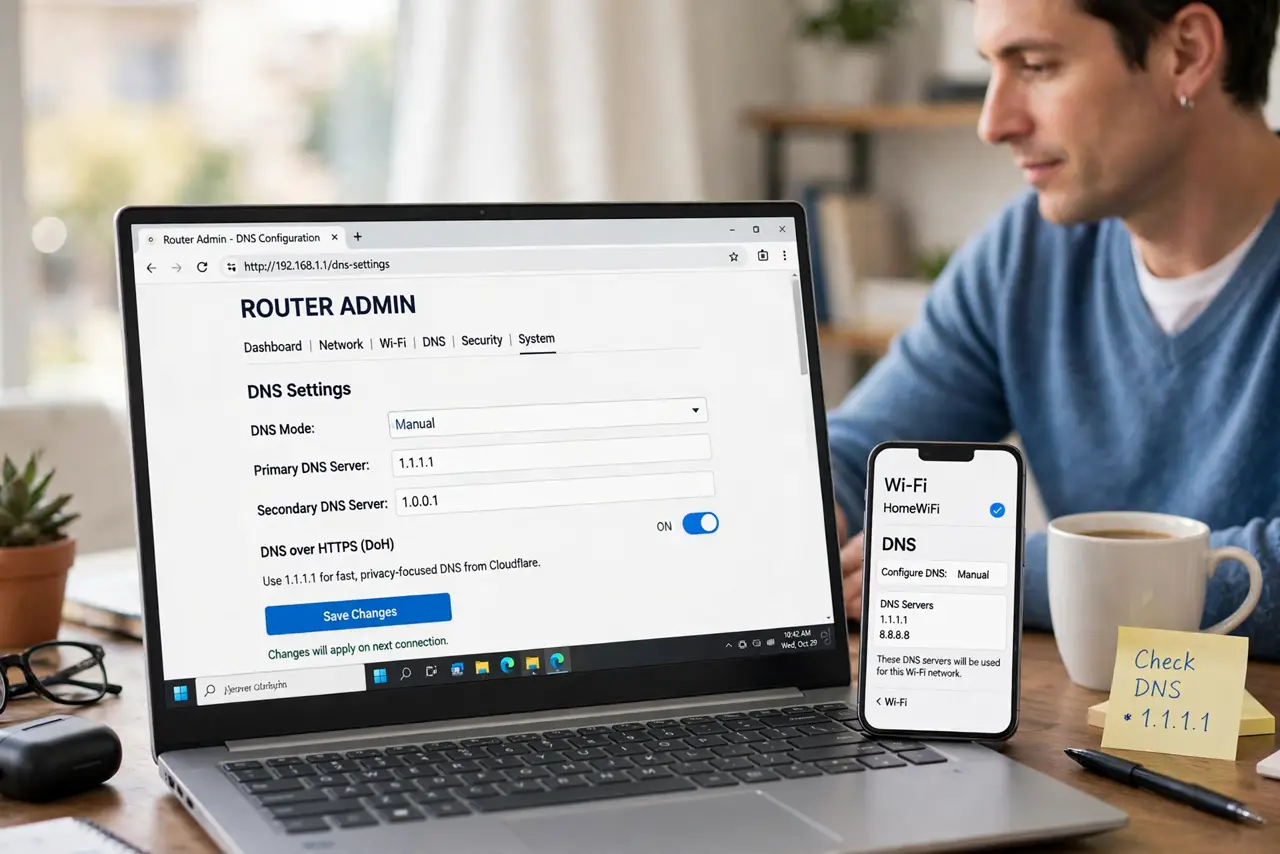
Quick fix: change DNS on the router when you want every device covered — one change, whole house. Change it on a single device when testing or when only one device needs it. Router-level is set-and-forget; device-level is easy to undo.
Follow these steps
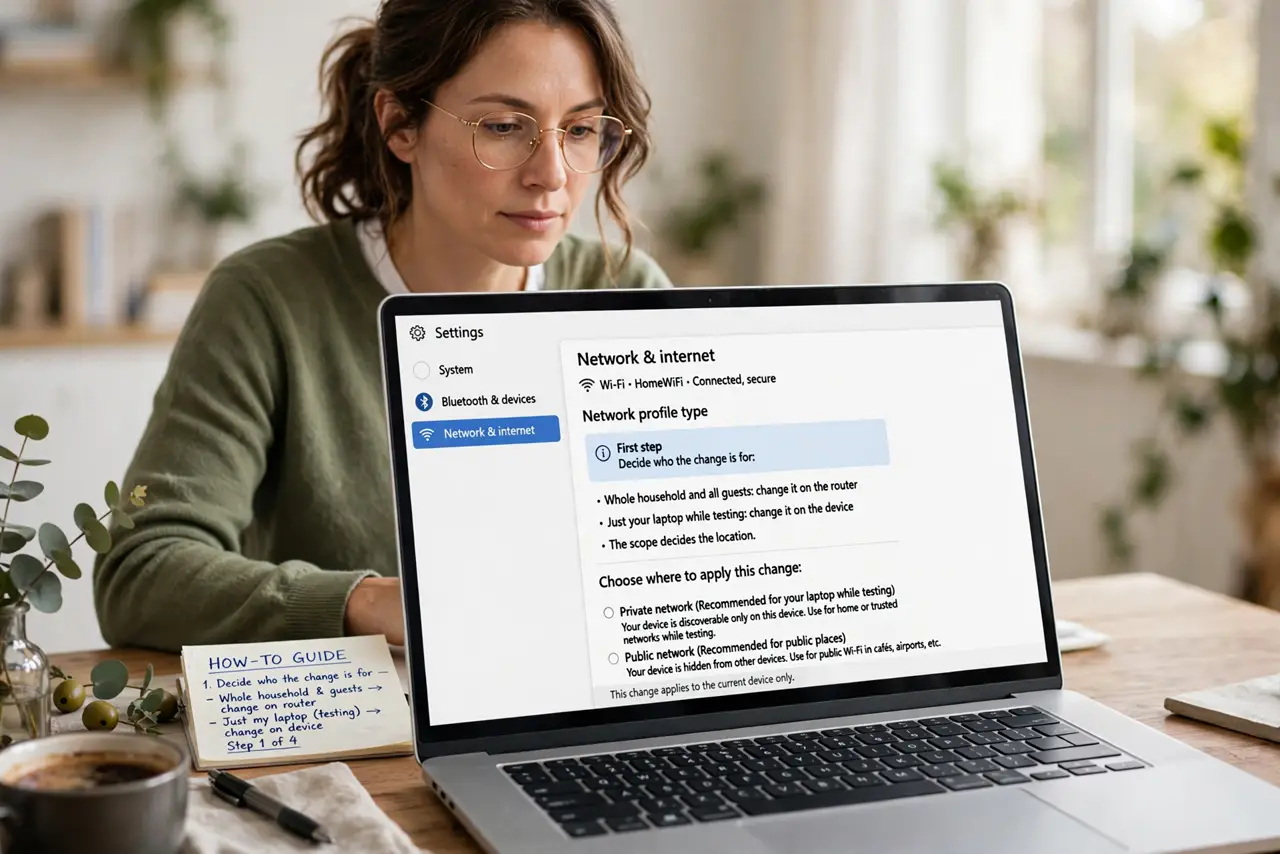
- Decide who the change is for. Whole household and all guests: change it on the router. Just your laptop while testing: change it on the device. The scope decides the location.
- Change it on the router for full coverage. Log in to the router admin — keep your admin password handy — find the DNS fields, and enter the new servers. Every device that joins — including guests and smart gadgets — uses them automatically.
- Change it on one device for testing. In the device's Wi-Fi settings, override DNS for that network only. This is the safe way to trial a new DNS without touching the household.
- Know that device settings override the router. A device with manual DNS ignores the router's DNS. If the router change 'does nothing' on one device, check that device for a manual override.
- Remember phones leave the house. Router DNS only applies at home. A phone on mobile data uses the carrier's DNS — for always-on DNS, configure it on the phone itself.
- Document what you changed. Note the old and new DNS values and where you set them. Six months later, this note is the difference between a quick revert and a mystery.
What NOT to do
- Do not set DNS on the router and forget you did. The next troubleshooting session will chase ghosts until someone remembers the router override.
- Do not mix different DNS providers per device without a reason. Inconsistent DNS across devices causes 'works on my phone but not my laptop' mysteries.
- Do not change DNS on the router during work hours. If something breaks, the whole house loses it at once — test on one device first.
- Do not assume guest devices follow your phone's DNS. Guests get the router's DNS, which is exactly why router-level is the family-wide choice.
Frequently asked questions
Which is better?
Neither universally. Router-level covers everyone with one change; device-level is safer for testing and travels with the device.
Can I use both at once?
Yes, and the device's manual setting wins on that device. Just keep track so the two do not confuse future troubleshooting.
Do smart home gadgets use router DNS?
Yes. They take whatever the router gives, which is why router-level DNS is the only practical way to cover them.