What Is an Evil Twin Hotspot?
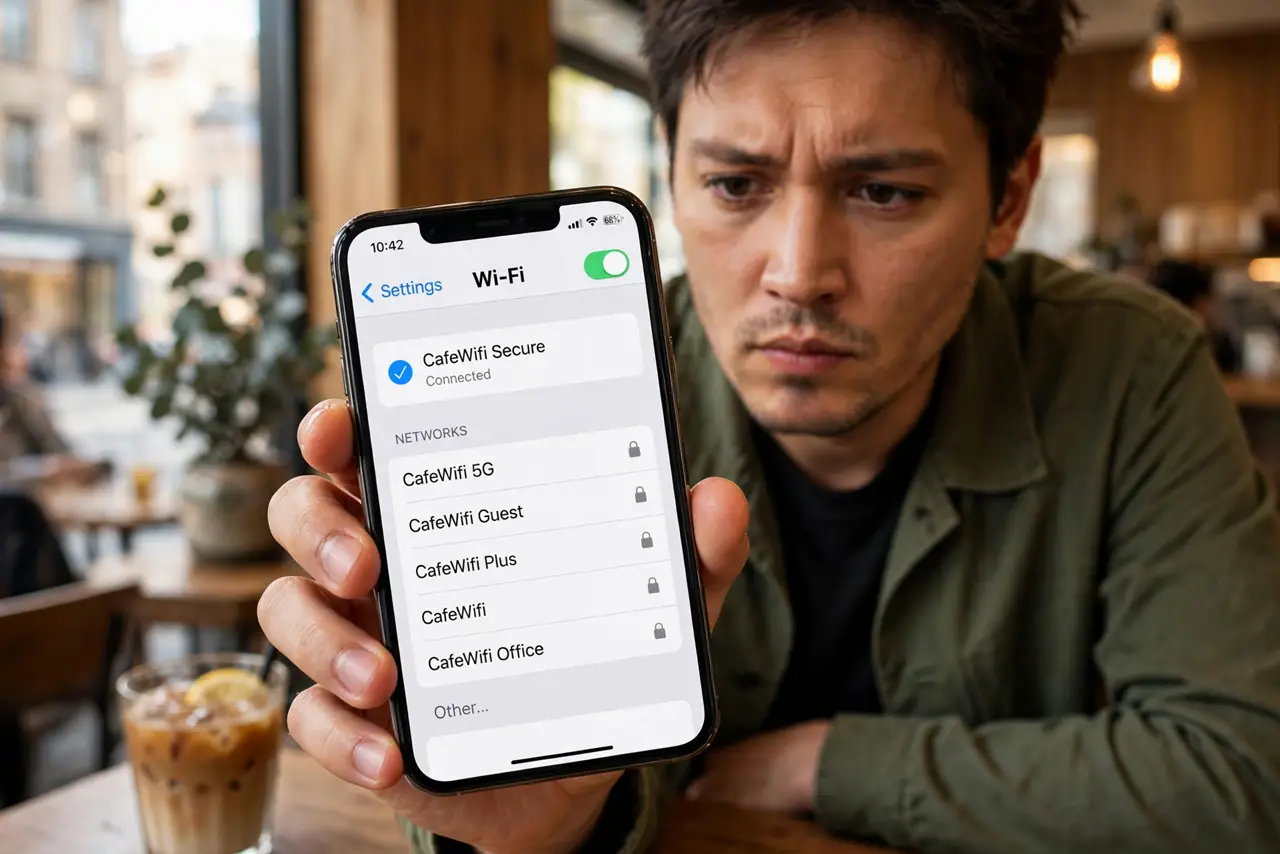
You see 'Free_CoffeeShop_WiFi' and join — but the real network is called 'CoffeeShop-Guest.' That lookalike is an evil twin: an attacker's hotspot impersonating a legitimate one to harvest your logins and traffic. Here is how the trick works and how to never fall for it.
TL;DR / Quick Fix
Quick fix: an evil twin is a fake hotspot impersonating a real one to steal your data. Always confirm the exact network name with staff, use a VPN, and never enter passwords on a network you have not verified. One minute of checking beats hours of damage control.
Follow these steps
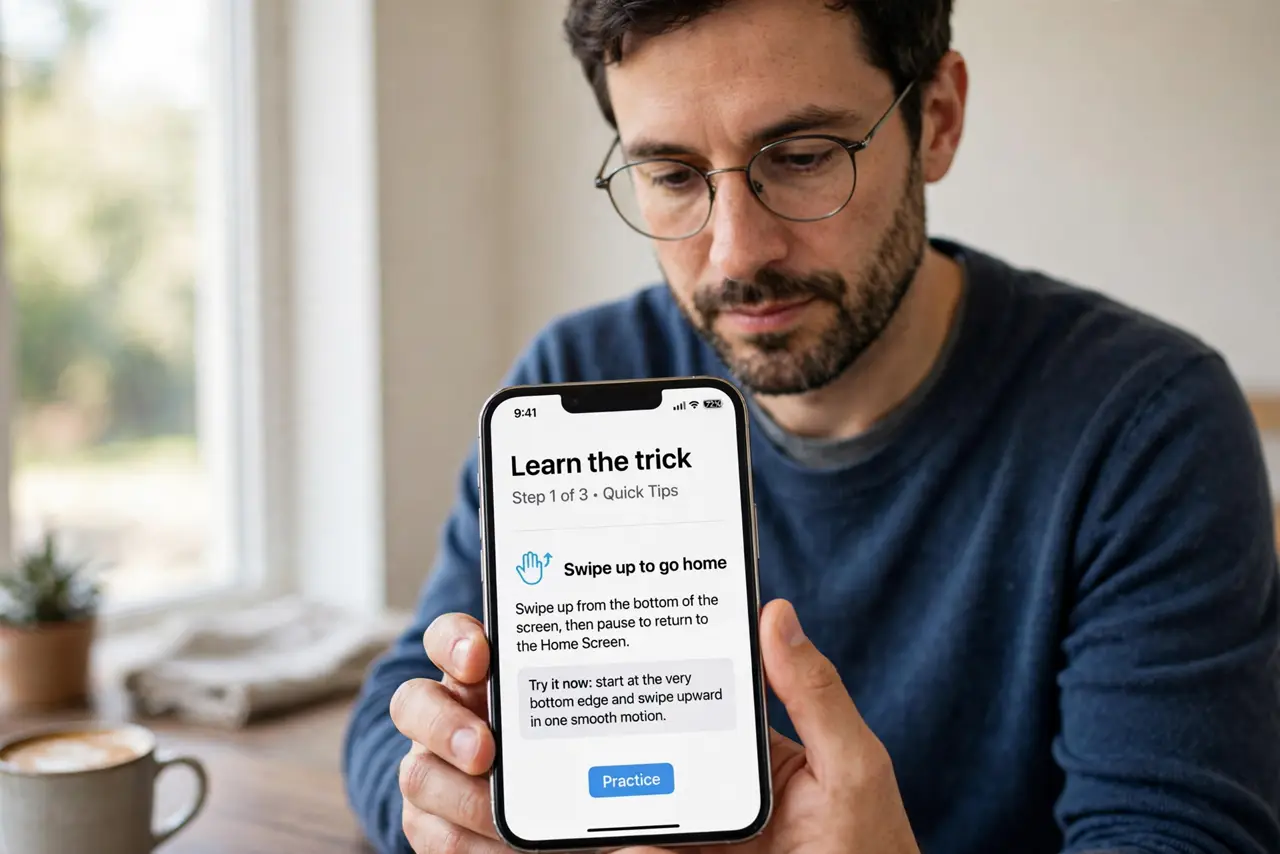
- Learn the trick. An attacker broadcasts a network name nearly identical to the venue's real one. Your phone joins the fake, and all traffic flows through the attacker's device — see how it works.
- Ask staff for the exact name. The single best defense: 'What is your Wi-Fi called, exactly?' Spelling and capitalization included. Attackers count on you guessing.
- Watch for the missing login page. If the real network has a captive portal and your connection does not show one — or shows a sloppy fake — disconnect. See more on the technique.
- Use a VPN on any public network. A VPN encrypts your traffic so even a successful evil twin sees only noise. Connect it before browsing anything.
- Turn off auto-join. Phones remember networks by name — an evil twin reuses the name of a network you trust. Disable auto-join for public networks.
- Forget suspicious networks. Joined something dubious? Forget the network immediately so your phone never rejoins it silently later.
What NOT to do
- Do not join the strongest 'free' signal blindly. Attackers boost their signal to win the connection race.
- Do not enter banking passwords on unverified Wi-Fi. If you must bank, use mobile data instead.
- Do not assume a password-protected hotspot is safe. The password is often on a sign — attackers know it too.
- Do not ignore certificate warnings. Your browser warning about a site's certificate on public Wi-Fi is a red flag, not an annoyance.
Frequently asked questions
Can an evil twin steal my passwords?
Yes — if you log in over unencrypted connections. HTTPS and a VPN block the theft.
How common are evil twins?
Common enough in airports, hotels, and conferences that verifying the name should be habit.
Will my phone warn me?
No — phones cannot tell twins from real networks. The checking is on you; see staying safe.