File Name Too Long to Move? Fix It
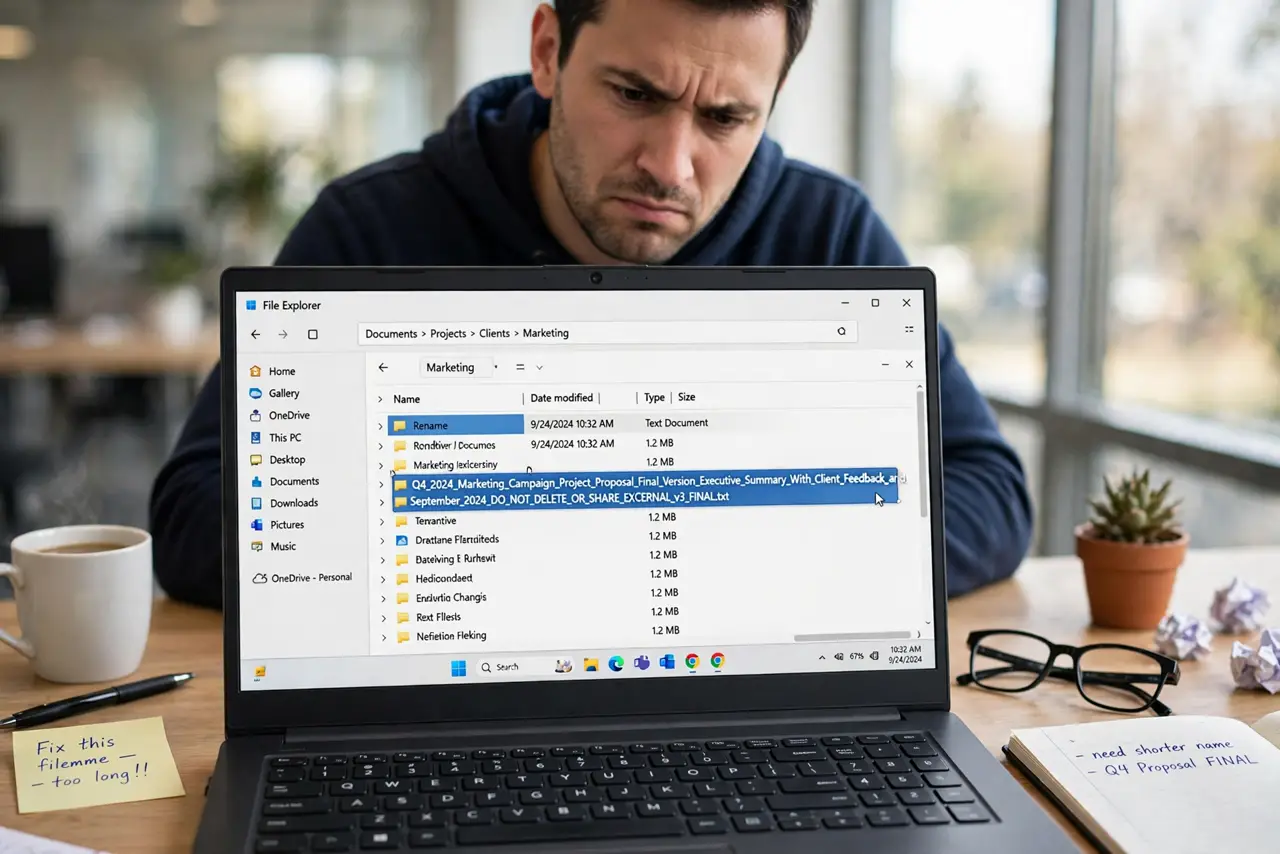
When Windows says a file name is too long, the real problem is usually the full path: folders inside folders, plus a long name, exceed the limit. Shortening the name or the path, in stages, fixes it without losing the file.
TL;DR / Quick Fix
Quick fix: rename the file to a short name, such as a single word, then try the move again. If it still fails, move the file to a short path first, like directly under the drive, then move it to its final folder in a second step.
Follow these steps
- Rename the file to a short name. Right-click the file, choose Rename, and give it a short name, such as report or photo. A short name alone often brings the path under the limit.
- Move it to a short path first. If renaming is not enough, move the file to a short location, such as directly under the drive. Then move it from there to its final folder.
- Shorten folder names along the path. If the path has long folder names, rename the longest folders to shorter names. Each shorter folder name shortens the path for every file inside it.
- Move in stages, not all at once. Move the file one stage at a time, and check after each stage. A staged move shows exactly which stage fixed the path, and it avoids a half-finished bulk move.
- Zip the folder only if you must move it whole. If you must move a deep folder tree, compressing it can help, but check the contents after unzipping, because names stay long inside the archive.
- Keep future names shorter. Use short, clear names and shallow folders for new files. A name under a few words, in a folder two levels deep, rarely hits the limit.

What NOT to do
- Do not delete the file because it will not move. A long name is not a damaged file, and deleting loses work that a rename would save.
- Do not rename the file extension by accident. Keep the dot and the letters after it the same, or the app may no longer recognize the file.
- Do not move the whole drive contents to fix one file. Move only the file or folder that fails, in stages, and leave the rest alone.
- Do not use a bulk rename tool on files you do not understand. A bulk rename can change extensions and break files across a whole folder.
Frequently asked questions
Why does the same file move fine elsewhere?
The full path matters, not just the name. A short path elsewhere fits under the limit, while a deep path on the first drive does not.
What counts toward the limit?
The whole path: drive letter, every folder name, the file name, and the extension. Long folders add up just as much as a long name.
Can I just leave the file where it is?
Yes, if you do not need to move it. The limit only blocks moves, copies, and deletes that would make the path longer.