Folder Permissions Deny Access? Fix It
When Windows says you do not have permission to open a folder, the cause is often ownership or a permission change, not a lost file. Fix it carefully as administrator, and leave system folders alone.
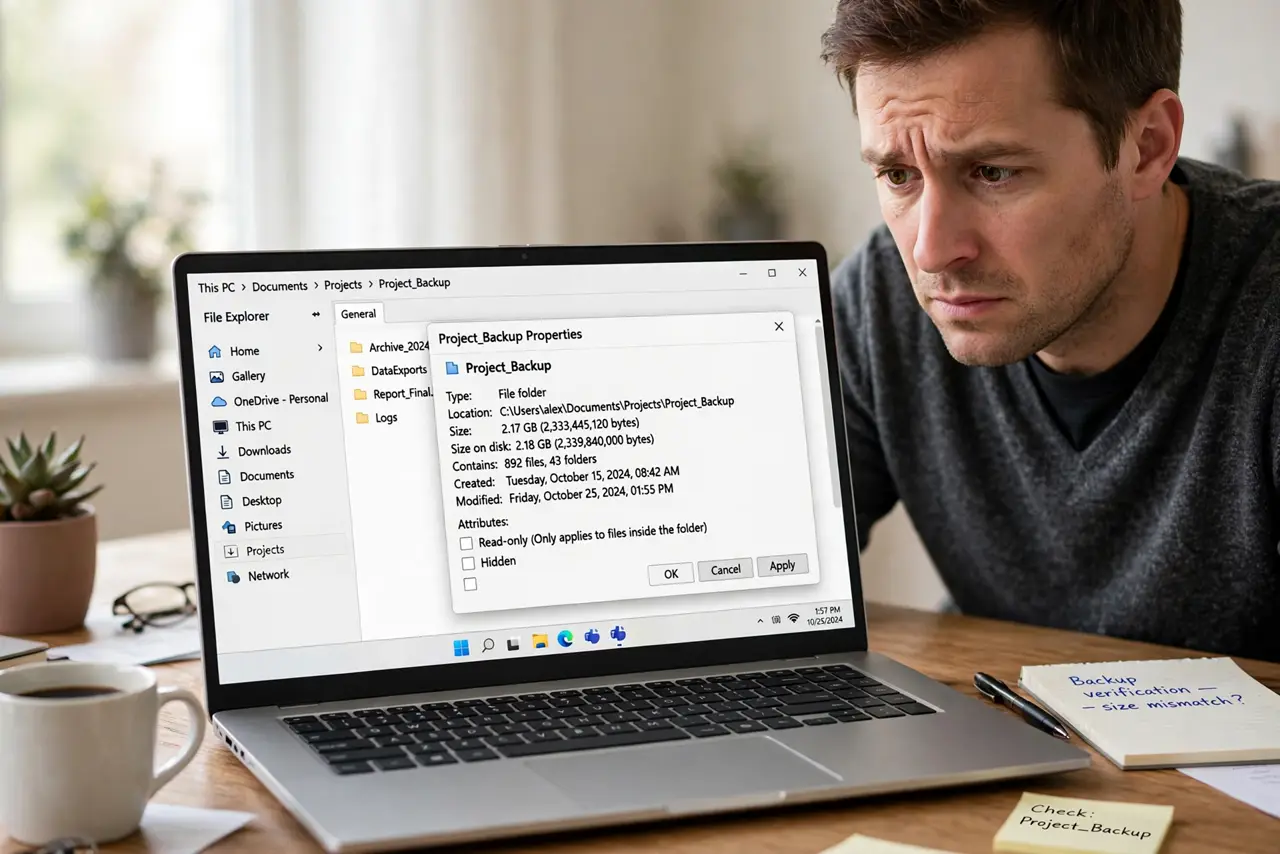
TL;DR / Quick Fix
Quick fix: right-click the folder, choose Properties, then Security, and check whether your account is listed with Read access. If you are an administrator and the folder is yours, use Advanced to take ownership, apply it, and reopen the folder. Stop if the folder is a system folder.
Follow these steps
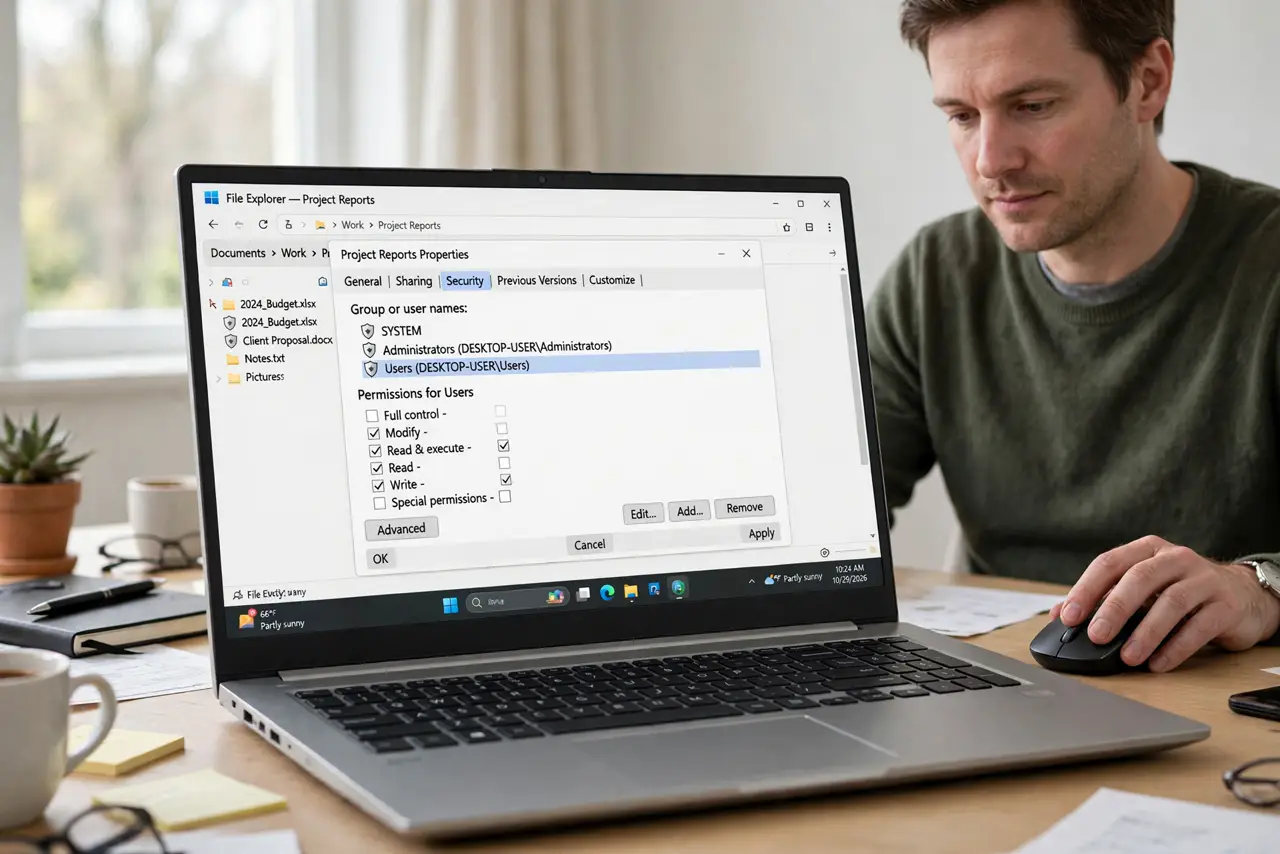
- Check your account in Security. Right-click the folder, choose Properties, then Security, and look for your account. If it is missing or has no Read access, that is the cause.
- Take ownership as administrator. In Properties, then Security, then Advanced, change the owner to your administrator account. Apply it to subfolders only if the whole folder tree is yours.
- Add your account with Read access. Back in Security, choose Edit, then Add, and add your account with Read access. Test opening the folder before adding broader permissions.
- Try from an administrator account. If your daily account cannot open it, sign in to an administrator account and try there. If the administrator can open it, the daily account permission is the problem.
- Check whether the folder moved or renamed. Confirm the folder path is still correct. A moved folder can show a permission error when the real problem is a broken shortcut pointing nowhere.
- Stop and ask for help for system folders. If the folder is inside Windows or Program Files, stop. Changing system folder permissions can break Windows, so ask a technician instead of forcing access.
What NOT to do
- Do not give Everyone full control to fix access. That opens the folder to every account on the computer, which is far more access than you need.
- Do not change permissions on the whole drive. A drive-wide change can break apps and system files, and it is very hard to undo.
- Do not take ownership of system folders. Windows protects those folders for a reason, and forcing access can stop updates and apps from working.
- Do not delete a folder you cannot open. Deleting does not fix permissions, and it can destroy files you were trying to reach.
Frequently asked questions
Why do I get denied on my own folder?
Ownership or permissions changed, often after a move, a backup restore, or another account created the folder. Taking ownership as administrator restores it.
What is the difference between owner and permission?
The owner controls the folder. Permission controls what an account can do. You may need both fixed, starting with ownership.
Is it safe to change permissions on my own documents?
Yes, for folders you created in Documents or on an external drive. Leave Windows and Program Files folders alone.