Game Console NAT Type Strict? Fix It
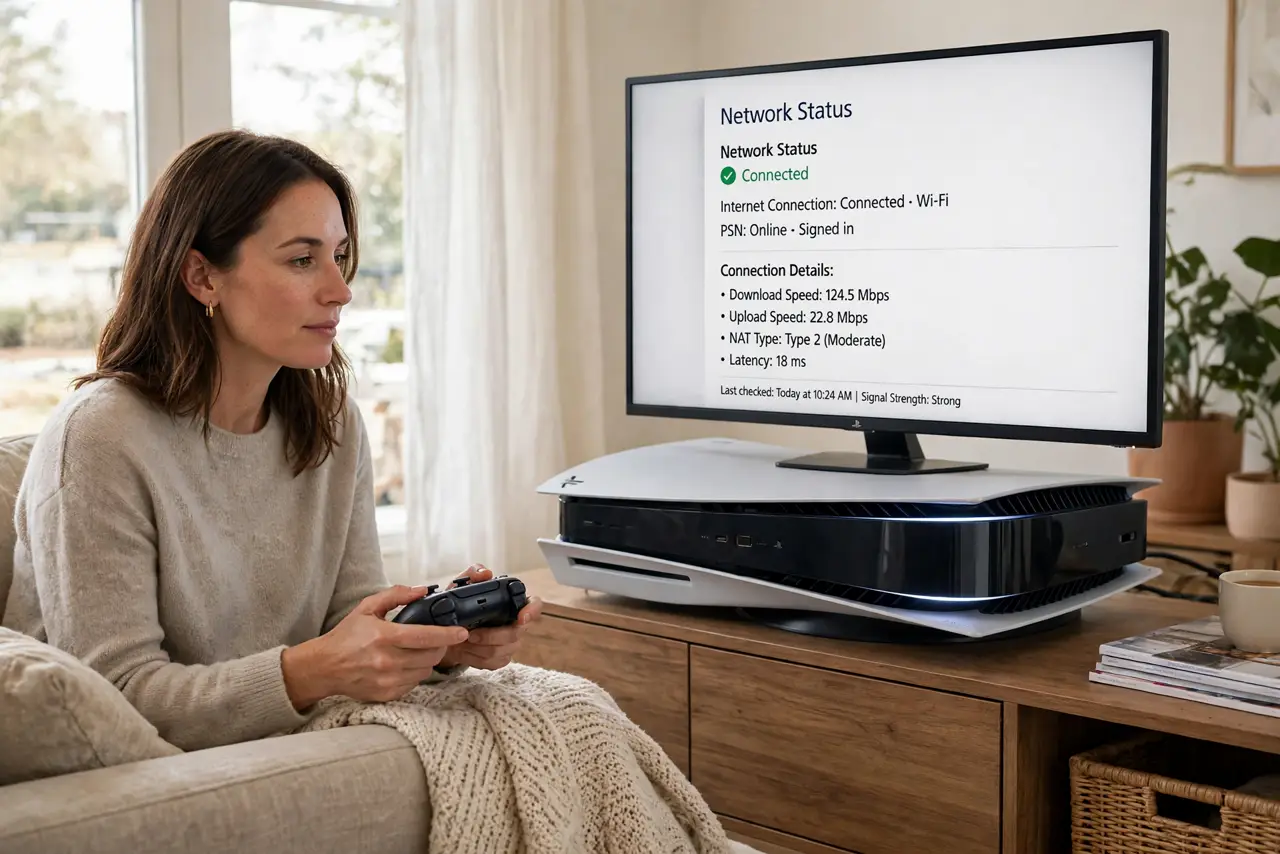
The console reports a strict NAT type, and joining friends or voice chat fails, while single-player games work fine. Strict NAT means the router blocks incoming game connections, so the console cannot hear other players properly.
TL;DR / Quick Fix
Quick fix: restart the console and the router, connect the console with a cable, and turn on UPnP in the router settings. Then test the NAT type again, and check for double NAT if it stays strict. Write down what worked for next time.
Follow these steps
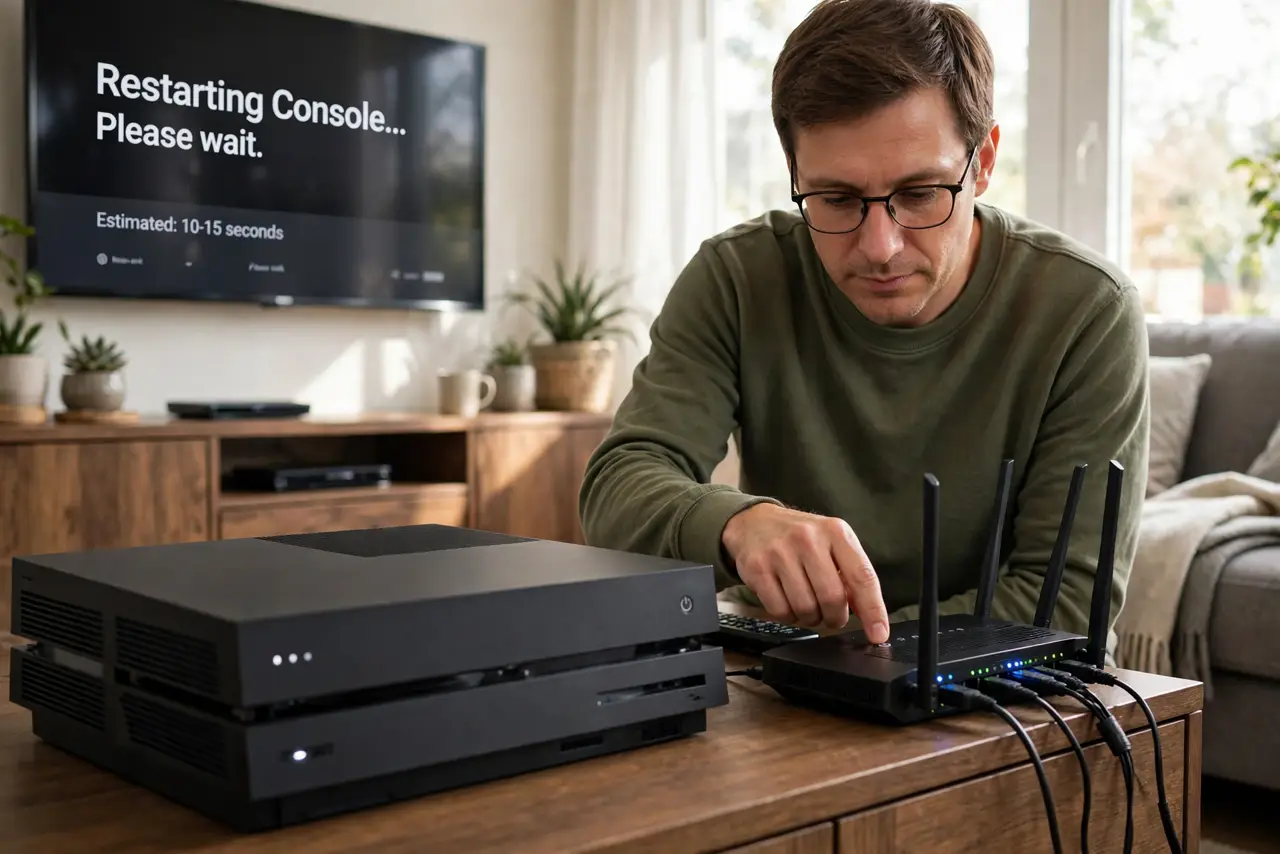
- Restart the console and router. Restart the console fully, then restart the router and wait for its lights to settle. A clean restart clears a stuck NAT state on both sides.
- Connect the console with a cable. Wire the console to the router when you can. A wired console avoids Wi-Fi issues that can confuse NAT tests and game connections.
- Turn on UPnP in the router. In the router settings, turn on UPnP, which lets the console request the ports it needs automatically. Save the setting, then restart the console and test again.
- Check the NAT type after each change. After each change, run the console network test and note the NAT type. Testing after each step shows which change actually helped.
- Check for double NAT. If NAT stays strict with UPnP on, check whether a modem and a router both route. Ask your provider about bridge mode if two routers sit in the path.
- Ask your provider about address sharing. If nothing helps, ask your provider whether your connection shares a public address among homes. Shared addresses can keep NAT strict no matter what the router does.
What NOT to do
- Do not forward every port to the console. UPnP and the maker guidance cover what games need, while wide forwarding exposes the console.
- Do not turn off the router firewall to fix NAT. An open firewall fixes NAT by removing protection, which is a bad trade for gaming.
- Do not copy port lists from random forums without checking the console maker guidance. Wrong ports waste time and can expose the wrong service.
- Do not test NAT only once after a change. Run the test again after a restart, since NAT results can vary until the router settles.
Frequently asked questions
What does strict NAT mean?
The router blocks incoming game connections, so joining friends and voice chat fail, while single-player games still work.
Does UPnP fix strict NAT?
Often, yes. UPnP lets the console request the ports it needs automatically, without manual port rules.
Why does NAT stay strict with UPnP on?
Double NAT or provider address sharing may block it. Check for two routers, then ask your provider.