Guest Account Appears by Itself? Fix It
When a guest account appears that you did not create, it is worth checking carefully, because it could be a leftover setup account, a family member, or a sign of unwanted access. Check first, remove second, and secure the computer after.
TL;DR / Quick Fix
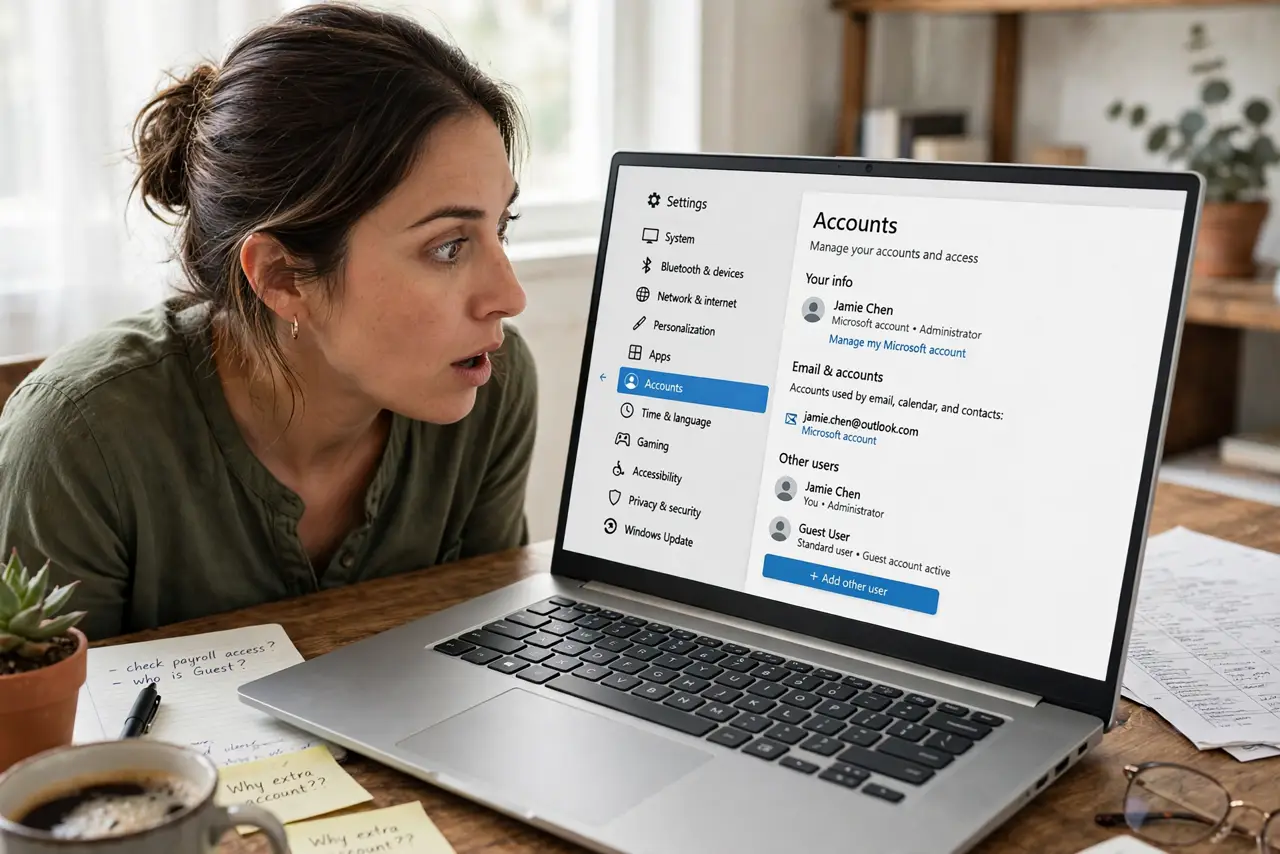
Quick fix: open Settings, then Accounts, then Other users, and look at the guest account details and sign-in date. If you do not recognize it and nobody in the house created it, remove it, change your administrator password, and check recent sign-ins.
Follow these steps
- Look at the account details. Open Settings, then Accounts, then Other users, and note the guest account name and type. A standard guest account is different from an administrator account.
- Ask the household first. Ask family or housemates whether they created it for a visit or a test. A guest account for a visitor is normal, and removing it without asking only causes a repeat.
- Check recent sign-in activity. If your account offers sign-in history, check recent sign-ins for times you do not recognize. Unusual times are a reason to act, not just to delete.
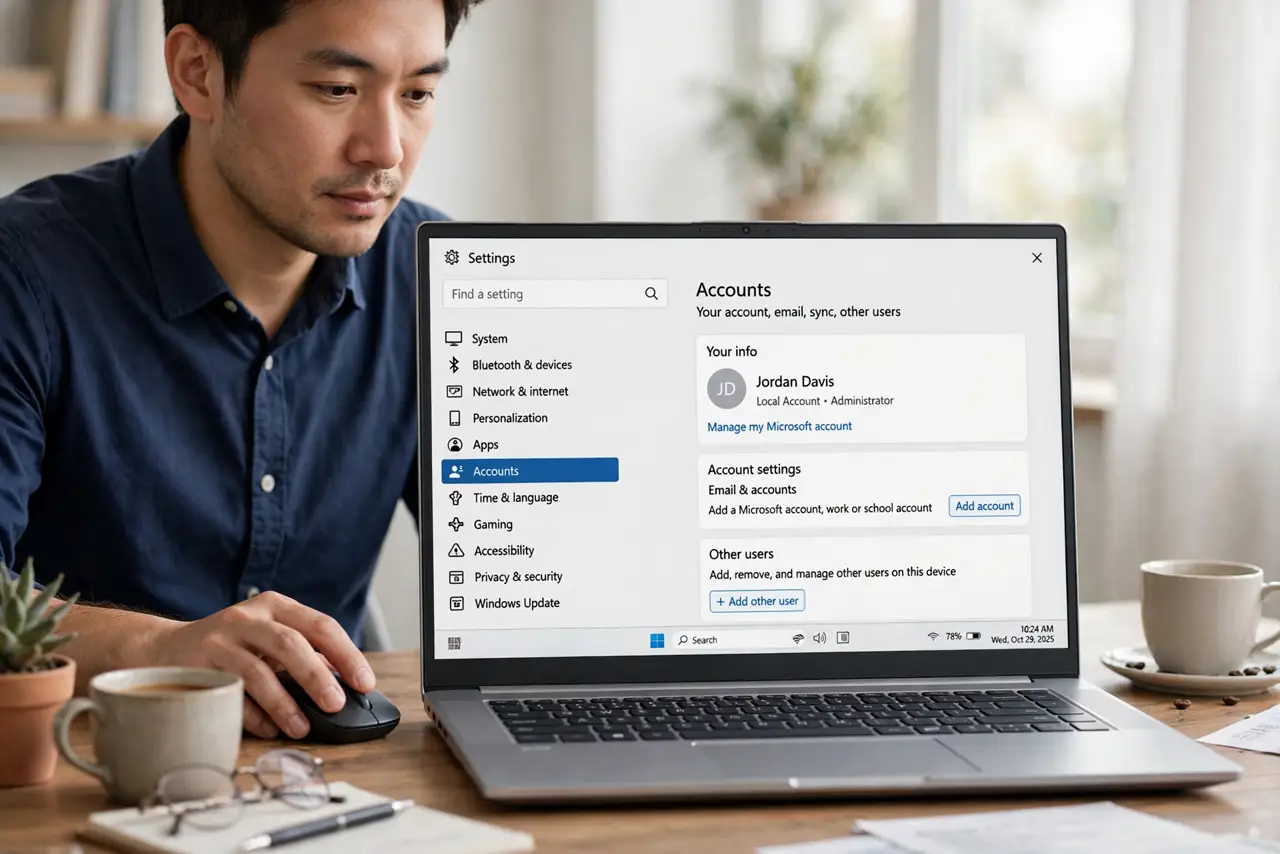
- Remove the account if it is unwanted. In Other users, select the guest account and choose Remove. This removes its profile, so check whether it holds any files you need before removing it.
- Change your administrator password. After removing an unknown account, change your administrator password to something strong and new. This stops the same access from recreating it.
- Turn on sign-in protection. Make sure your account needs a password or PIN, and check that no account is set to sign in automatically without one.
What NOT to do
- Do not delete the account before checking its files. A guest profile can hold a visitor documents or photos, so check first and save anything needed.
- Do not ignore an unknown administrator account. A guest account is low risk, but an unknown administrator account needs a password change and a security check.
- Do not share your administrator password to investigate. Use your own sign-in, and let each person use their own account instead.
- Do not turn off all user accounts to fix one guest account. Other family accounts may be legitimate, so remove only the account you do not recognize.
Frequently asked questions
Is a guest account dangerous?
A standard guest account has limited access, so it is low risk by itself. An unknown administrator account is more serious and needs a password change.
Why would a guest account appear after an update?
Some setups and repair tools create a temporary account. If it appears after an update and nobody created it, check it, then remove it if unwanted.
Can I just disable it instead of removing it?
Yes, if you might need it later. Disabling keeps the profile but stops sign-in, while removing deletes the profile.