Guest Wi-Fi Expires in the Middle of a Visit
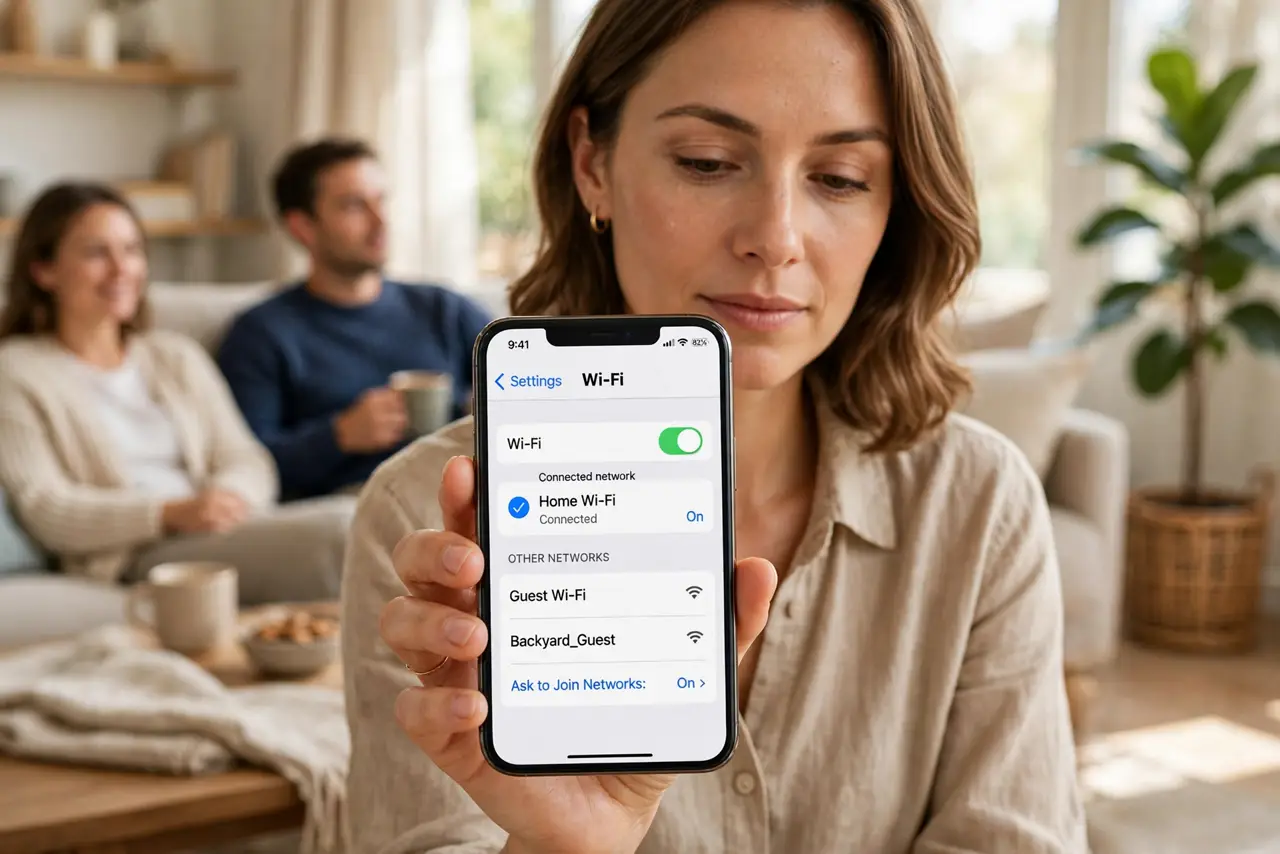
Many routers give guest Wi-Fi a time limit, and guests get kicked off mid-visit when it runs out. The fix is in the guest network settings — extend it, pause it, or turn the timer off for the day.
TL;DR / Quick Fix
Quick fix: log into the router, open the guest network settings, and extend or remove the time limit. Then have guests forget the guest network on their phones and reconnect once, so the new limit applies cleanly to every device.
Follow these steps
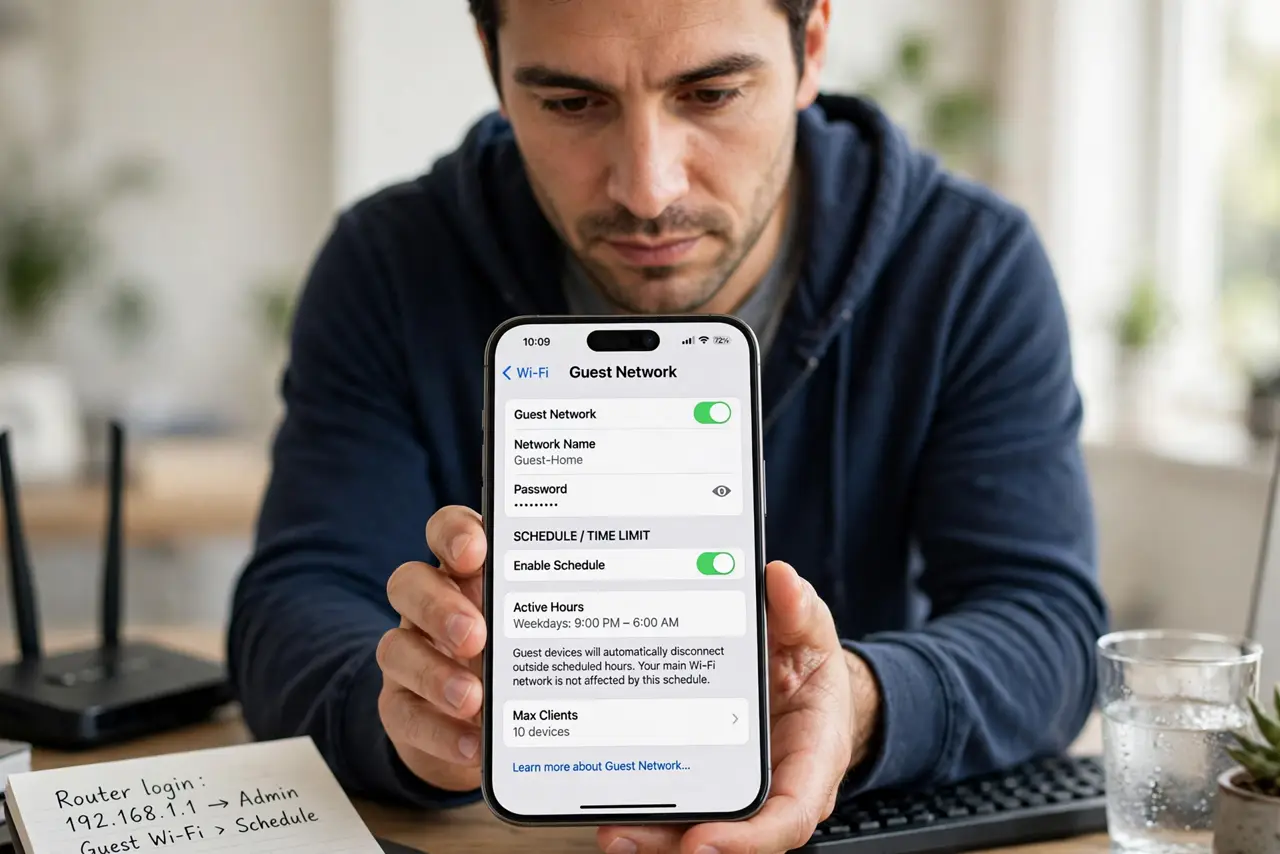
- Open the guest network settings. Log into the router and find the guest Wi-Fi section. The time limit or schedule lives there, separate from your main Wi-Fi settings, which is why the main network never drops.
- Extend the timer or turn it off for today. Set the limit to cover the whole visit, or disable the timer while guests are over. A timer meant for a dinner party should not be policing a weekend stay.
- Have guests reconnect once. Ask guests to forget the guest network and join again. Some devices hold the old session's expiry, and a fresh join picks up the new limit.
- Check for a device-count limit too. Some routers also cap how many devices may join the guest network. If one guest connects while another drops, the device limit — not the timer — is the cause.
- Confirm the guest network itself is healthy. If guests cannot stay connected at all, the guest network may have no internet behind it, which looks like a timer problem but is a different setting.
- Note the timer for next time. Write down where the timer lives. The next visit starts with a two-minute check instead of a mid-dinner scramble for the router password.
What NOT to do
- Do not hand out your main Wi-Fi password to dodge the timer. The guest network exists to keep visitors separate from your own devices and files.
- Do not reboot the router every time a guest drops. A reboot masks the timer for a while, but the limit returns and kicks them off again.
- Do not set the guest timer to a huge number and forget it. Review it after the visit, since a permanent open guest network is not the goal.
- Do not blame the guests' phones first. When every guest drops at the same time, the router's timer is the common cause, not their devices.
Frequently asked questions
Why do all guests drop at once?
Because the guest network's time limit expired for everyone at the same moment, which points to the router, not to any single phone.
Where is the guest timer hidden?
In the router's guest Wi-Fi settings, often labeled as access time, schedule, or session timeout, separate from the main Wi-Fi page.
Should guests use my main Wi-Fi instead?
No. Keep guests on the guest network and fix its timer, so your own devices stay on a separate, private network.