5G Home Internet for Gaming?
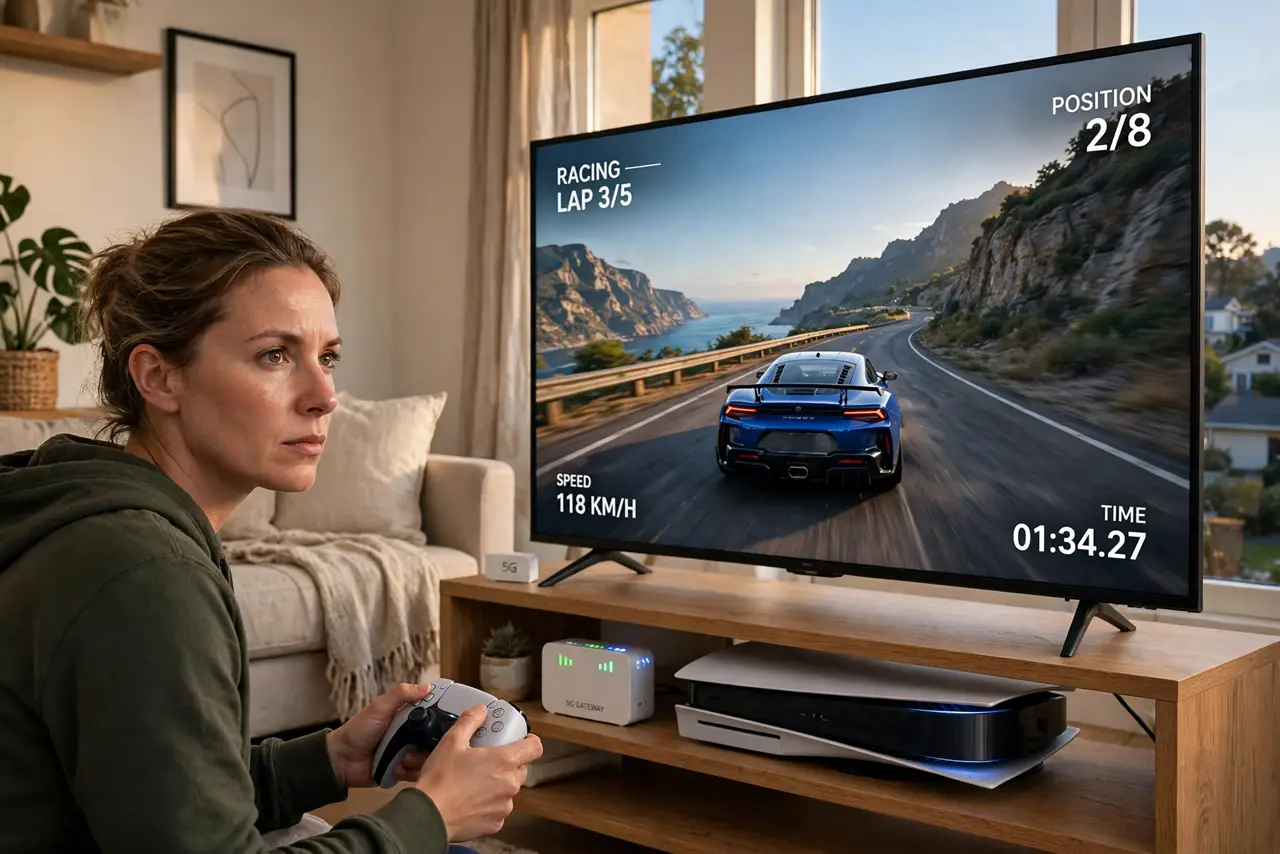
A little gateway box, no cables, no technician — 5G home internet promises broadband through the air. For streaming and browsing it often delivers beautifully. For gaming, the answer is 'it depends': latency and consistency vary with signal, tower load, and time of day. Here is the honest breakdown for gamers.
TL;DR / Quick Fix
Quick fix: 5G home internet suits casual gaming with a strong signal — but its variable latency causes the rubber-banding that cable and fiber avoid. Place the gateway near a window facing the tower, use Ethernet to your console, and test during your actual gaming hours before committing.
Follow these steps
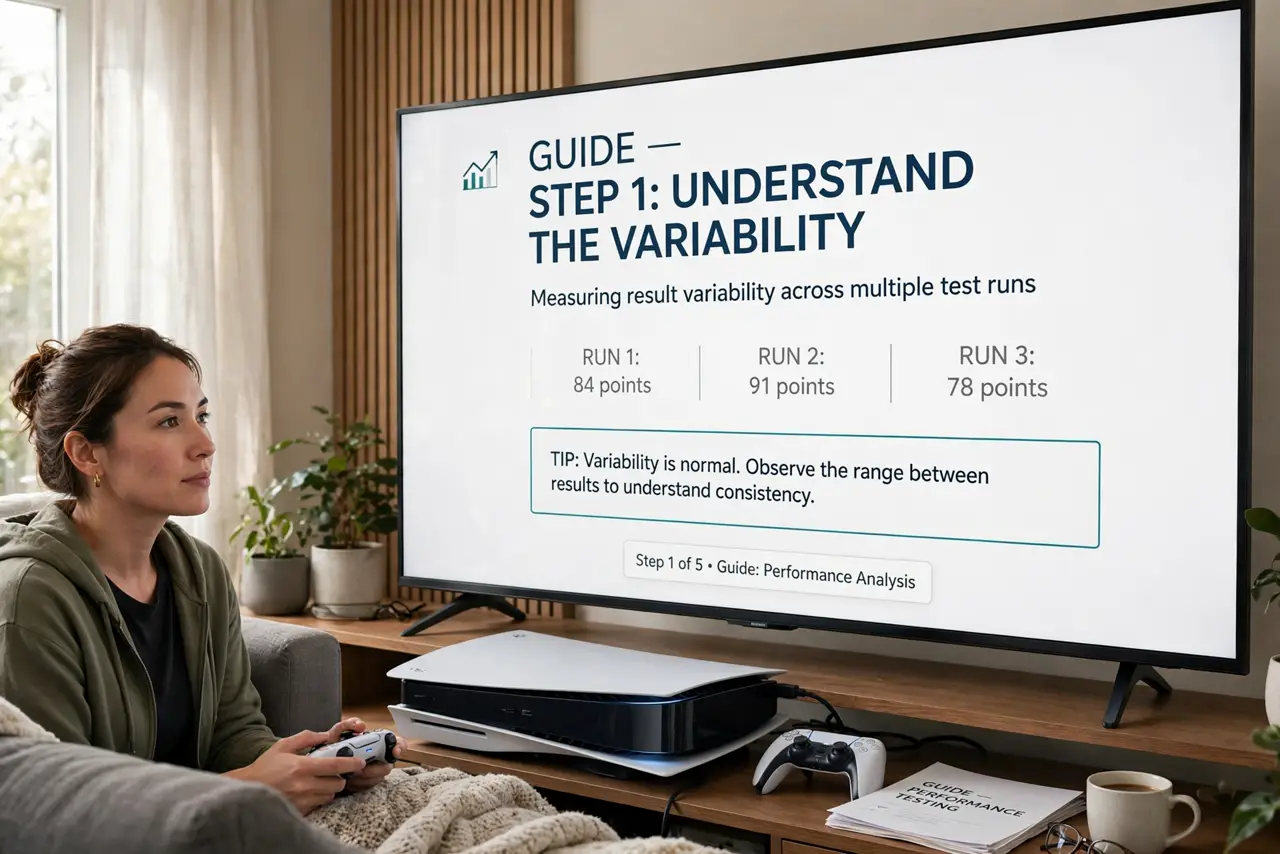
- Understand the variability. 5G speed and latency swing with tower congestion, weather, and your gateway's placement. Cable is boring and consistent; 5G is lively — great sometimes, moody at others.
- Place the gateway like an antenna. Near a window, facing the tower, elevated, away from metal. A few feet of repositioning can halve your latency — treat placement as the whole game.
- Test at your gaming hours. Run ping tests at 8pm, not 10am. Evening tower congestion is when 5G shows its worst — judge it then or not at all.
- Use Ethernet from the gateway. The gateway's Wi-Fi adds its own jitter. A cable from gateway to console or PC removes one variable from the chain.
- Know which games forgive. Turn-based, co-op PvE, and casual multiplayer shrug off 80ms. Competitive shooters and fighting games do not — match the connection to the genre.
- Keep a fallback for ranked nights. If you play competitively, know your alternatives before the tournament — even phone tethering as backup beats a dead 5G night.
What NOT to do
- Do not judge 5G gaming from a noon speed test. Tower load at gaming hours is a different beast — test when you actually play.
- Do not hide the gateway in a cabinet. Every wall and metal shelf between it and the tower costs signal and adds jitter.
- Do not expect wired-cable consistency. 5G home is excellent backup-grade or casual-grade internet; it is not a latency promise.
- Do not game over the gateway's guest Wi-Fi. Use the main network or Ethernet — guest networks sometimes get deprioritized.
Frequently asked questions
Is 5G home internet good enough for streaming?
Yes — comfortably. Streaming buffers ahead and forgives the jitter that gaming cannot. 4K streaming on 5G home is routine.
Why does my ping spike every evening?
Tower congestion. Your neighbors' evening streaming competes for the same cell capacity — the classic 5G rush hour.
Can I improve it with an external antenna?
Sometimes, if your gateway supports one. Aimed external antennas can stabilize marginal signals — check your model's options.