Fast Down, Slow Up? Explained
Your plan promises 300 down but only 20 up — and you wonder if something is broken or if you are being shortchanged. Neither: most home internet is asymmetric by design, built in an era when everyone downloaded movies and uploaded almost nothing. Work-from-home life changed that equation. Here is why the gap exists and how to live with it.
TL;DR / Quick Fix
Quick fix: most home plans are asymmetric by design — fast downloads, slow uploads — because providers built networks for streaming and browsing. Cable and DSL physically favor downloads; fiber is usually symmetric. You cannot change the ratio, but you can schedule uploads overnight and pick fiber if uploads matter.
Follow these steps
- Understand why asymmetry exists. Cable and DSL technologies split their capacity unevenly on purpose — the 1990s internet was nearly all downloading. The physics of those lines still favors downloads today.
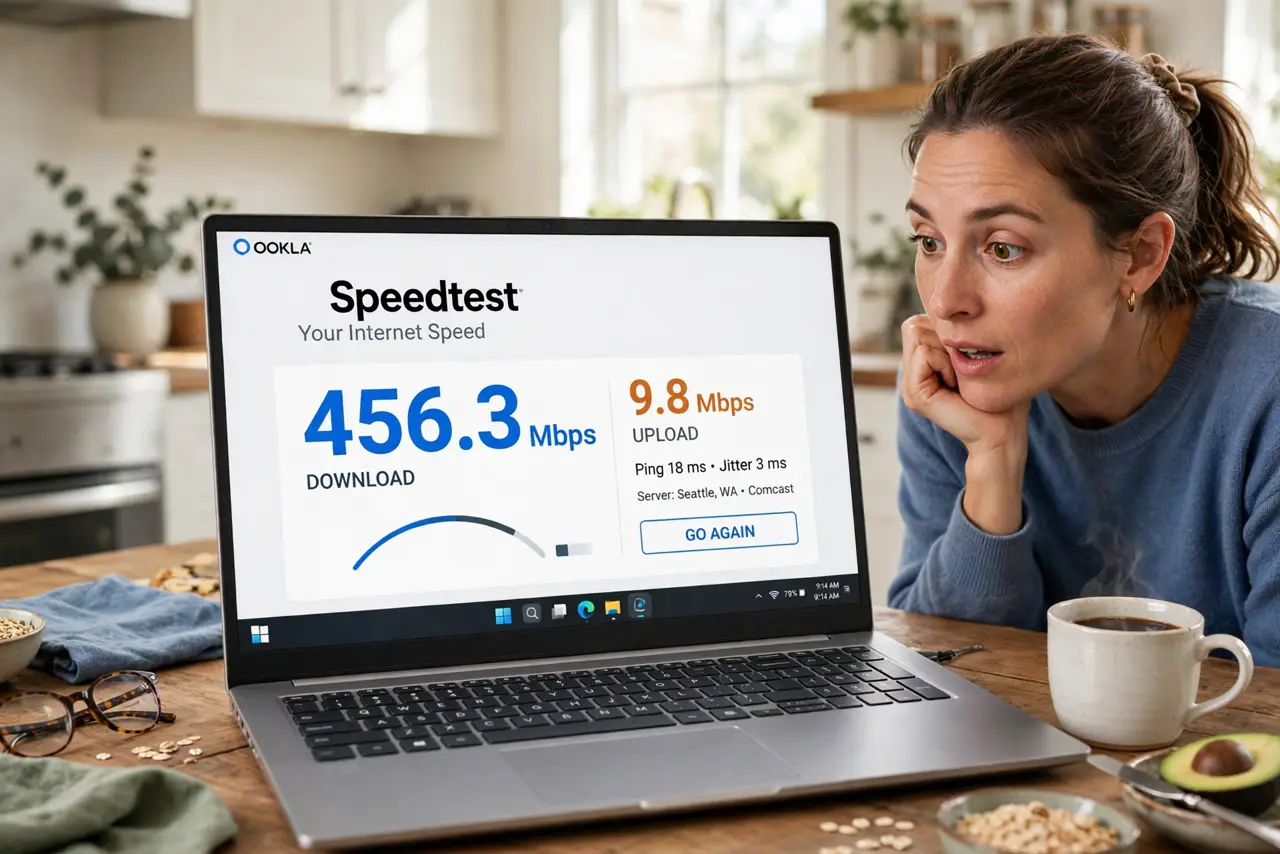
- Check your plan's real numbers. Run a speed test and compare both directions to what you pay for. A 15:1 ratio on cable is normal, not a fault — knowing the baseline stops pointless ISP calls.
- Know fiber is the exception. Fiber-optic lines carry light both ways equally, so fiber plans are usually symmetric — 300 down, 300 up. This is fiber's quiet superpower for remote workers.
- Schedule big uploads overnight. Cloud backups and video uploads do not care when they run. Overnight scheduling keeps your daytime upload lane clear for calls.
- Do not try to 'fix' the ratio. No setting, cable, or router changes the download/upload split your ISP provisions. It is set at their end, full stop.
- Switch technologies if upload rules your life. Streamers, YouTubers, and heavy backup users should price fiber first. Paying cable for more download never buys more upload.

What NOT to do
- Do not call the ISP angry about the ratio itself. Asymmetry is the product you bought — the fine print said so.
- Do not buy a bigger download tier hoping upload grows proportionally. On cable, upload tiers move little while download soars.
- Do not confuse asymmetry with a fault. Slow uploads are by design; uploads that suddenly drop far below your normal are the real fault signal.
- Do not run a home server on a thin upload and expect snappy remote access. Your visitors' download speed is capped by your upload.
Frequently asked questions
Is asymmetric internet bad?
Not inherently — it matched how most people used the internet for decades. It only pinches when your life involves lots of uploading: calls, streaming, backups.
Can I pay extra for more upload on cable?
Sometimes, in small steps — some ISPs sell upload add-ons. The gains are modest compared to switching to fiber.
Why do speed tests emphasize download?
Because for most of internet history, download was what mattered. The tests are catching up to the work-from-home era slowly.