Block Websites at the Router? How To
You want certain sites blocked for every device in the house — no per-phone setup, no app to install on each tablet. Blocking at the router covers everything on your Wi-Fi at once: one rule, whole network. It is not perfect — determined teens and VPNs can dodge it — but for young kids and basic focus, it works well.
TL;DR / Quick Fix
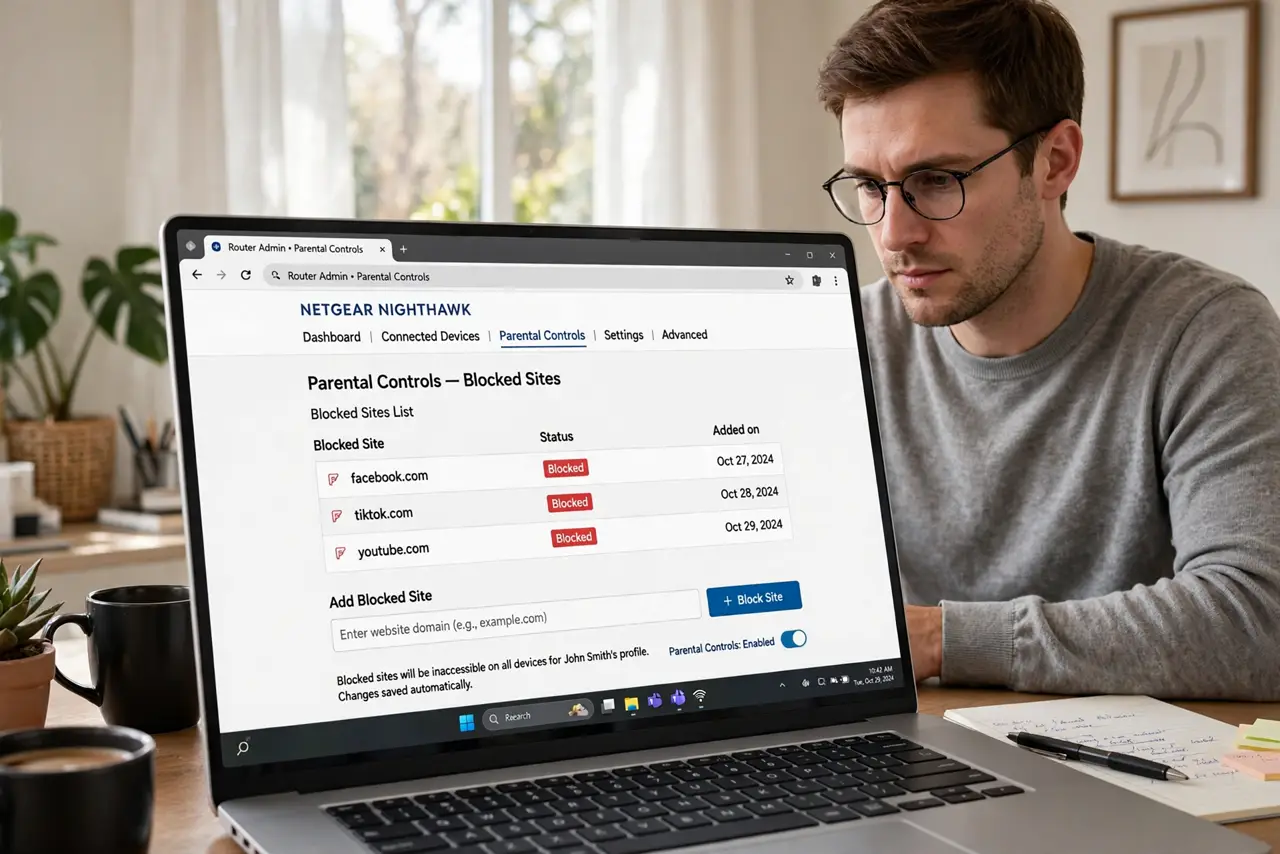
Quick fix: open your router's parental controls or access control section and add the sites to block — most routers take domain names like example.com. Apply the rule to the kids' profiles or the whole network. For stronger filtering, point the router's DNS at a family-safe DNS service instead.
Follow these steps
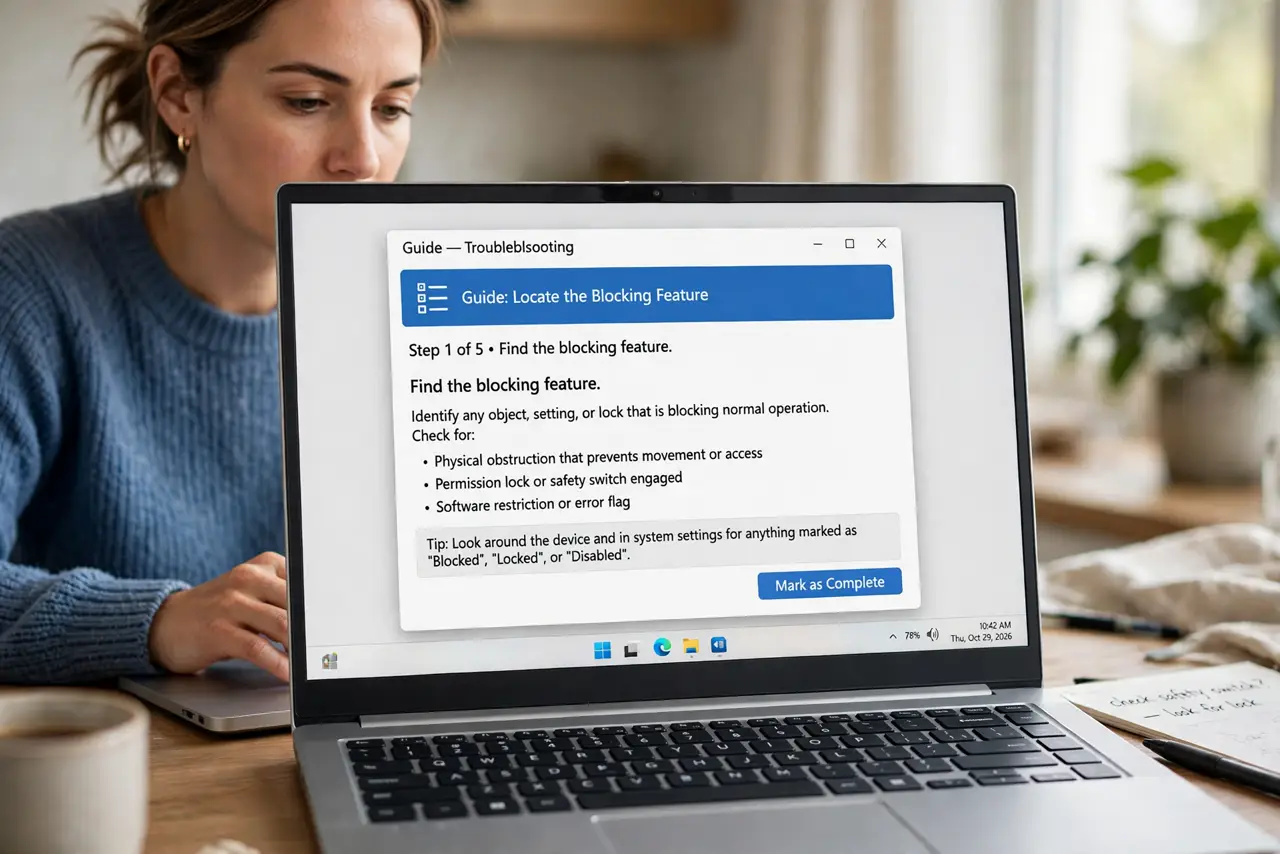
- Find the blocking feature. Look under parental controls, access control, or firewall in the router settings. The feature may be called website filter, URL filter, or domain blocking.
- Block by domain name. Enter domains like example.com — the router blocks that site and its subpages. You rarely need the full address; the domain is enough.
- Apply to profiles or the whole network. Per-child profiles keep adults unfiltered; whole-network rules are simpler but blunt. Choose based on who needs the protection.
- Consider family-safe DNS instead. Pointing the router's DNS at a family-filtering service blocks whole categories — adult, gambling, malware — with less list maintenance. Set it once in the router's WAN or DNS settings.
- Test from a kid's device. After saving, try loading a blocked site from the filtered device. If it loads, the rule needs a few minutes — or you blocked the wrong domain form.
- Keep the list short and current. Ten maintained rules beat a hundred stale ones. Review quarterly; kids' interests — and the sites they find — change fast.
What NOT to do
- Do not expect router blocking to stop a determined teen. VPNs, mobile data, and proxies bypass it easily — it is a young-kids tool.
- Do not block by full URL with paths. Routers match domains; 'example.com/page' as a rule often matches nothing.
- Do not forget HTTPS. Modern blocking works at the domain level — it cannot filter individual pages inside an encrypted site.
- Do not use blocking as a substitute for conversation. Filters handle accidents; talks handle curiosity.
Frequently asked questions
Can I block apps like TikTok at the router?
Partially — blocking the app's domains disrupts it, but apps use many domains and update them. DNS-level category blocking works better than hand-listing.
Will blocking slow down my internet?
No — the router checks domains in passing. You will not feel any speed difference.
Do I need to block on each device too?
Router blocking covers Wi-Fi devices at home. Phones on mobile data need their own controls — the router cannot reach them there.