Data Caps? What They Mean
Your ISP sells you 'unlimited' internet with a 1TB data cap in the fine print — cross it and you pay overage fees or get throttled. With 4K streaming, cloud backups, and game downloads, a household can hit a terabyte without feeling extravagant. Understanding what counts, what does not, and how to stay under is pure money management.
TL;DR / Quick Fix
Quick fix: a data cap is the monthly download/upload limit your ISP enforces — often around 1TB. Check your usage in the ISP's app before changing anything. Big 4K streams and cloud backups are the usual culprits. Compare overage fees against the unlimited add-on.
Follow these steps
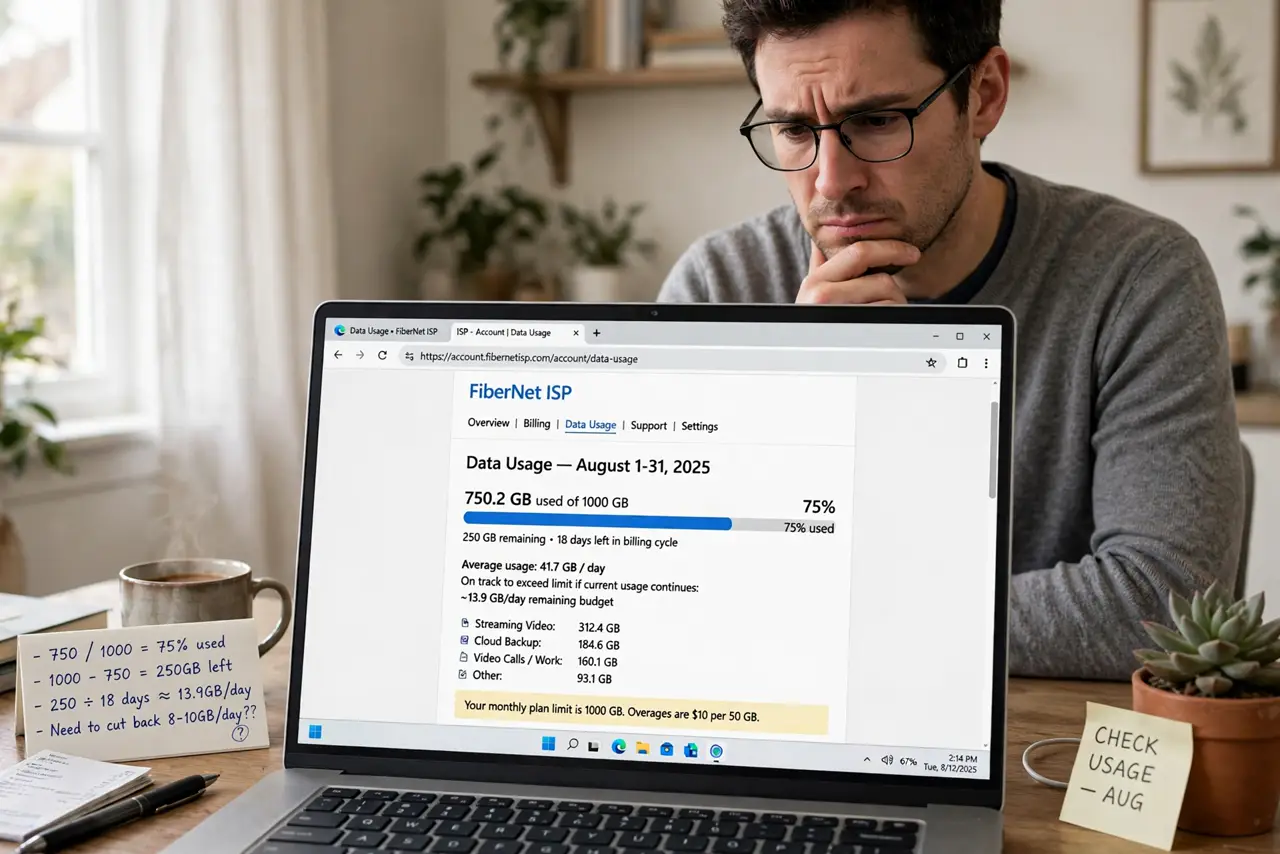
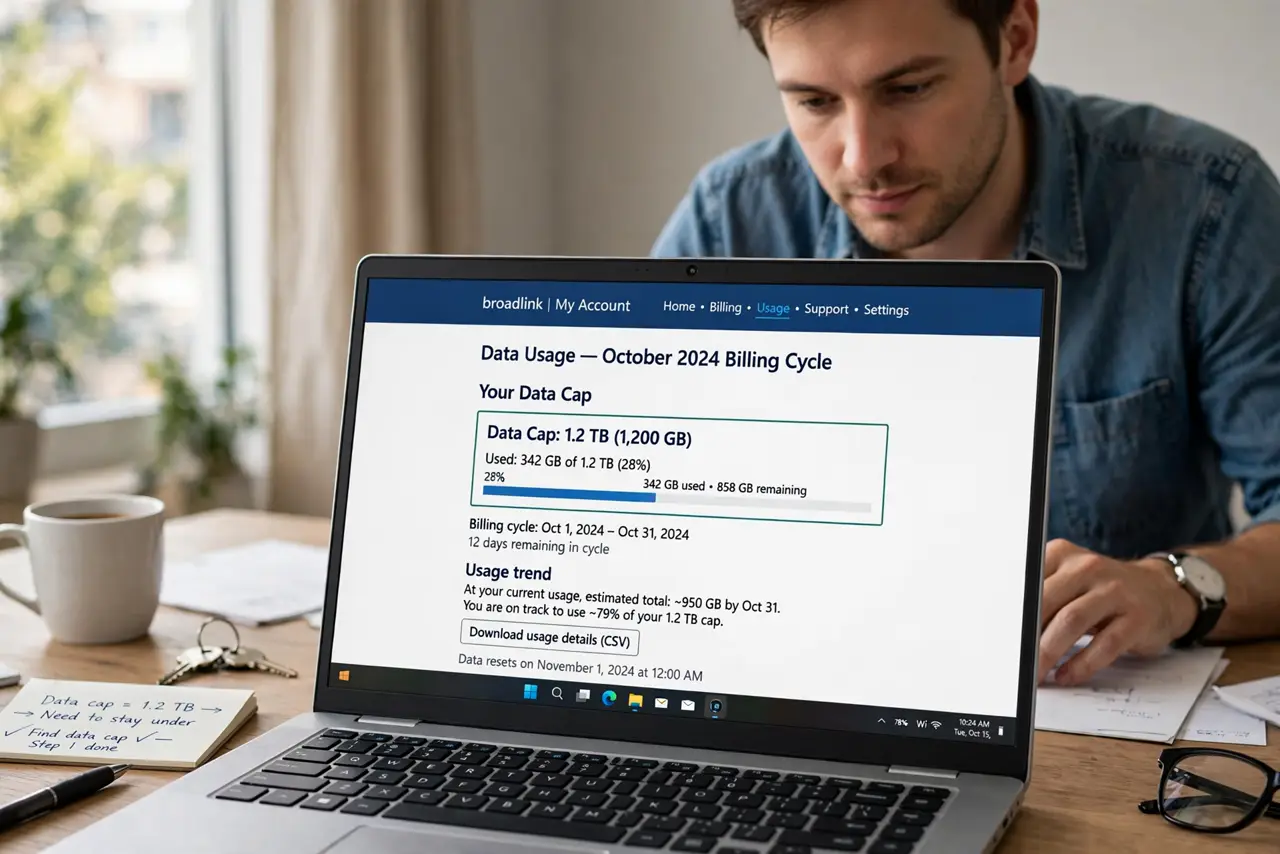
- Find your actual cap. Log into your ISP account and find the data usage section — the cap, your current usage, and the billing cycle dates. Many people discover their cap only after the first overage bill.
- Learn what eats data. 4K streaming runs about 7GB per hour; cloud photo backups and game downloads can each swallow tens of GB in a day. One household member's habits usually dominate — find out whose.
- Check usage before the month ends. ISPs show usage with a delay of a day or two. Check weekly, not on the 30th — by the last day, the overage has already happened.
- Cut the biggest waste first. Drop streaming from 4K to HD on TVs where nobody notices, pause cloud backups during heavy months, and download games overnight across month boundaries if your cycle allows.
- Know the overage math. Overage fees are often $10 per 50GB — brutal. Compare that against the unlimited-data add-on your ISP sells; the add-on is frequently cheaper than two overages.
- Challenge the cap's existence. Some regions and providers have no caps at all. If a competitor offers unlimited for a similar price, the cap is negotiable leverage — or a reason to switch.
What NOT to do
- Do not assume 'unlimited' means unlimited. Mobile and some home plans throttle after a threshold — read the actual terms, not the headline.
- Do not let cloud backups run wild on capped connections. An initial photo-library upload can eat a month's cap in a weekend — throttle or schedule it.
- Do not pay overages silently every month. Two overage bills cost more than most unlimited add-ons — do the math once and fix it permanently.
- Do not forget uploads count too. Caps usually cover both directions; a big cloud backup uploads as well as downloads.
Frequently asked questions
How much data does Netflix use?
About 1GB per hour in SD, 3GB in HD, and 7GB in 4K. A household watching 4K nightly can burn through a 1TB cap on streaming alone.
Do speed tests count against my cap?
Technically yes, but a test uses tens of megabytes — negligible. Do not avoid testing; the usage is a rounding error.
Can my ISP really see everything I download?
They see volumes and destinations, not encrypted content. Usage metering needs the totals, not the details — that is all the cap cares about.