Dynamic DNS for Home Access? Setup
Your home internet address changes every few days, so the bookmark you saved to reach your home server keeps dying. Dynamic DNS fixes this by giving your ever-changing address a permanent name — like myhouse.example.net — that updates itself whenever the address shifts. Setup takes about ten minutes, most of it waiting for an account confirmation email.
TL;DR / Quick Fix
Quick fix: dynamic DNS gives your changing home IP a memorable name like myhome.example.net, so you can reach your home network remotely. Sign up with a DDNS provider, enter the credentials in your router, and the name updates automatically. It cannot beat CGNAT — it works with a public IP.
Follow these steps
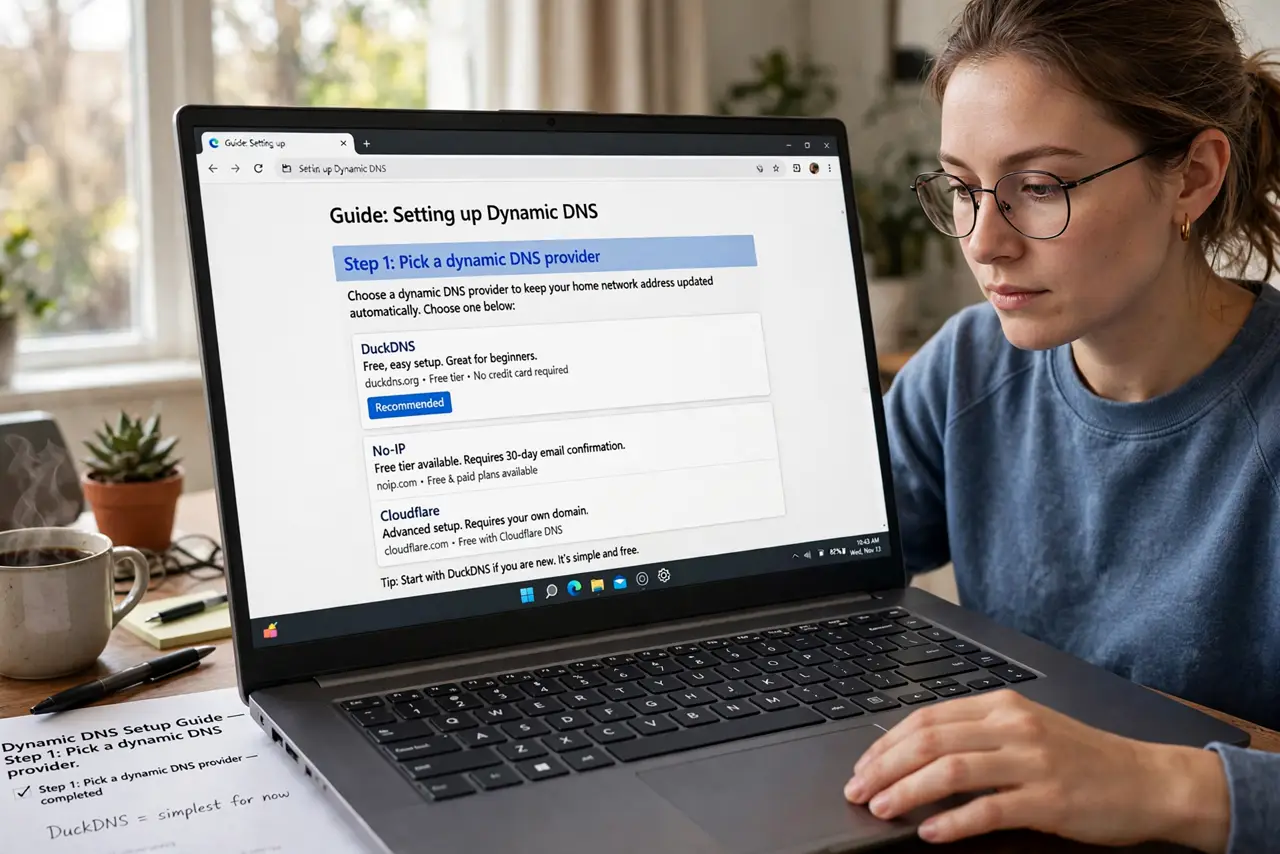
- Pick a dynamic DNS provider. Several reputable providers offer a free hostname tier — enough for personal use. You only need one hostname, so skip the paid plans.
- Create your hostname. Choose something memorable like myhouse followed by their domain. This becomes the permanent address you type instead of the changing numbers.
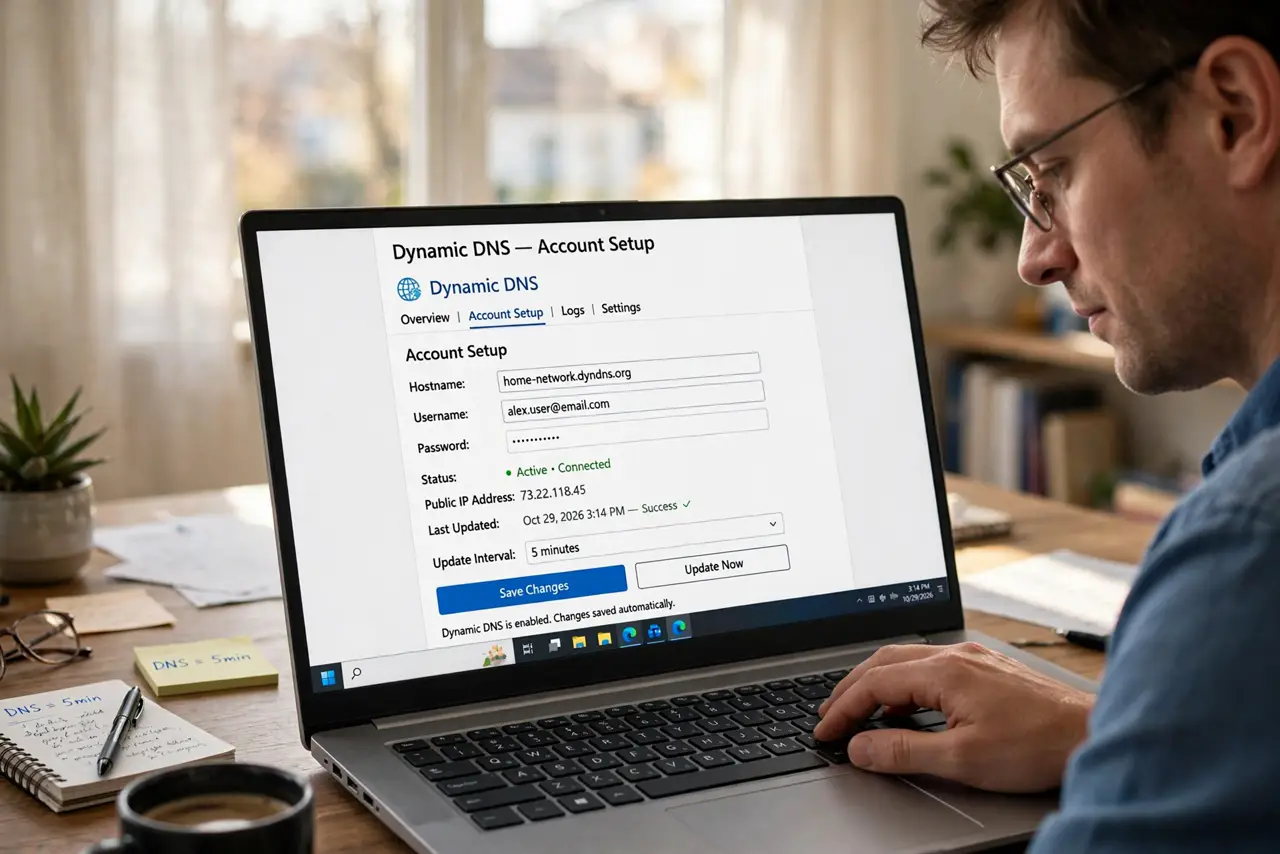
- Enter the credentials in your router. Most routers have a Dynamic DNS section under WAN or advanced settings. Paste in your provider, hostname, username, and password — the router then reports every IP change automatically.
- Confirm the name resolves. After saving, wait a few minutes, then look up your hostname from your phone on mobile data. If it shows your home IP, the loop is working.
- Know its limits. Dynamic DNS only tracks your address — it does not open ports or defeat CGNAT. You still need port forwarding or a VPN for actual access.
- Use your router, not a PC app, as the updater. The router is always on and sees the true public IP. Updater apps on a sleeping laptop miss changes and report stale addresses.
What NOT to do
- Do not pay for a static IP just to avoid dynamic DNS. DDNS does the same job for home use, free.
- Do not run the updater on two devices at once. Competing updates can flap your hostname between addresses.
- Do not expect DDNS to work behind CGNAT. It faithfully tracks an address nobody can reach — check for CGNAT first.
- Do not use your DDNS hostname as a password reset contact. It is public by design; treat it like a street address, not a secret.
Frequently asked questions
Is dynamic DNS free?
For basic personal use, yes — reputable providers offer free hostnames. Paid tiers add more hostnames and faster updates you probably don't need.
How fast does the name update after my IP changes?
Usually within minutes. Your router reports the change immediately; global DNS caches take a little while to catch up.
Can I use it to access my security cameras?
Yes — that is a classic use. Pair it with your router's VPN rather than exposing the cameras directly to the internet.