Hotel Wi-Fi Woes? Fixes
Hotel Wi-Fi is a special kind of misery: captive portals that loop forever, speeds that collapse at 8pm, and 'free Wi-Fi' that demands your life story. You cannot fix the hotel's network, but you can fix your connection to it — most hotel Wi-Fi failures are on the device side and take minutes to resolve. Here is the field guide.
TL;DR / Quick Fix
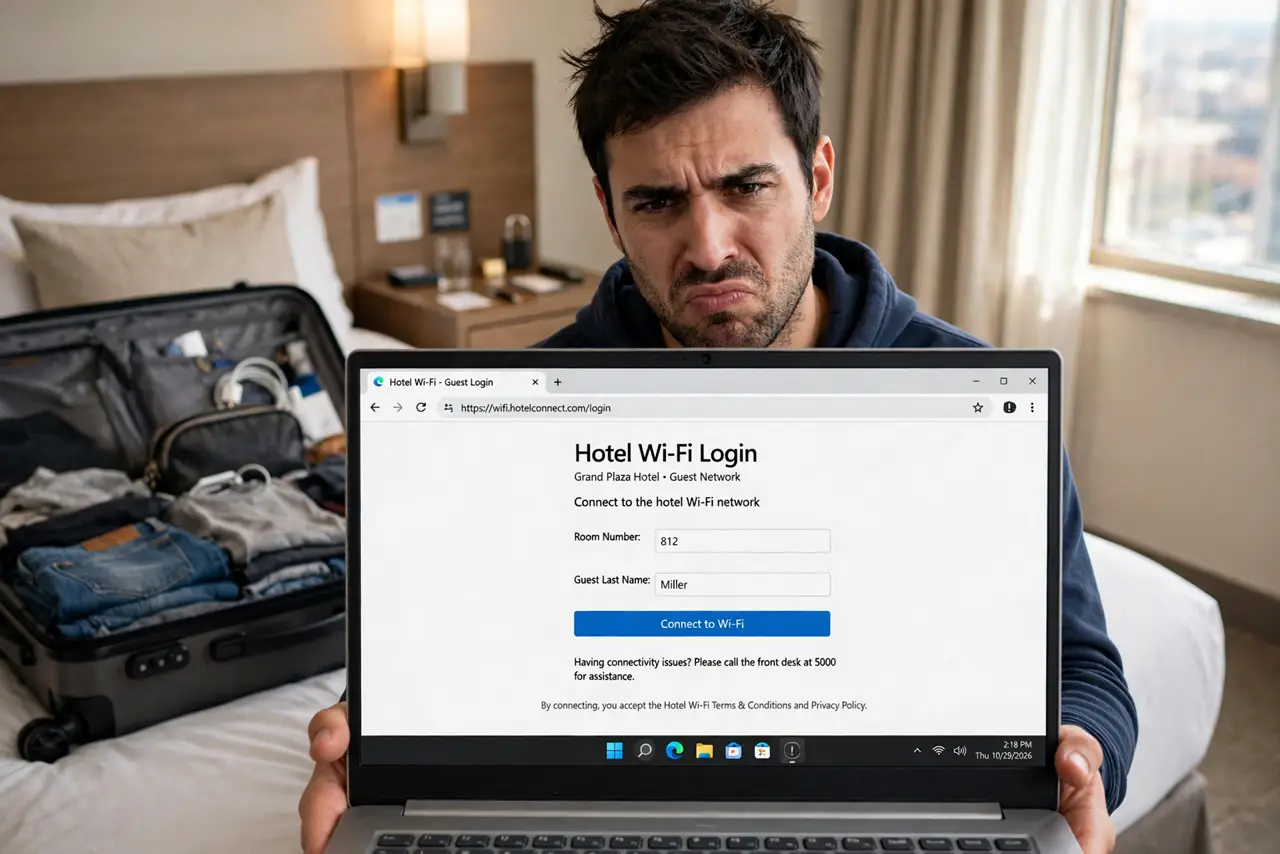
Quick fix: hotel Wi-Fi problems are usually the captive portal or a stale network setting. Forget the network and rejoin to trigger the login page fresh. If the portal loops, try a different browser. Never install profiles or certificates a hotel portal demands without scrutiny.
Follow these steps
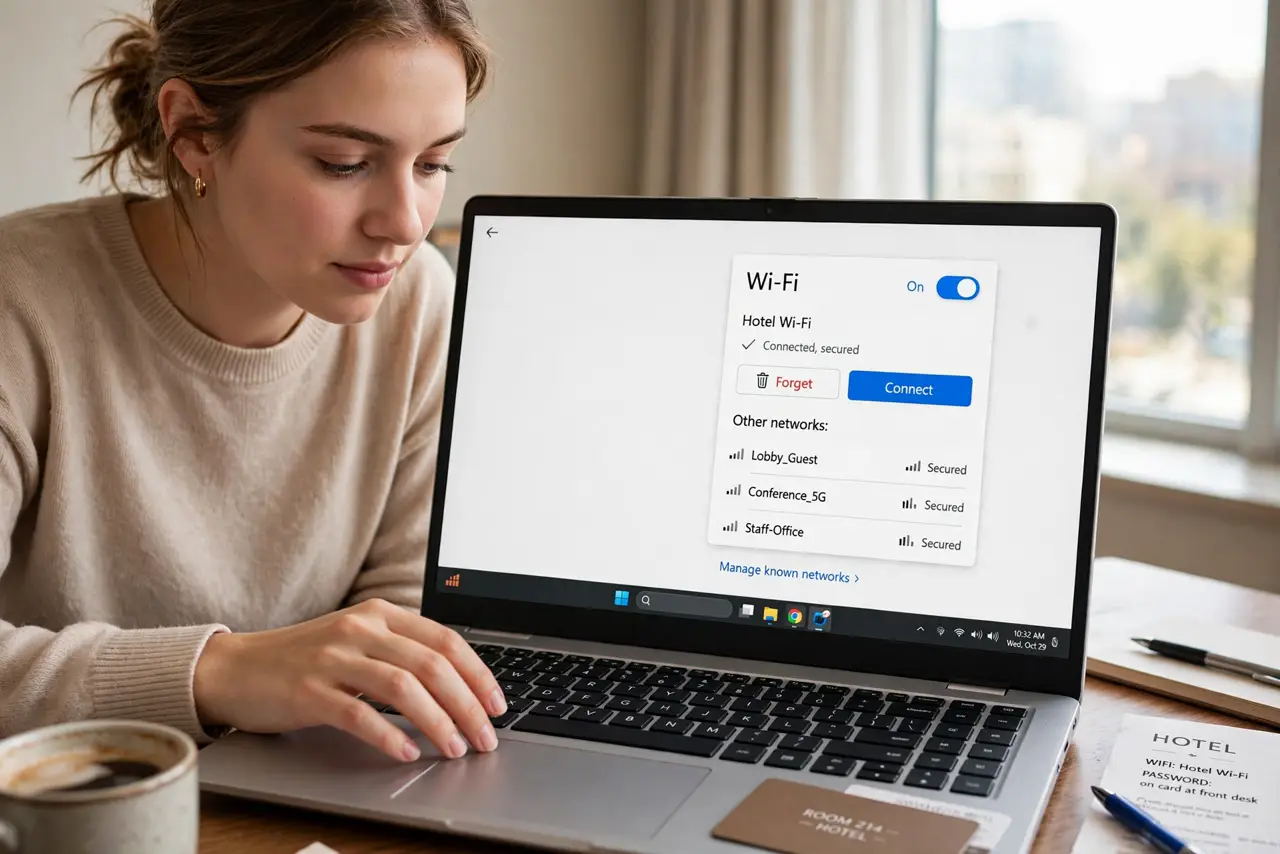
- Forget and rejoin the network. The single most effective hotel Wi-Fi fix: forget the network in your Wi-Fi settings, then reconnect. This clears stale portal sessions and forces the login page to load fresh.
- Force the portal page to appear. If no login page pops up, open a plain non-HTTPS site (a simple http address) in your browser. Captive portals intercept plain HTTP — that is how you summon the page manually.
- Handle the endless login loop. Portal asks you to log in, then asks again, forever: this is usually a cookie or private-mode issue. Try a different browser, or the loop troubleshooting for the full sequence.
- Do not install what it asks you to install. Some portals demand a 'profile' or certificate for 'faster Wi-Fi.' Treat these with deep suspicion — the profile warning explains why. Decline and use the basic connection.
- Use your phone as a sanity check. If your laptop fails but your phone connects, the problem is your laptop's settings, not the hotel. Compare what is different — VPNs, DNS settings, and firewalls are the usual suspects.
- Bring a travel router for real sanity. A pocket travel router connects to the hotel Wi-Fi once, then all your devices join your own network. One portal login instead of five, plus your own password.
What NOT to do
- Do not do banking on hotel Wi-Fi without a VPN. Shared networks are shared — encrypt your traffic or wait until you are home.
- Do not install profiles or certificates from a portal page. They can intercept your encrypted traffic — no hotel Wi-Fi is worth that.
- Do not assume 'it worked yesterday' means settings are fine. Hotel portals expire sessions constantly; re-authenticating is normal, not a malfunction.
- Do not pay for premium Wi-Fi before testing the free tier. Often the paid tier is the same network with a different name — test first, pay only if it is genuinely faster.
Frequently asked questions
Why does the hotel Wi-Fi ask me to log in every hour?
Session timeouts — the portal expires your login deliberately. Some hotels set absurdly short timeouts; a travel router holding one session defeats the annoyance.
Is hotel Wi-Fi safe for work email?
With a company VPN, reasonably. Without one, assume the network is hostile — use your phone's hotspot for anything sensitive instead.
My VPN will not connect on hotel Wi-Fi. Why?
The portal may block VPN ports until you authenticate, or the network blocks them entirely. Log into the portal first with the VPN off, then connect the VPN.