Hotspot Caps? Basics
Your laptop works fine on your phone's hotspot — until it suddenly crawls on day 18 of the month. Mobile hotspot data has its own cap, separate from your phone's data, and carriers slow it to a trickle once you cross it. Most people discover this at the worst possible moment. Here is how hotspot caps work and how to live within them.
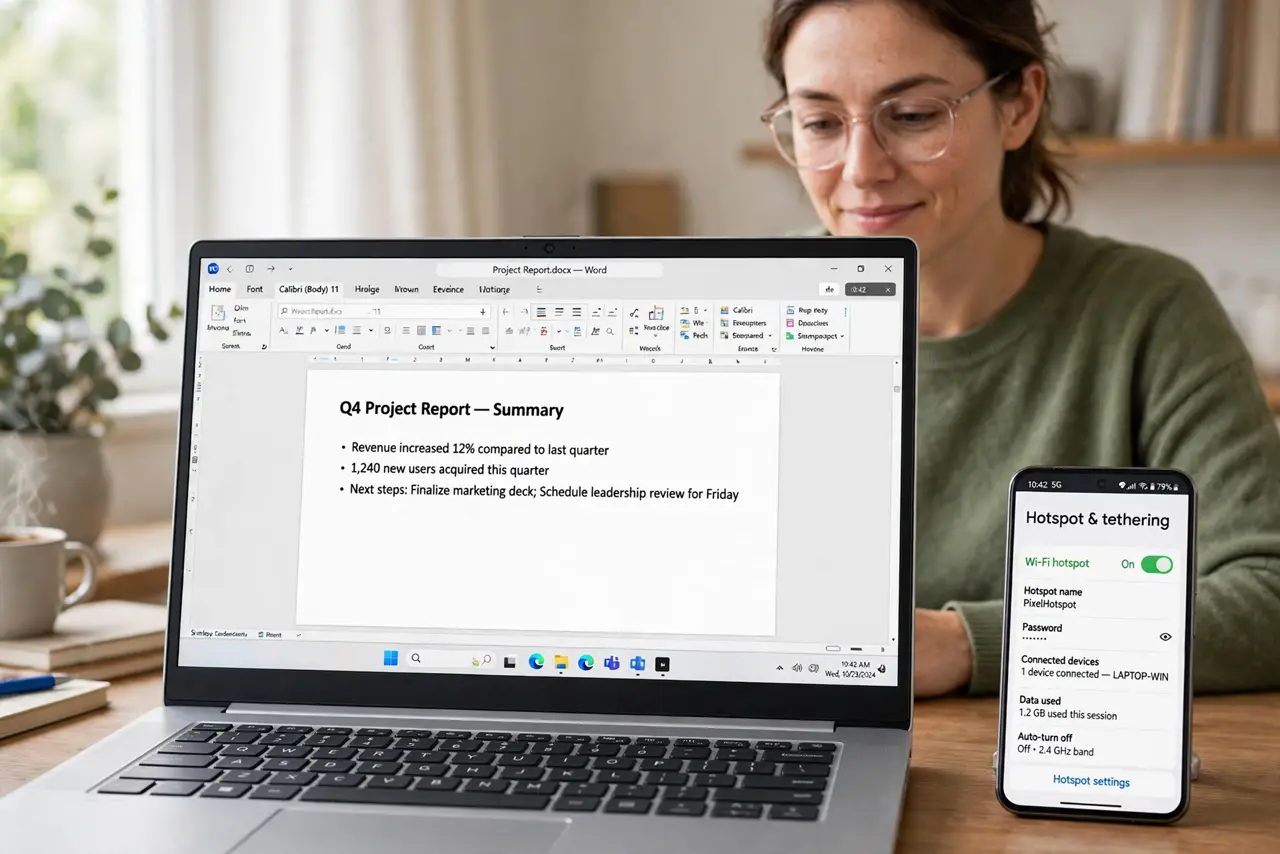
TL;DR / Quick Fix
Quick fix: hotspot data has a separate cap from your phone's own data — often 5 to 40 GB — and carriers throttle it hard after that. Check the cap in your carrier's app, keep hotspot use light, and shift big downloads to Wi-Fi.
Follow these steps
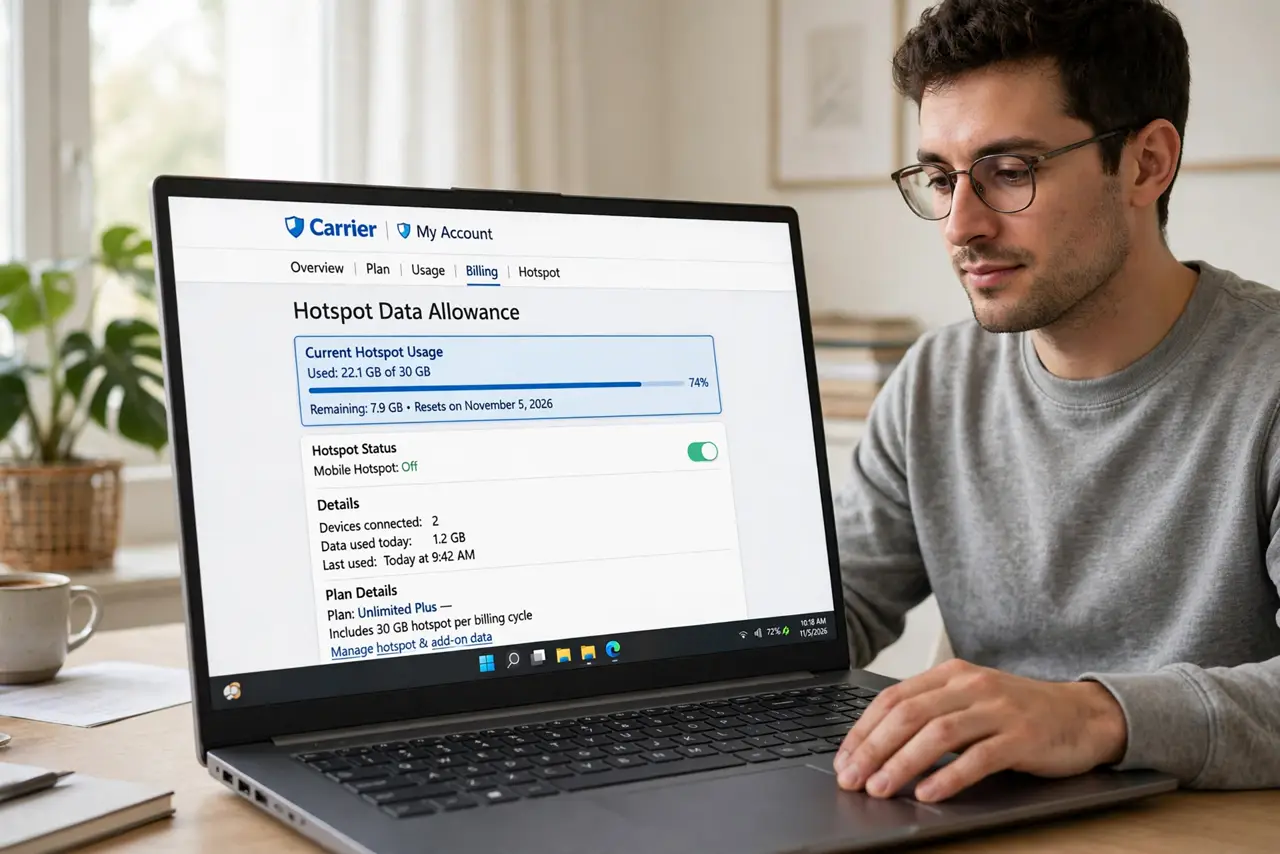
- Find your hotspot allowance. Open your carrier's app and look for the hotspot or tethering line — it is separate from your phone data. Knowing the number (often 5, 15, or 40 GB) turns a mystery slowdown into a planned budget.
- Understand why it is separate. Carriers treat hotspot use as home-internet replacement, so they cap it to protect the network. Your phone browsing freely while your laptop crawls is not a bug — it is the plan working as designed. See the 'unlimited' fine print for the bigger picture.
- Watch for the throttle symptoms. After the cap, hotspot speeds often drop to near-unusable levels — pages load, video does not. If the laptop is slow but the phone is fast on the same network, you have hit the cap.
- Shift heavy tasks to Wi-Fi. Save cloud backups, video calls, and big downloads for real Wi-Fi. Hotspot data is for email, documents, and light browsing — ration it like the scarce resource it is.
- Lower your laptop's data diet. Pause cloud sync, disable auto-updates, and lower video quality while hotspotting. One forgotten Dropbox sync can eat a gigabyte before lunch.
- Consider a plan upgrade honestly. If you hotspot daily for work, a plan with a bigger hotspot allowance usually beats fighting the cap. Do the math on your actual monthly hotspot use first.
What NOT to do
- Do not stream 4K video over a hotspot. One movie can burn the entire month's hotspot allowance in an evening.
- Do not assume unlimited phone data means unlimited hotspot. They are separate buckets with separate caps — always.
- Do not leave cloud sync running while tethered. Backups and photo uploads silently devour hotspot data in the background.
- Do not pay for a bigger plan without checking the hotspot line. Some upgrades raise phone data but barely touch the hotspot cap.
Frequently asked questions
Why is my hotspot slow but my phone fast?
You crossed the hotspot cap while your phone data is still fine. They are separate allowances — the phone sips from one bucket, the hotspot from another.
Can the carrier tell I am hotspotting?
Yes — tethering traffic is identifiable, and bypassing the cap violates the terms. Work within the allowance instead of fighting it.
Does 5G change hotspot caps?
Speeds are faster but the caps remain. A 5G hotspot burns through its allowance even quicker on heavy tasks.