IPv6 On or Off? Basics
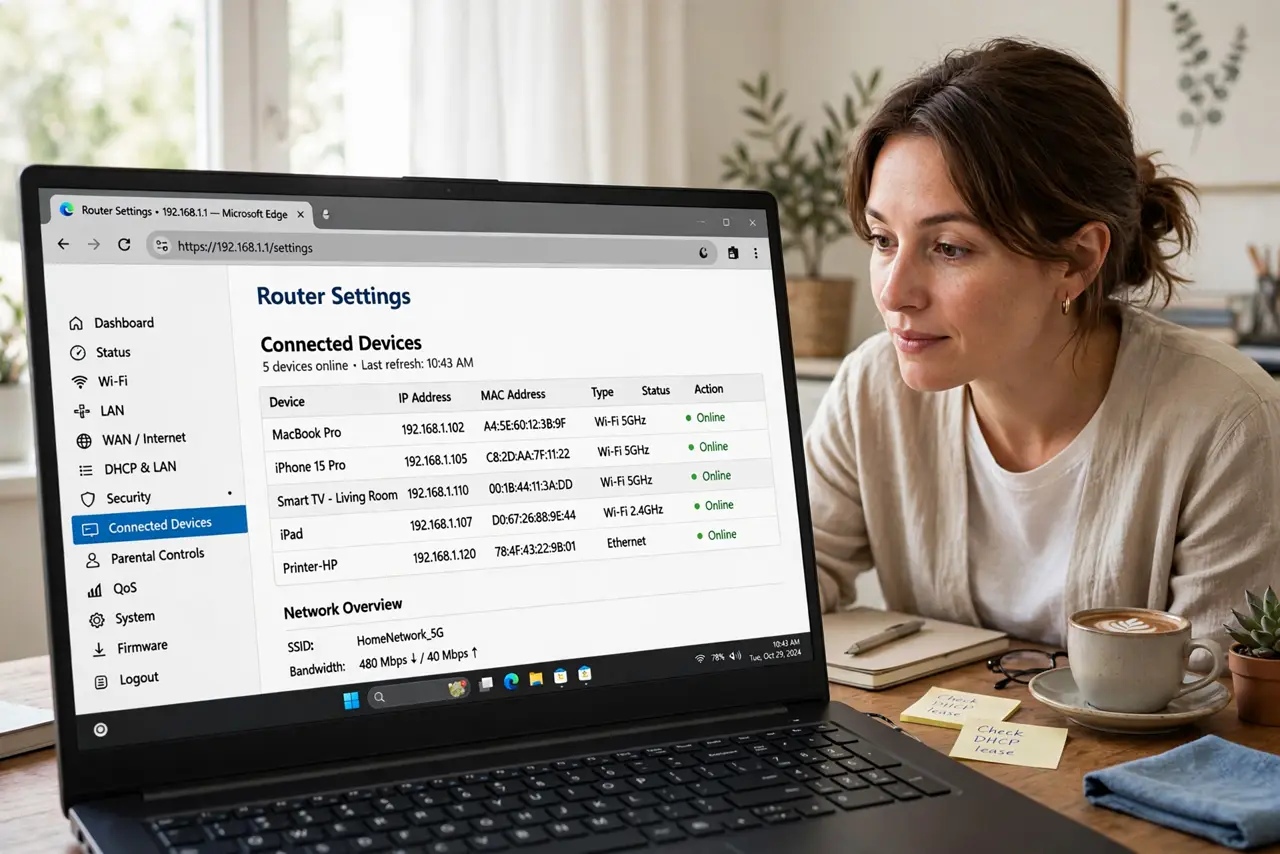
Some forum post told you to turn off IPv6 to fix your internet — or your router shows an IPv6 toggle and you wonder what it even does. IPv6 is simply the newer address system the internet is moving to, replacing the old IPv4 addresses that ran out years ago. For most homes it just works in the background. This guide explains what the toggle does and when touching it actually helps.
TL;DR / Quick Fix
Quick fix: leave IPv6 ON — it is the modern internet protocol and most routers handle it automatically. Turning it off rarely fixes problems and can break newer services. Disable it only briefly to test if one app fails while others work, then turn it back on.
Follow these steps
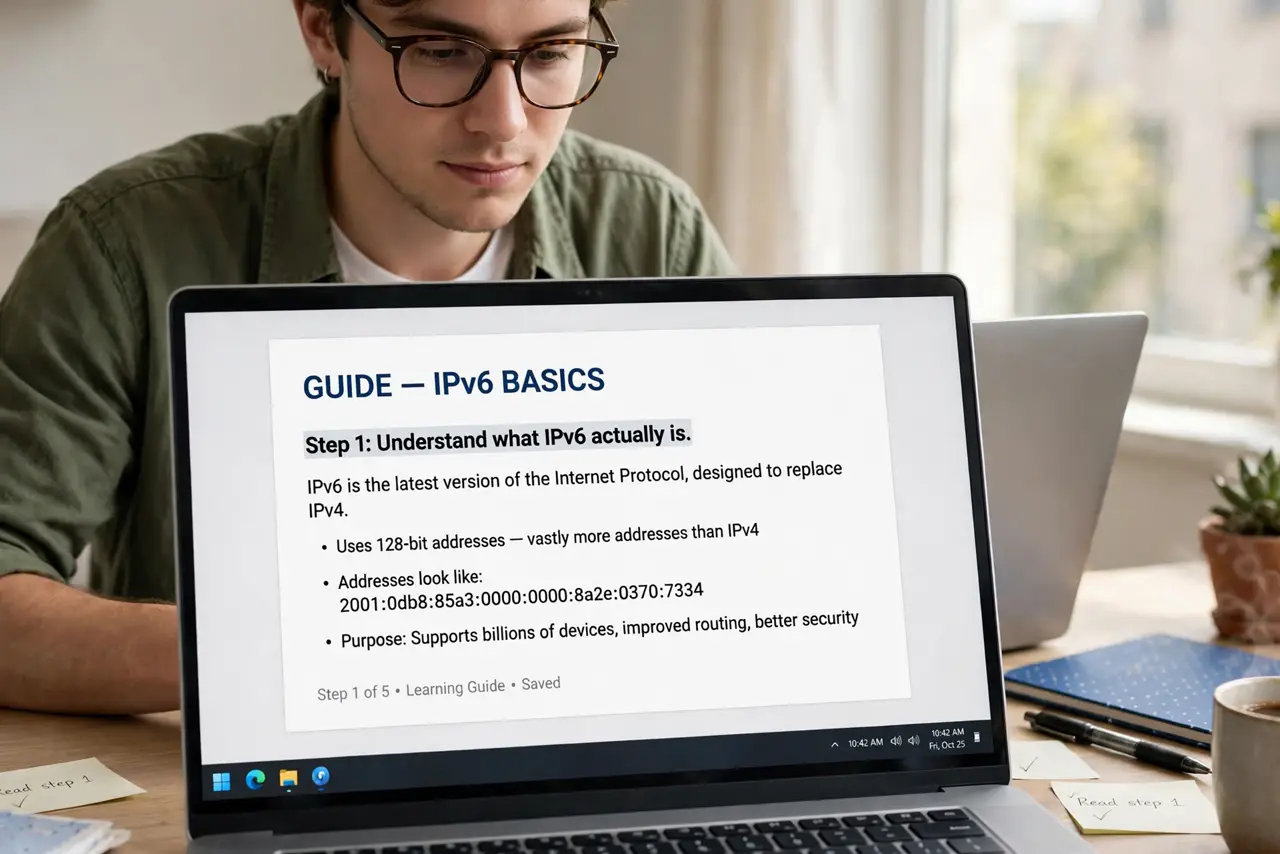
- Understand what IPv6 actually is. Every device online needs an address. The old system, IPv4, ran out of unique addresses years ago. IPv6 is the vastly larger replacement — your devices can have real, direct addresses again instead of sharing one through tricks.
- Know that your router handles it automatically. Modern routers enable IPv6 by default and need no setup from you. If your connection works, the protocol is already doing its job quietly.
- Leave it on for normal use. Newer services and apps increasingly expect IPv6. Disabling it removes nothing you can feel — but it can quietly break things that assumed it was there.
- Use it as a test, not a fix. If one specific app fails while everything else works, toggling IPv6 off briefly is a fair diagnostic. If nothing changes, turn it back on — it was not the cause.
- Check per-device, not just the router. Some devices let you disable IPv6 individually. If you are testing, change one place at a time so you know what actually made a difference.
- Re-enable it after testing. Diagnostic toggles have a way of becoming permanent. Once the test is done, restore IPv6 so future services work as intended — including easier home network access setups.
What NOT to do
- Do not disable IPv6 permanently because a forum said so. It is cargo-cult troubleshooting that causes more problems than it solves.
- Do not toggle it on every device at once. Change one thing at a time or you will never know what fixed — or broke — the issue.
- Do not assume IPv6 affects your speed. It changes addressing, not bandwidth; speed tests will not move.
- Do not confuse IPv6 with a VPN or privacy tool. It is an addressing system, not encryption — for what actually hides your traffic, see HTTPS vs VPN.
Frequently asked questions
Will turning off IPv6 make my internet faster?
No. IPv6 and IPv4 carry data at the same speed on your connection. If your internet is slow, the cause is elsewhere — signal, congestion, or the plan itself.
My ISP doesn't support IPv6 — does it matter?
Not for you. Your router simply uses IPv4 for everything. Leave the toggle on anyway; it costs nothing and activates automatically if your ISP adds support.
Why do some guides say to disable it?
Usually to work around one buggy app or driver. It is a valid temporary test, but a poor permanent setting.