Paying for Gigabit, Getting Less? Why
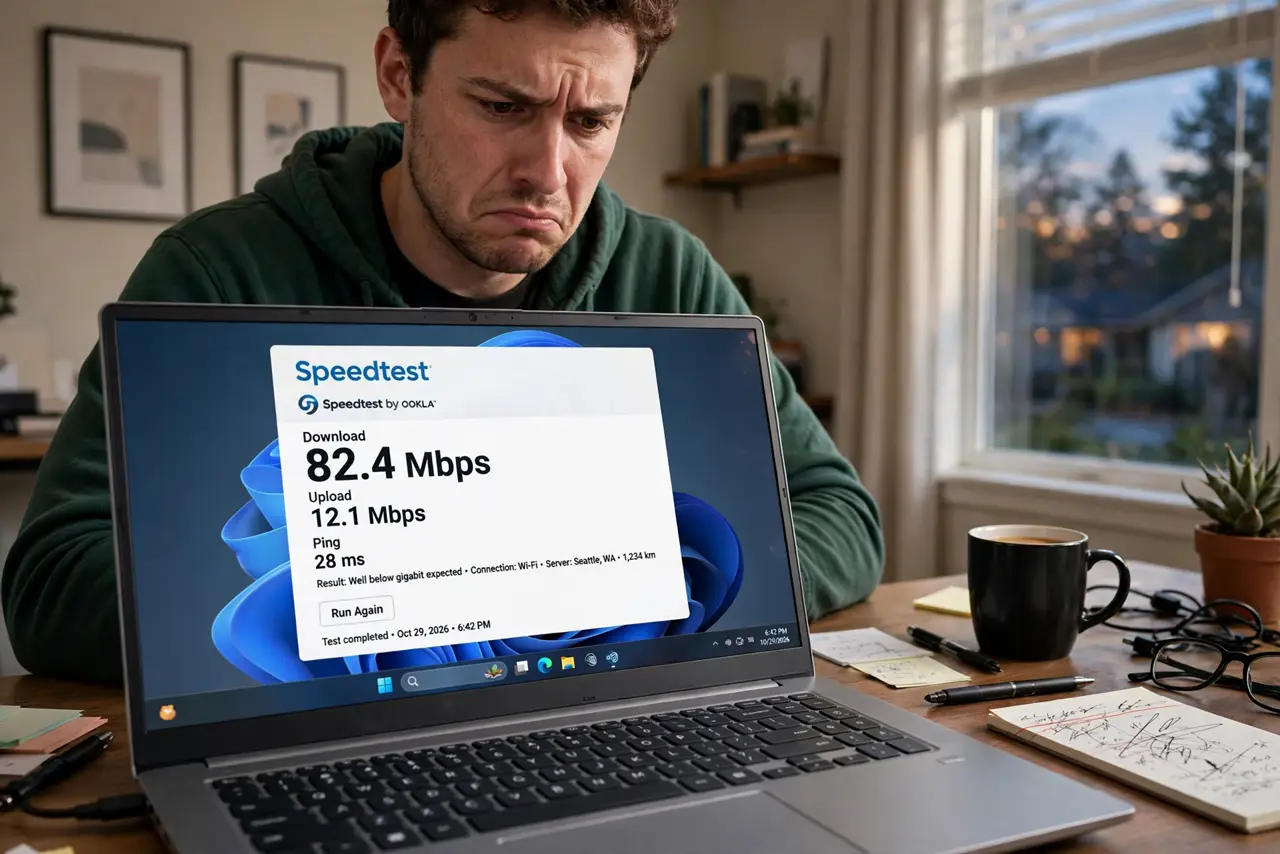
The bill says gigabit, the speed test says 300 Mbps, and the provider's support line says 'speeds may vary.' Some of that gap is normal — but a 70% shortfall usually has a findable cause: an old router, a bad cable, Wi-Fi overhead, or the test itself. Work this checklist before accepting the shortfall or paying for more.
TL;DR / Quick Fix
Quick fix: test properly — one device, wired directly to the modem, everything else idle. If wired hits near-gigabit, your plan is fine and Wi-Fi overhead explains the rest. If wired also falls far short, check for a router bottleneck, a bad cable, or a provider issue.
Follow these steps
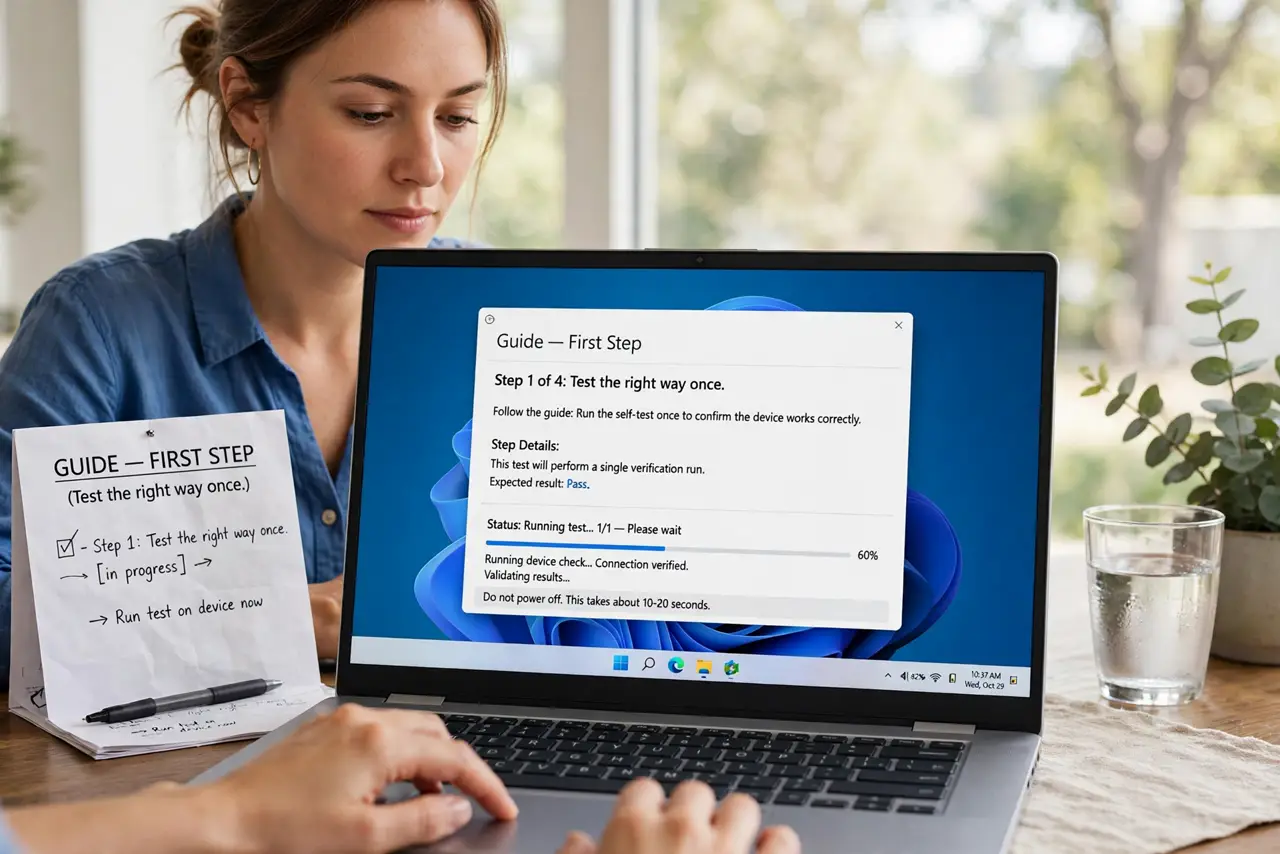
- Test the right way once. One laptop, Ethernet cable, straight into the modem or router, all other devices idle, no VPN. Anything less rigorous produces numbers you cannot trust.
- Know what 'gigabit' really promises. Providers advertise 'up to' speeds — 940 Mbps wired is a full gigabit in practice (overhead eats the rest). 300 Mbps wired is not; that is a fault.
- Rule out the router. An old router with 100 Mbps ports or a tired CPU caps everything. Test wired into the modem alone if you can — that isolates the provider's line.
- Rule out the cable. Swap the modem-to-router cable for a known-good Cat5e or better. A damaged cable silently negotiates down — see cable categories.
- Understand Wi-Fi overhead. Even perfect Wi-Fi 6 rarely shows full gigabit on a phone — 500-700 Mbps near the router is excellent. Judge the plan by wired results, not wireless.
- Call the provider with evidence. 'Wired into the modem, 300 Mbps on a gigabit plan, tested three times' gets action. 'Internet feels slow' gets a script.
What NOT to do
- Do not upgrade to a faster tier to fix this. If gigabit only delivers 300 Mbps, the bottleneck will cap the faster tier too.
- Do not run the provider's own speed test as your only evidence. It measures to their nearest server — fine, but confirm with an independent test too.
- Do not test during a household streaming rush. One 4K stream plus a game download can eat half a gigabit — test quiet, then judge.
- Do not accept 'Wi-Fi is just like that' for wired shortfalls. Slow Wi-Fi is expected; slow wired Ethernet is a fault worth chasing.
Frequently asked questions
Is 800 Mbps on a gigabit plan bad?
No — that is normal. Protocol overhead means ~940 Mbps is the practical ceiling, and 700-940 wired is a healthy gigabit.
Why do speeds drop at night?
Neighborhood congestion. Cable networks share capacity per street — see slow only at night for that specific pattern.
Should I complain to my ISP?
Yes, with wired evidence in hand. Without it, support will (correctly) blame your Wi-Fi first.