Router Hacked? The Signs
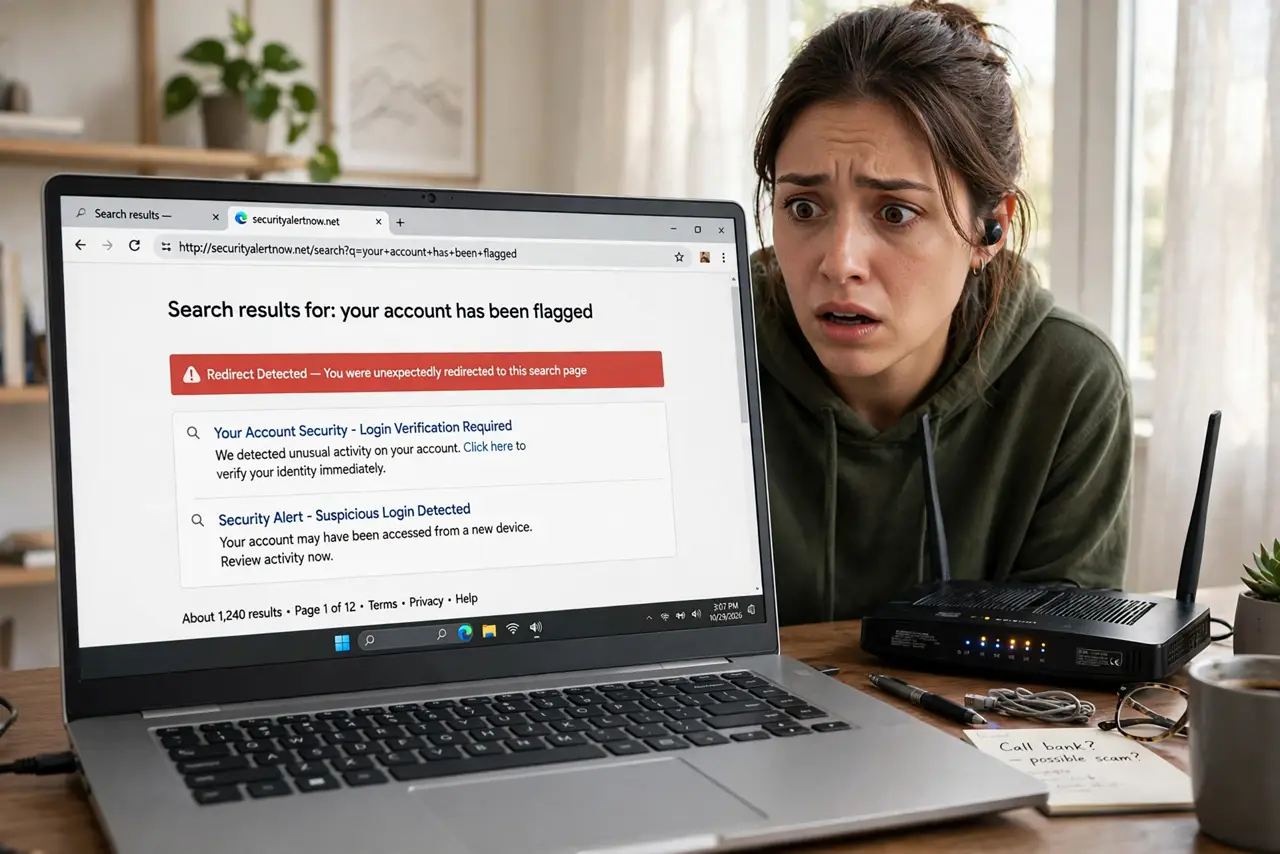
Your browser keeps landing on strange search pages, the internet slows at odd hours, or a friend says your network is sending them spam. Routers get hacked — usually through default passwords or old firmware — and a compromised router poisons everything connected to it. Here are the warning signs and the recovery playbook.
TL;DR / Quick Fix
Quick fix: signs of a hacked router include unknown devices on your network, DNS settings you didn't change, and redirects to strange pages. Factory-reset the router, update its firmware, and set a strong admin password plus a new Wi-Fi password. Then check connected devices for malware.
Follow these steps
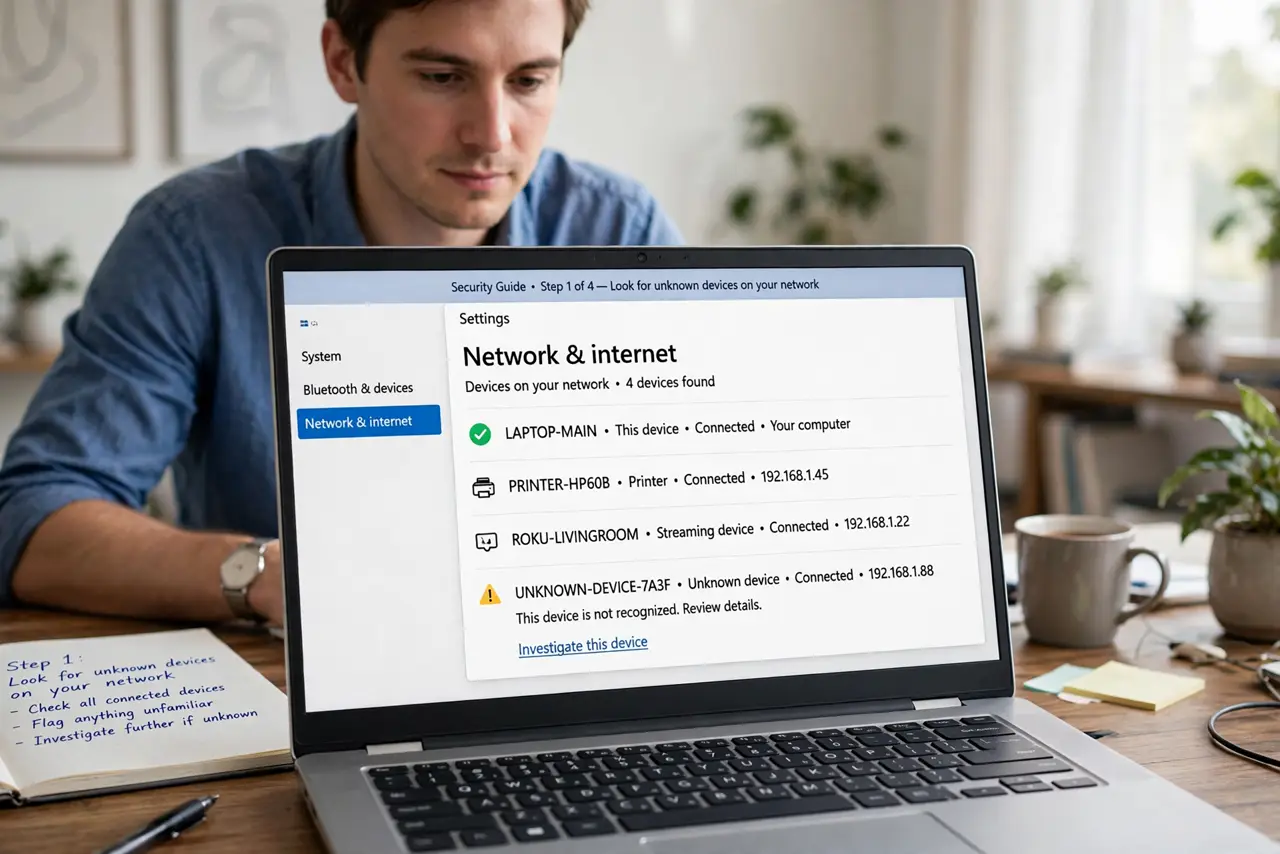
- Look for unknown devices on your network. Open your router's device list — strangers there are the clearest sign of intrusion. Learn how to check who is on your Wi-Fi first.
- Check the DNS settings. Hijacked routers point your DNS at attacker servers to redirect you. If the DNS addresses are ones you never set, that is a smoking gun.
- Watch for browser redirects. Being sent to odd search pages or ad sites on every device points at the router, not the devices — one poisoned router hits everything.
- Notice unexplained slowdowns. A router drafted into a botnet spends your bandwidth on someone else's work. Slowdowns at strange hours fit the pattern.
- Recover with a factory reset. Hold the reset button, then set it up fresh — do NOT restore a backup config, which may carry the compromise. Update firmware during setup.
- Change every password on the router. Admin password, Wi-Fi password, everything. Use strong unique ones — the default credentials are how most routers fall.
What NOT to do
- Do not just reboot and hope. A reboot clears nothing on a compromised router — only a factory reset plus new passwords does.
- Do not restore settings from a backup after reset. Backups can carry the malicious DNS or credentials right back in.
- Do not keep using the default admin password. 'admin/admin' is the open door most attacks walk through.
- Do not ignore one hacked device. If the router was compromised, check your computers too — change important passwords from a clean device.
Frequently asked questions
How do routers get hacked?
Overwhelmingly through default admin passwords and unpatched firmware — often via automated bots scanning the internet, not targeted attacks.
Can my ISP tell if my router is hacked?
Sometimes — they can see botnet traffic patterns. A few ISPs will even notify you. But do not count on it; check yourself.
Should I buy a new router after a hack?
Usually unnecessary — a proper factory reset and firmware update cleans it. Replace it only if the maker no longer issues security updates.