Router Overheating? Cool It Down
The router sits in a closed cabinet, feels hot enough to fry an egg, and the Wi-Fi drops every afternoon. Heat is the silent killer of networking gear: chips throttle, connections flake, and lifespans shrink. Routers need airflow like any computer — and most get none. Here is how to cool yours down.
TL;DR / Quick Fix
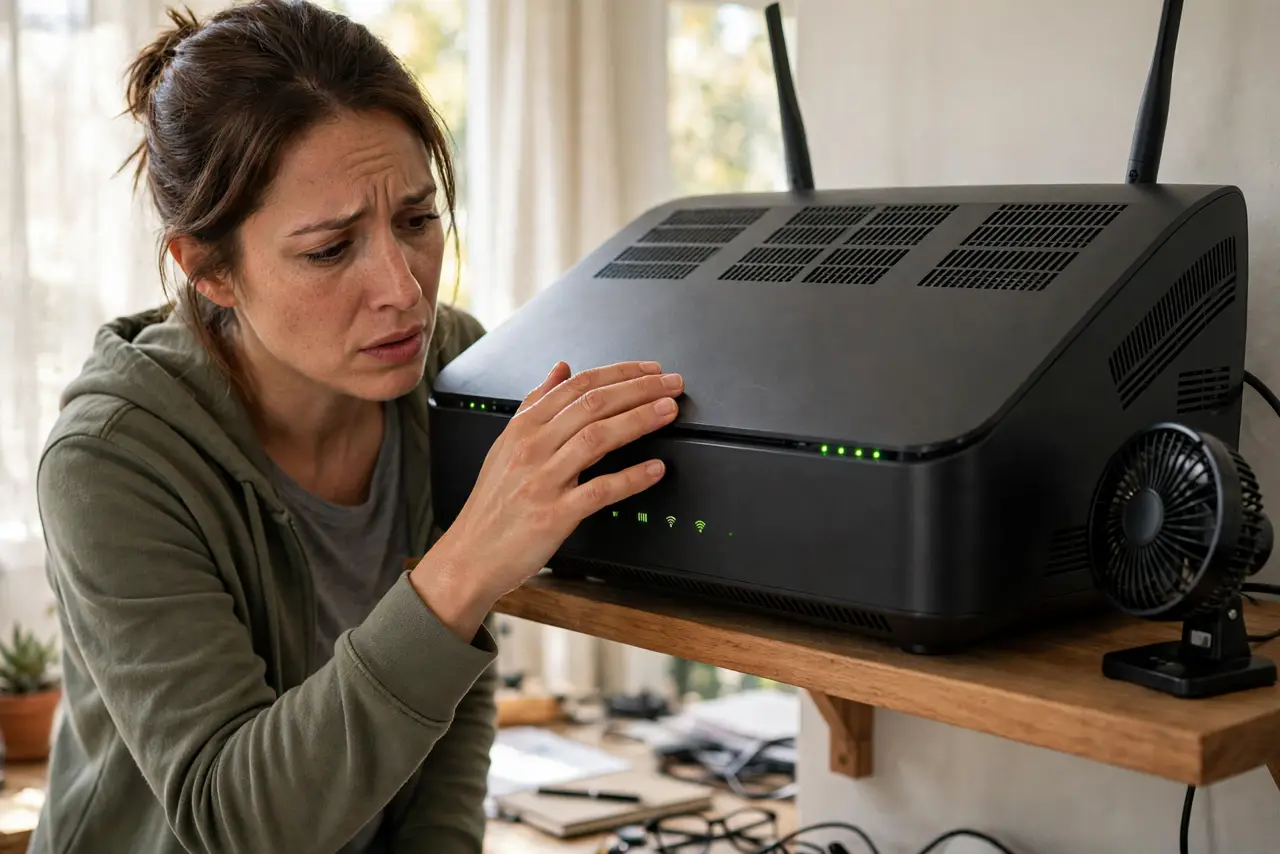
Quick fix: if your router is hot to the touch and problems peak on warm afternoons, heat is the suspect. Move it out of enclosed cabinets into open air and keep vents unblocked. If it still runs hot in the open, its thermal design is failing — plan a replacement.
Follow these steps
- Confirm heat is the pattern. Problems that worsen on hot afternoons and vanish overnight are thermal. Random-at-all-hours problems are something else.
- Free it from the cabinet. Enclosed media cabinets are router ovens. Move it to open air — the single biggest cooling upgrade, and free.
- Unblock every vent. Vents on top and sides need clearance. Do not stack books, boxes, or the game console on the router.
- Orient it as designed. If it has a stand, use it — vertical orientation is part of the thermal design. Laying a stand-up router flat can trap heat.
- Dust it gently. A soft brush or compressed air through the vents restores airflow. Do this powered off, and never poke inside.
- Accept age-related decline. Thermal paste and fans wear out. A five-year-old router that overheats in the open is not fixable with placement — it is replaceable.

What NOT to do
- Do not put the router in the freezer 'to cool it fast.' Condensation kills electronics faster than heat does.
- Do not block vents to 'keep dust out.' Blocked vents cause the overheating you are trying to prevent — dust is the lesser evil.
- Do not ignore a burning smell. An overheating router that smells wrong is a fire risk — unplug it and replace it, don't troubleshoot.
- Do not aim a desk fan as a permanent fix. It treats the symptom; a router that needs active cooling in the open is dying.
Frequently asked questions
How hot is too hot?
Warm is normal; too hot to hold comfortably is not. If you flinch touching it, it needs airflow help.
Can heat really cause disconnects?
Yes — chips throttle and crash when overheated. Afternoon dropouts that clear overnight are the textbook pattern.
Will a cooling pad help?
Marginally. Airflow around the vents matters more than anything underneath — open air beats gadgets.