Place the Router Up High? Why
Wi-Fi signals spread outward and slightly downward from the antennas — so a router on the floor beams half its energy into the carpet and furniture. Elevating it is the cheapest range upgrade that exists: same router, same plan, better coverage, zero cost. Here is why height matters and where exactly to put it.
TL;DR / Quick Fix
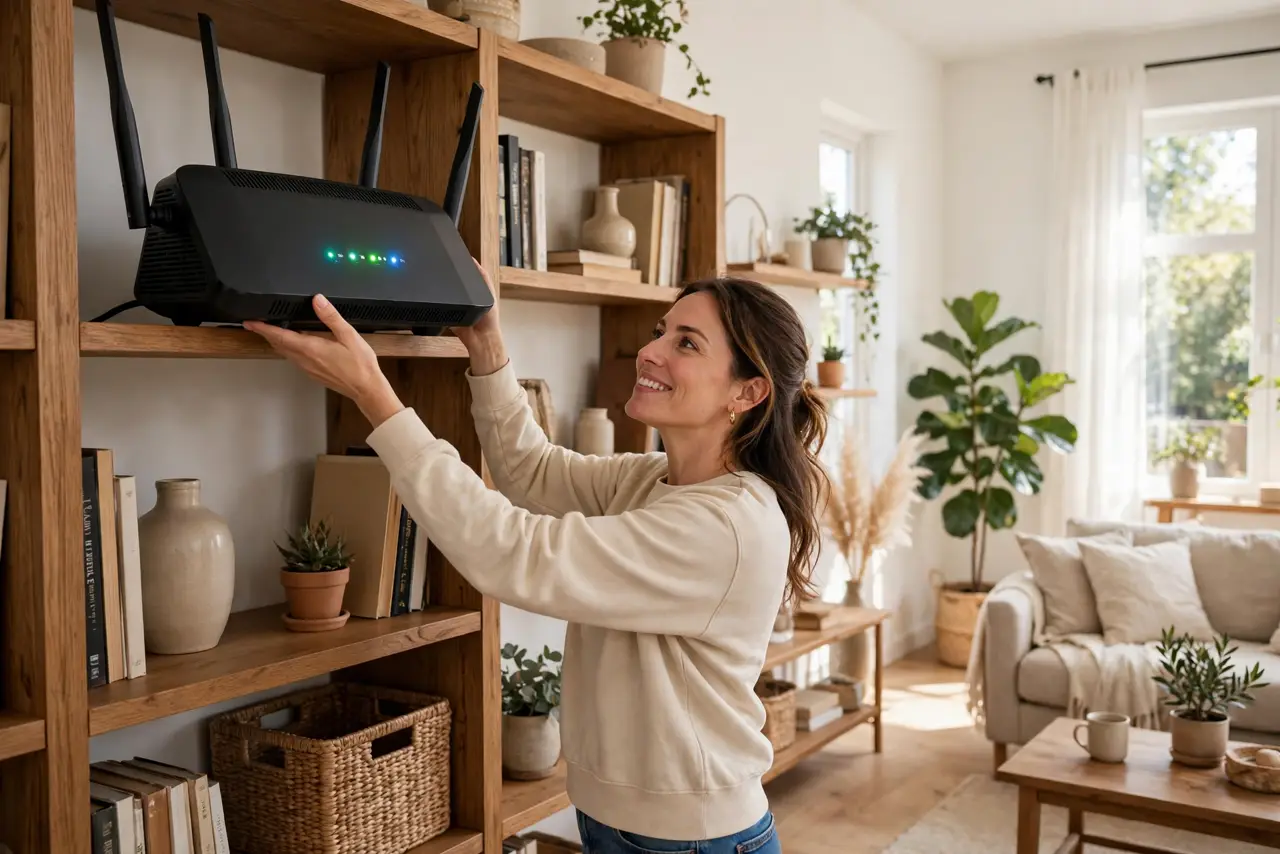
Quick fix: put the router up high — on a shelf or bookcase, roughly chest height or higher — centrally located in your home. Wi-Fi radiates outward and downward, so height clears furniture that absorbs signal. Avoid the floor, closets, and behind the TV.
Follow these steps
- Understand the radiation pattern. Router antennas broadcast like a flattened donut — strong to the sides, weaker straight up and down. Height puts your devices in the strong zone.
- Go central, not cornered. A router in the far corner wastes half its signal on the neighbor's yard. Center of the home, elevated, covers the most rooms.
- Clear the furniture zone. Signals weaken passing through bookshelves, couches, and especially metal. A shelf above furniture height skips most obstacles.
- Keep it away from the floor. Floors — especially concrete — absorb signal. The difference between floor and shelf is often the difference between dead zone and full bars.
- Mind the vertical gap. In a two-story house, a high first-floor placement serves both floors better than a low one. Ceiling-mount is the enthusiast's answer.
- Test before committing. Place it, then walk the house with a speed test. One shelf over can matter — let measurements, not aesthetics, decide.
What NOT to do
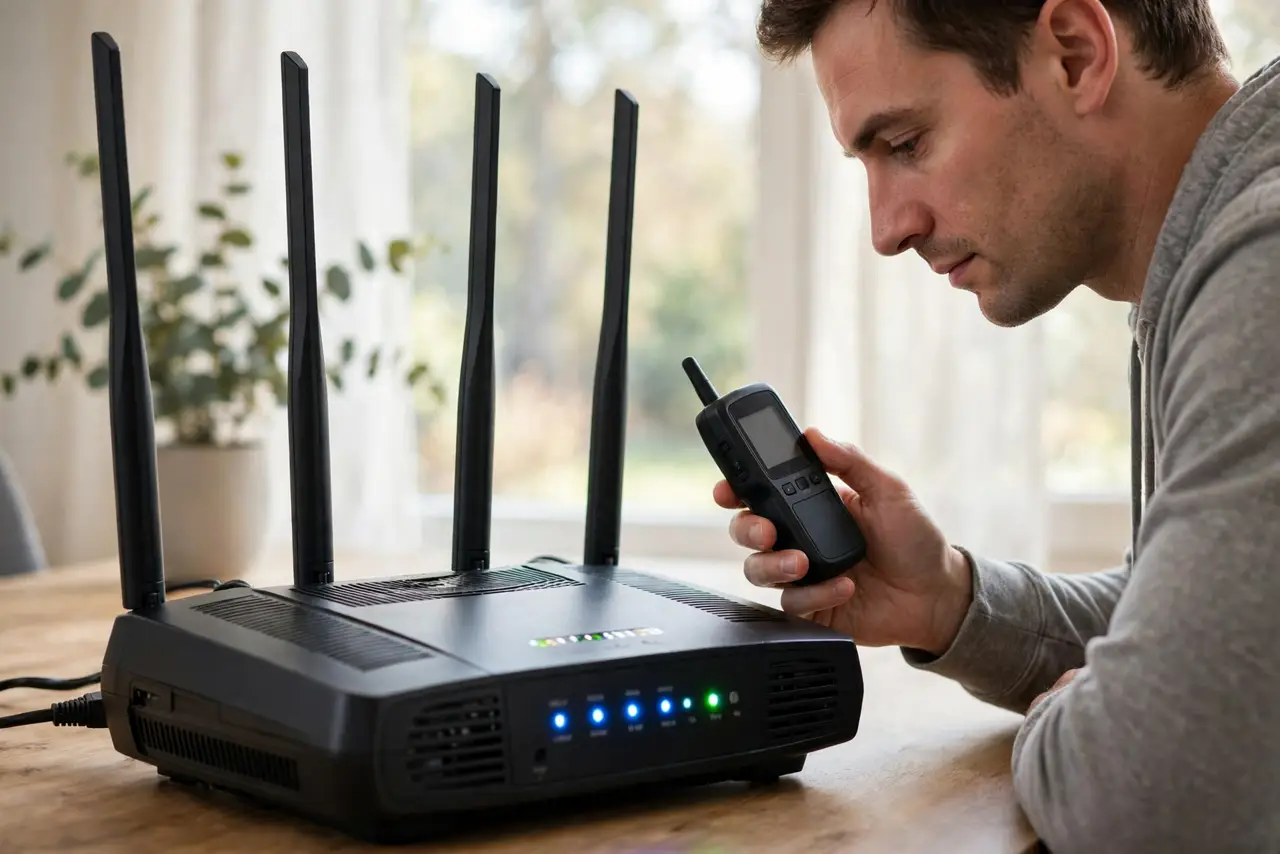
- Do not hide the router in a closet for looks. A closet is a signal coffin — pretty, and terrible at Wi-Fi.
- Do not place it on top of metal. Filing cabinets and metal shelves warp the signal pattern unpredictably.
- Do not put it next to the microwave. Height does not help if a 2.4 GHz jammer sits beside it — see microwave interference.
- Do not expect height to fix a bad plan. Placement optimizes the Wi-Fi you have; it cannot create speed the provider does not send.
Frequently asked questions
How high is high enough?
Chest-to-head height on a shelf is the sweet spot for most homes. Higher helps in multi-story houses; the attic is overkill.
Will height help my backyard coverage?
Somewhat — but an outdoor access point beats any indoor placement trick for real yard coverage.
Is it safe to have it near where I sleep?
Yes. Wi-Fi is non-ionizing radio at tiny power levels — far below any safety concern, whatever the forums claim.