Satellite Latency? Plain Explanation
Satellite internet can show great download numbers yet feel weirdly sluggish — video calls talk over each other, games stutter, pages hesitate before loading. The culprit is latency: the time each bit spends traveling to space and back. Here is why it happens, how much it matters, and which satellite type you have.

TL;DR / Quick Fix
Quick fix: latency is delay, not speed — satellite can show 100 Mbps yet feel laggy because every request travels to orbit and back. Old geostationary satellites mean ~600ms delays; new low-orbit constellations cut that to tens of milliseconds. Check which type you have.
Follow these steps
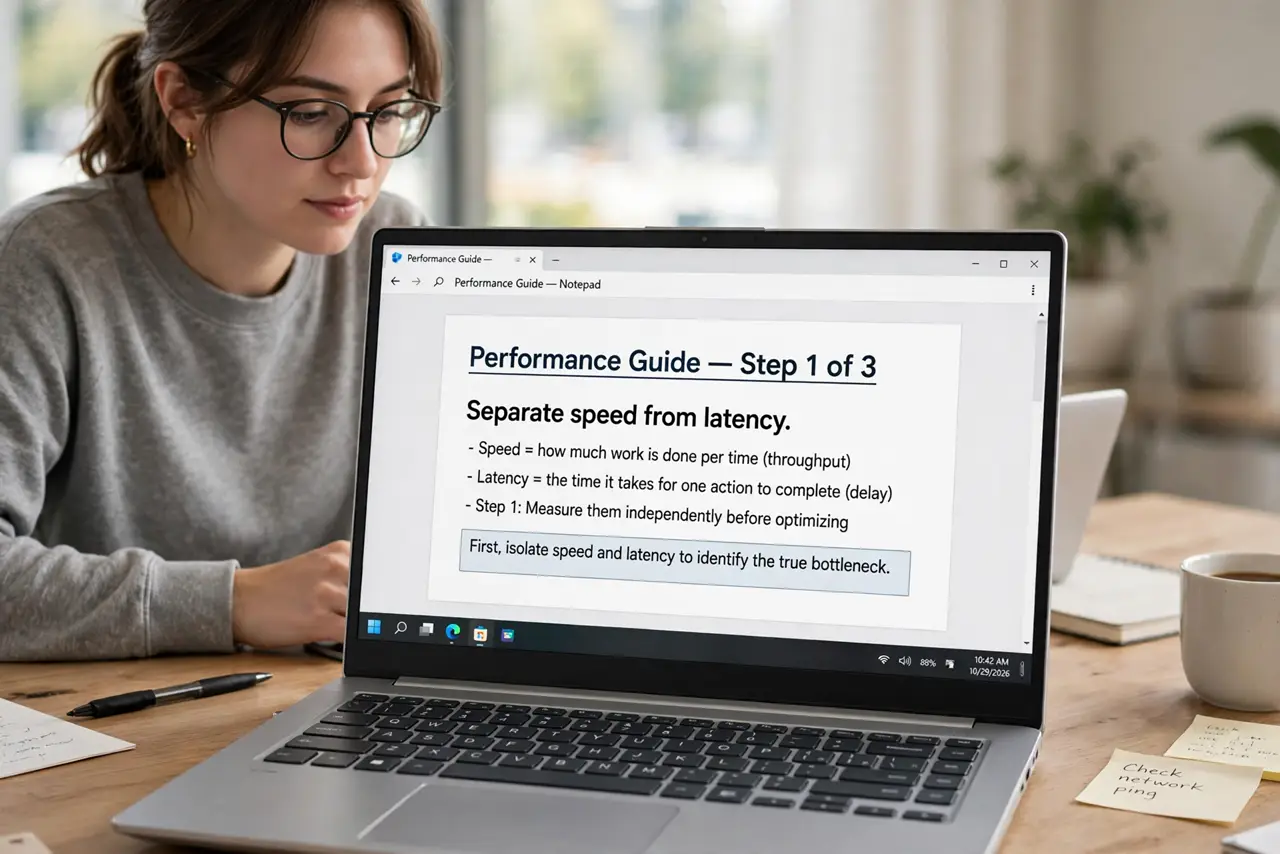
- Separate speed from latency. Speed is how much data per second; latency is how long each trip takes. Satellite can have plenty of speed and still feel laggy — they are different measurements.
- Know your orbit. Geostationary satellites sit 22,000 miles up — physics guarantees ~600ms round trips. Low-orbit constellations fly hundreds of miles up, cutting latency to tens of milliseconds.
- Expect the symptoms. Talking over people on calls, rubber-banding in games, a beat of hesitation before pages start loading. Downloads and streaming, which buffer ahead, mostly hide it.
- Test latency, not just speed. Run a ping test to see the milliseconds. Under 100ms feels fine; 600ms feels broken for anything interactive — see good ping but rubber-banding for the gaming nuance.
- Optimize what you can. Use wired Ethernet to the satellite router, keep video-call quality on auto, and avoid VPNs — every extra hop adds delay on top of the space trip.
- Choose the right tool per task. Satellite is genuinely good for rural streaming and browsing now. For competitive gaming or day-trading, it remains the wrong tool.
What NOT to do
- Do not buy a 'gaming router' to fix satellite lag. No router shortens the trip to orbit — the latency is physics.
- Do not confuse latency with bandwidth. Upgrading to a faster satellite tier does not lower the delay at all.
- Do not game competitively on geostationary satellite. The 600ms delay is unfixable — play turn-based or single-player instead.
- Do not mount the dish where trees will grow into its sky view. Obstructions cause dropouts that feel like latency but are actually signal loss.
Frequently asked questions
Why do video calls suffer but Netflix is fine?
Netflix buffers seconds ahead, hiding delay. Calls are live — every millisecond of latency is felt as awkward pauses and talk-over.
Will latency ever improve on my satellite?
Only by switching to a low-orbit service. Your current satellite's orbit is fixed — no settings change moves it closer.
Is satellite latency dangerous for anything?
For remote surgery or high-frequency trading, yes — those need wired fiber. For normal life, low-orbit latency is merely noticeable.