Upload Speed Matters? When
Your plan boasts 500 Mbps, but video calls freeze and cloud backups crawl. That is because the big number is download speed — how fast things come to you — while upload speed, how fast you send, is often a tenth of it. Some activities barely touch upload; others live or die by it. Here is when it matters and what to do when it is the bottleneck.

TL;DR / Quick Fix
Quick fix: upload speed matters for video calls, live streaming, cloud backups, and sending big files — anything where you push data out. If calls freeze while downloads feel fine, your upload is the bottleneck. Cable and 5G plans often skimp on upload; fiber gives you symmetric speed both ways.
Follow these steps
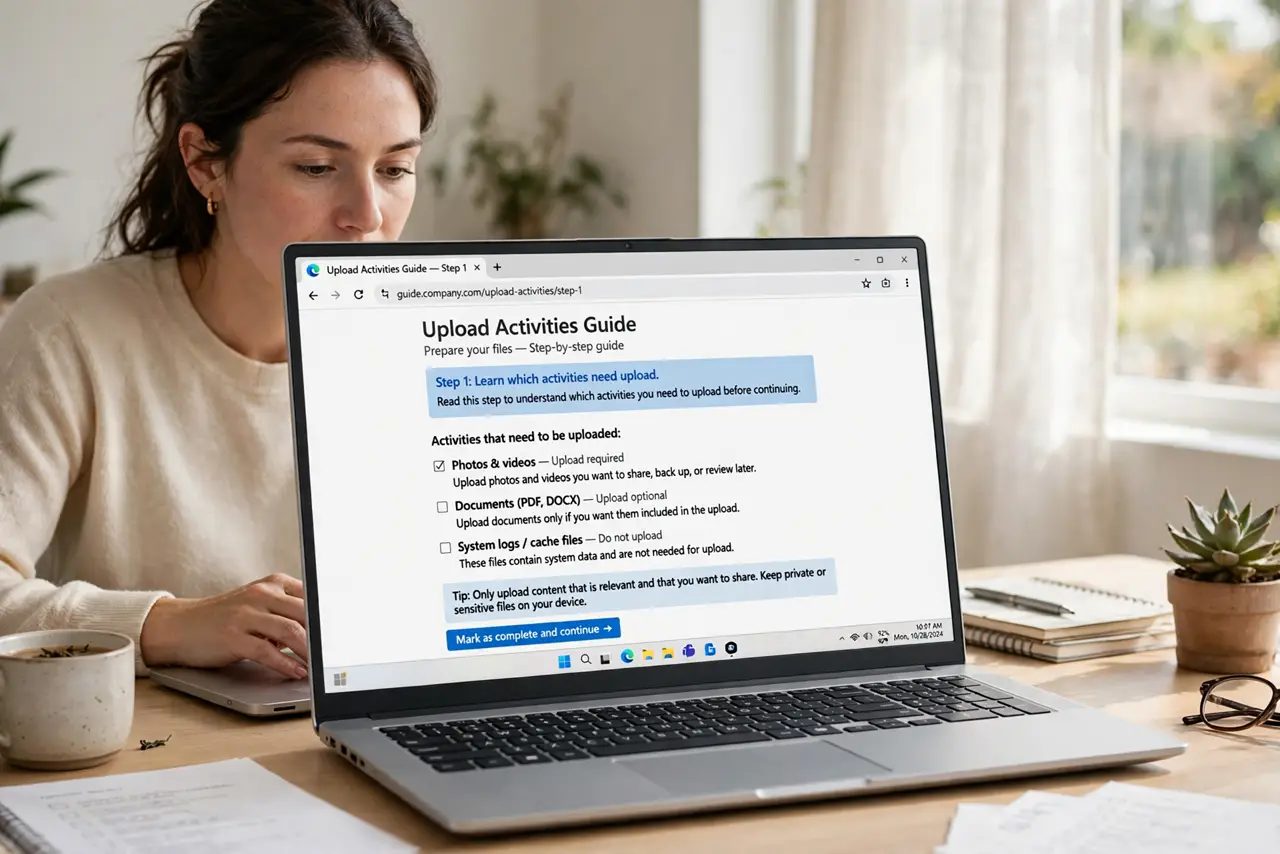
- Learn which activities need upload. Video calls, live streaming, cloud backups, and sending large files all push data outward. Browsing, streaming video, and downloads barely use upload at all.
- Recognize the bottleneck pattern. Downloads feel instant but calls freeze, streams stutter, and backups take days? That is the classic slow-upload signature — the download number on your plan is irrelevant here.
- Test your upload specifically. Run a speed test and read the upload line, not just the headline download. Under 10 Mbps upload will struggle with HD calls plus backups.
- Pause competing uploads. Cloud photo syncs and file backups are upload hogs. Schedule them overnight so your workday calls get the full upload lane.
- Know your plan's real ratio. Cable and 5G home plans often pair fast downloads with slow uploads by design. Fiber plans are usually symmetric — equal both ways.
- Upgrade the right direction. If upload is the problem, ask your ISP about upload tiers specifically — or switch to fiber. Paying for more download will not help.
What NOT to do
- Do not pay for a faster download tier to fix call freezing. More download does nothing for an upload bottleneck.
- Do not run cloud backups at full speed during work hours. Throttle them in the app's settings or schedule them overnight.
- Do not assume the advertised speed is symmetric. 'Up to 500 Mbps' almost always means download — the upload is buried in the fine print.
- Do not livestream on a thin upload and blame the platform. Dropped frames on stream are usually your upload, not their servers.
Frequently asked questions
How much upload do video calls need?
A one-on-one HD call needs only a few megabits up. The trouble starts when calls share that upload with backups, other callers, or streams.
Why is my upload so much slower than download?
Most home technologies were built asymmetric on purpose — networks were designed when everyone consumed far more than they sent. Fiber is the exception.
Will 5G home internet fix my upload?
Sometimes, but 5G upload varies wildly by signal and tower load. Test during your actual usage hours before committing.