What's My IP? How to Check
Tech support asks 'what's your IP?', a game server needs it, or you just want to confirm the VPN is actually working — and you realize you have no idea where to look. Your public IP is what the internet sees; your private IP is what your home network uses. They are different numbers in different places. Here is how to find each in seconds.
TL;DR / Quick Fix
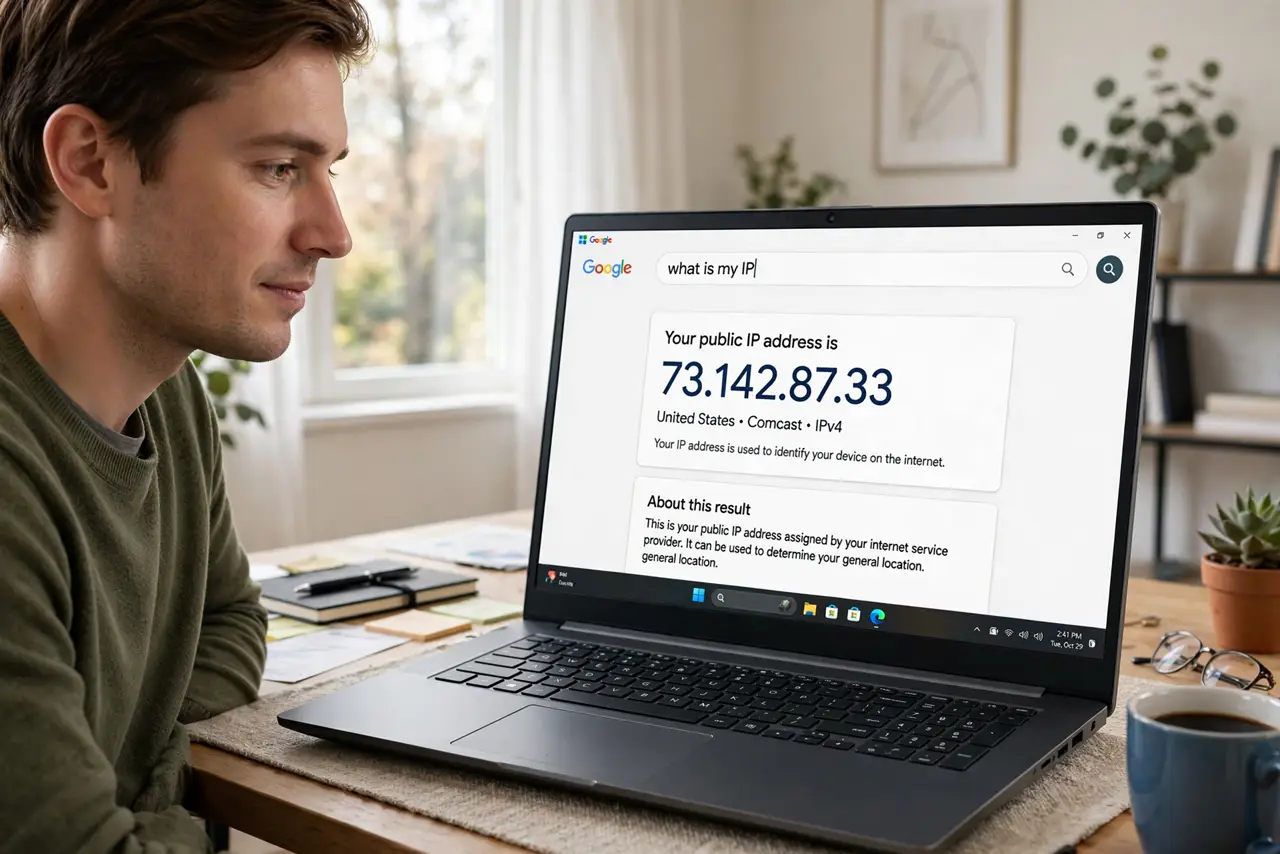
Quick fix: to see your public IP, search 'what is my ip' — the answer appears instantly. For your private home-network IP: on Windows run ipconfig and look for IPv4 Address; on iPhone check Settings, Wi-Fi, the (i) on your network; on Android check Wi-Fi network details.
Follow these steps
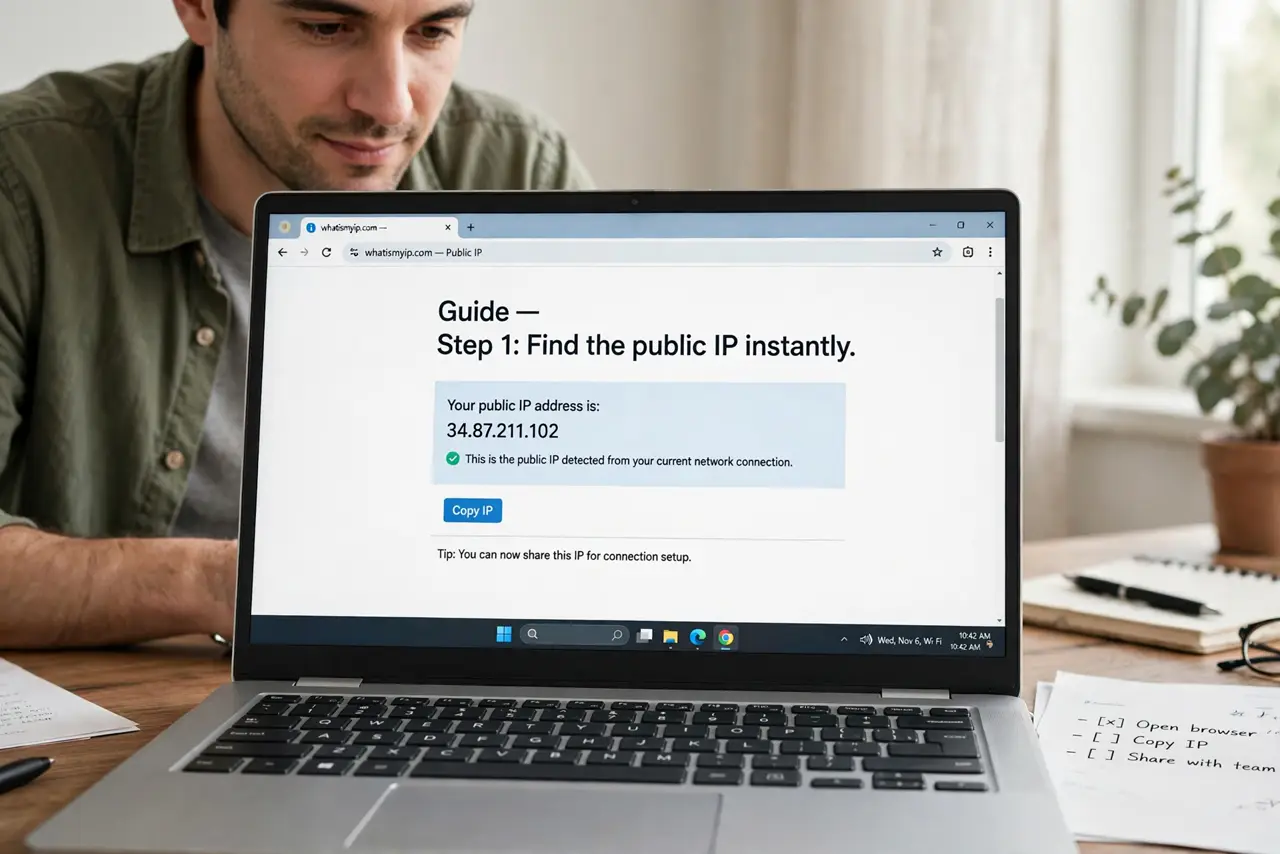
- Find the public IP instantly. Type 'what is my ip' into a search engine. The big number shown is the address the whole internet sees — usually your router's address, shared by the house.
- Find the private IP on Windows. Open Command Prompt, type ipconfig, and read the IPv4 Address under your Wi-Fi or Ethernet adapter — typically 192.168.x.x.
- Find it on iPhone. Settings, Wi-Fi, tap the info (i) next to your connected network — the IP Address field shows your private address.
- Find it on Android. Settings, Network and internet, Wi-Fi, tap the connected network (or its gear) — IP address sits in the network details.
- Understand which one anyone means. Support asking for 'your IP' almost always means the public one. Port forwarding and local sharing mean the private one — mixing them up wastes everyone's time.
- Check what a VPN changes. With a VPN on, the public IP becomes the VPN server's — that is how you verify the VPN is actually working.
What NOT to do
- Do not post your public IP publicly. It reveals your provider and rough location — share it only with support or people you trust.
- Do not confuse public and private IPs. Giving support your 192.168.x.x tells them nothing about your internet connection.
- Do not panic if the IP changes. Most home connections get dynamic IPs that rotate — changing is normal, not a hack.
- Do not pay for a 'static IP check' tool. The search-engine method is free, instant, and accurate.
Frequently asked questions
Why do I have two different IPs?
The public IP faces the internet; the private IP faces your home network. Your router translates between them — normal for every household.
Can someone find my house from my IP?
Roughly the city, not the street. IP geolocation is imprecise — see IP location wrong for why it is often off.
Does incognito mode hide my IP?
No — incognito only hides local history. Your IP is visible to sites regardless; only a VPN changes what they see.