Where to Put a Wi-Fi Extender
You bought a Wi-Fi extender, plugged it in next to the dead zone — and nothing improved. That is the classic extender mistake: it can only repeat the signal it receives, so parking it in the dead zone just rebroadcasts garbage. Placement is everything. Here is the halfway rule that actually works.
TL;DR / Quick Fix
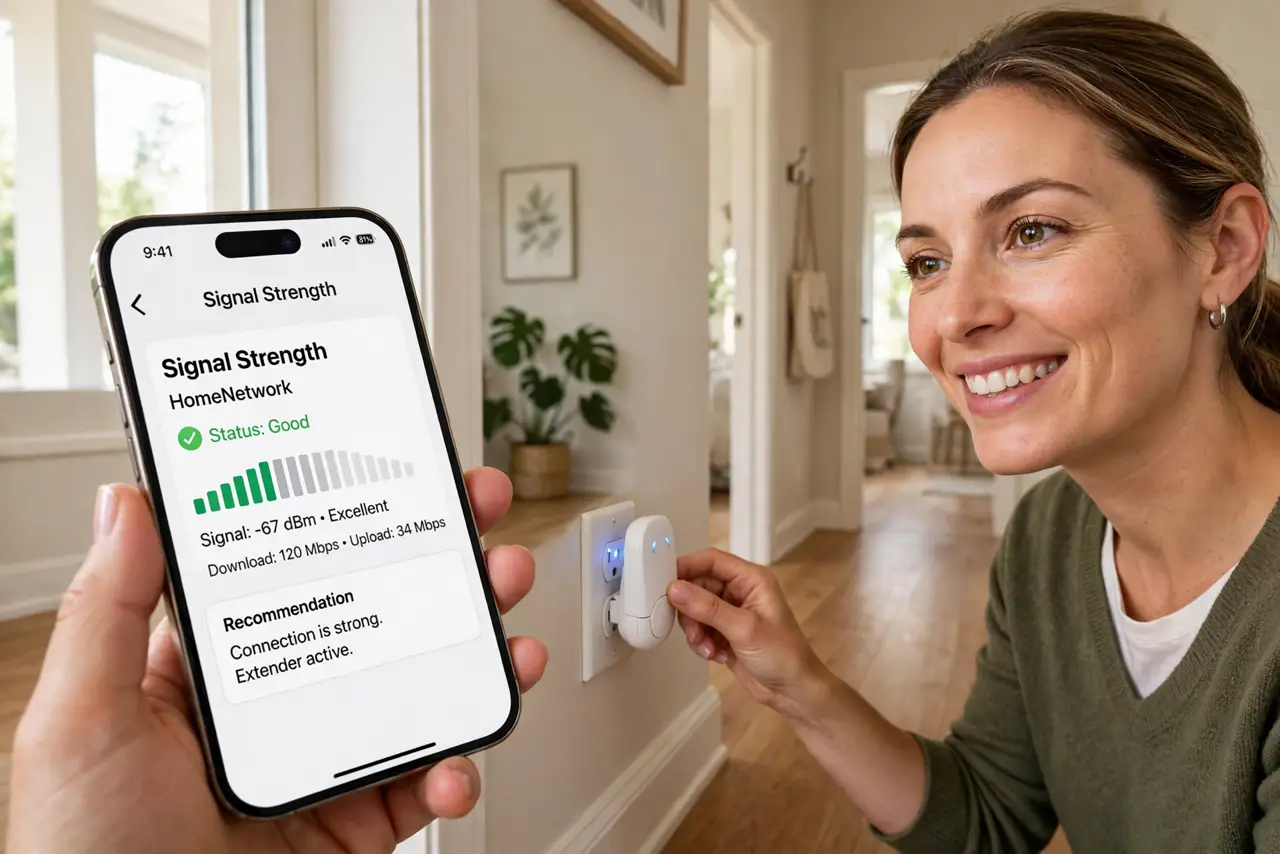
Quick fix: place the extender halfway between your router and the dead zone — close enough to the router for a strong signal, close enough to the dead zone to serve it. Use your phone's signal bars to find the sweet spot. An extender inside the dead zone repeats weakness.
Follow these steps
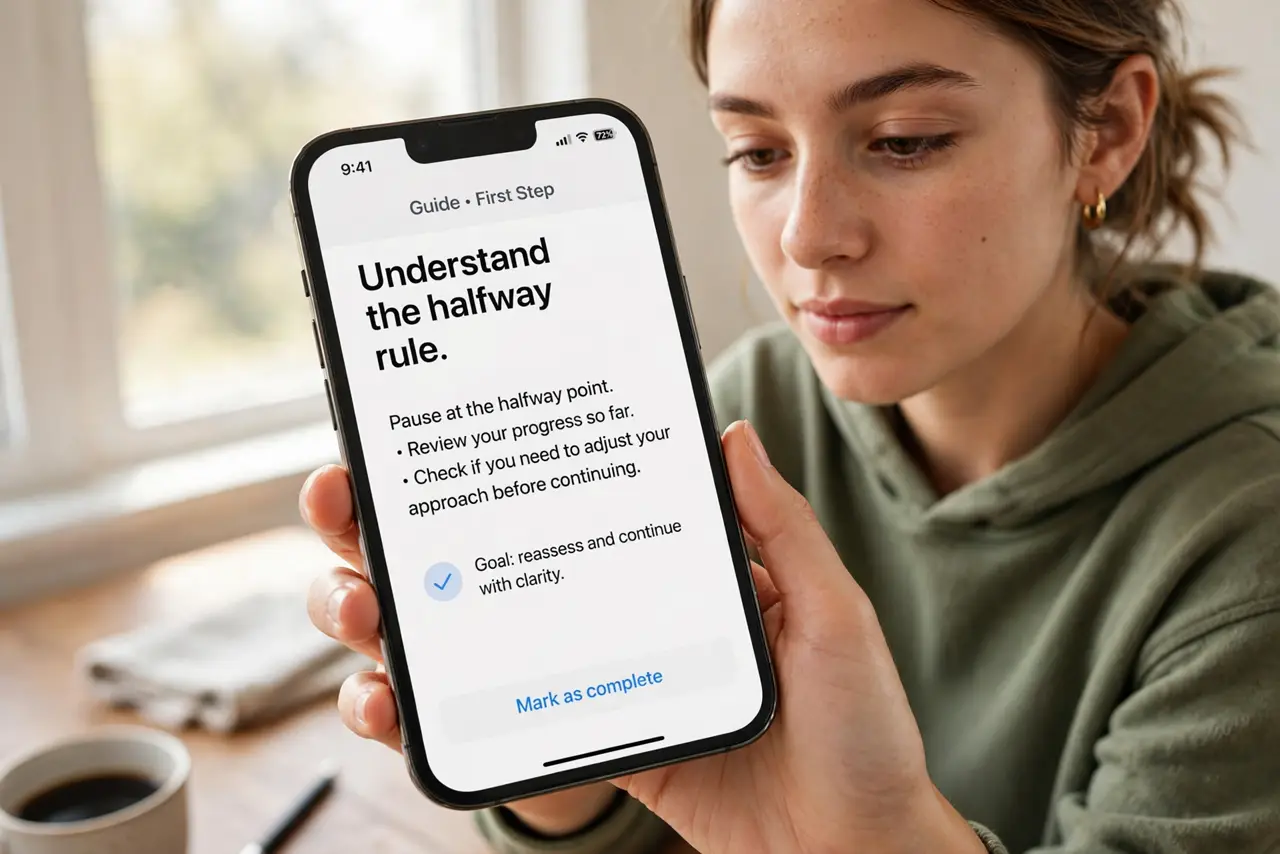
- Understand the halfway rule. An extender repeats what it hears. Put it where the router's signal is still strong — about halfway to the dead zone — and it rebroadcasts strength. In the dead zone, it rebroadcasts weakness.
- Use your phone as a signal meter. Walk from the router toward the dead zone watching Wi-Fi bars or a signal app. Where the signal drops to two bars is roughly your extender spot.
- Plug it into a clear hallway outlet. Hallways carry signal between rooms well. Avoid outlets behind furniture, inside cabinets, or near microwaves and baby monitors.
- Match the network names thoughtfully. Some extenders create a '_EXT' network you must join manually; others mirror the main name. Mirrored names roam smoother but can confuse older devices — test both.
- Test speed at the far end. After setup, run a speed test in the dead zone. Expect roughly half the router's speed — extenders split their radio between talking to the router and to you.
- Consider an access point instead. A wired access point in the far room beats any extender. If you can run one ethernet cable, do that instead of extending wirelessly.
What NOT to do
- Do not plug the extender into the dead zone. This is the number-one extender mistake — it can only repeat what it receives.
- Do not daisy-chain two extenders. Each hop halves the speed again; two hops leave you with a quarter of nothing.
- Do not expect extender miracles through thick walls. Concrete, brick, and plaster laugh at extenders — reposition the router first.
- Do not hide the extender behind the TV. TVs are signal-killing slabs of metal and glass; the extender needs open air.
Frequently asked questions
Why is the extended network slower?
The extender uses one radio to talk to the router and to your device, splitting its time. Half speed is normal physics, not a defect.
Extender vs mesh — which is better?
Mesh nodes coordinate as one system and usually outperform extenders. An extender is the budget fix; mesh is the proper fix.
Can I use an old router as an extender?
Often yes, in access-point or repeater mode — and a wired old router beats a wireless extender. Check its manual for the mode.