iPhone Bluetooth Car Audio Drops? Stabilize Audio
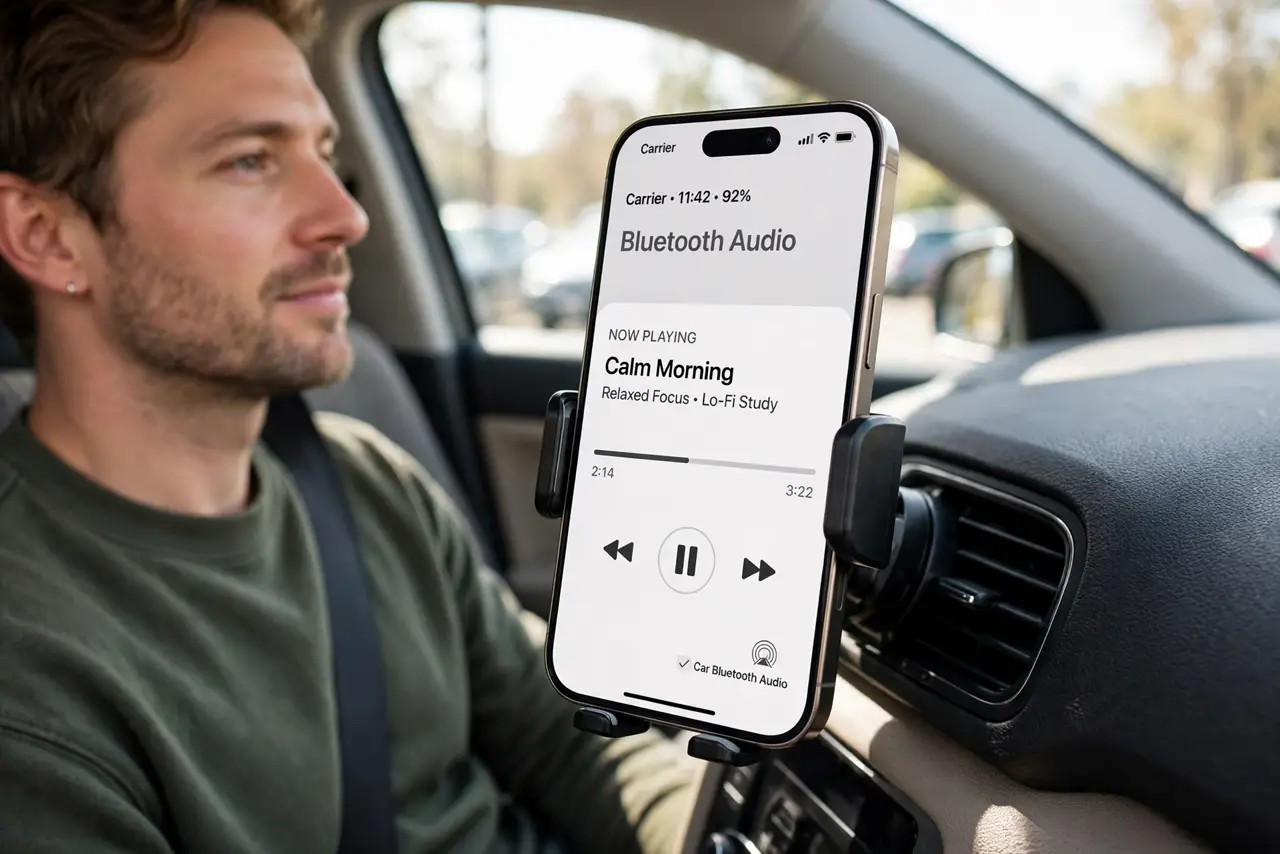
Car Bluetooth audio drops, stutters, or cuts out, especially on longer drives. Pairing glitches, distance, and competing connections usually cause it. Re-pair cleanly, keep the phone near the car system, and check the car source.
TL;DR / Quick Fix
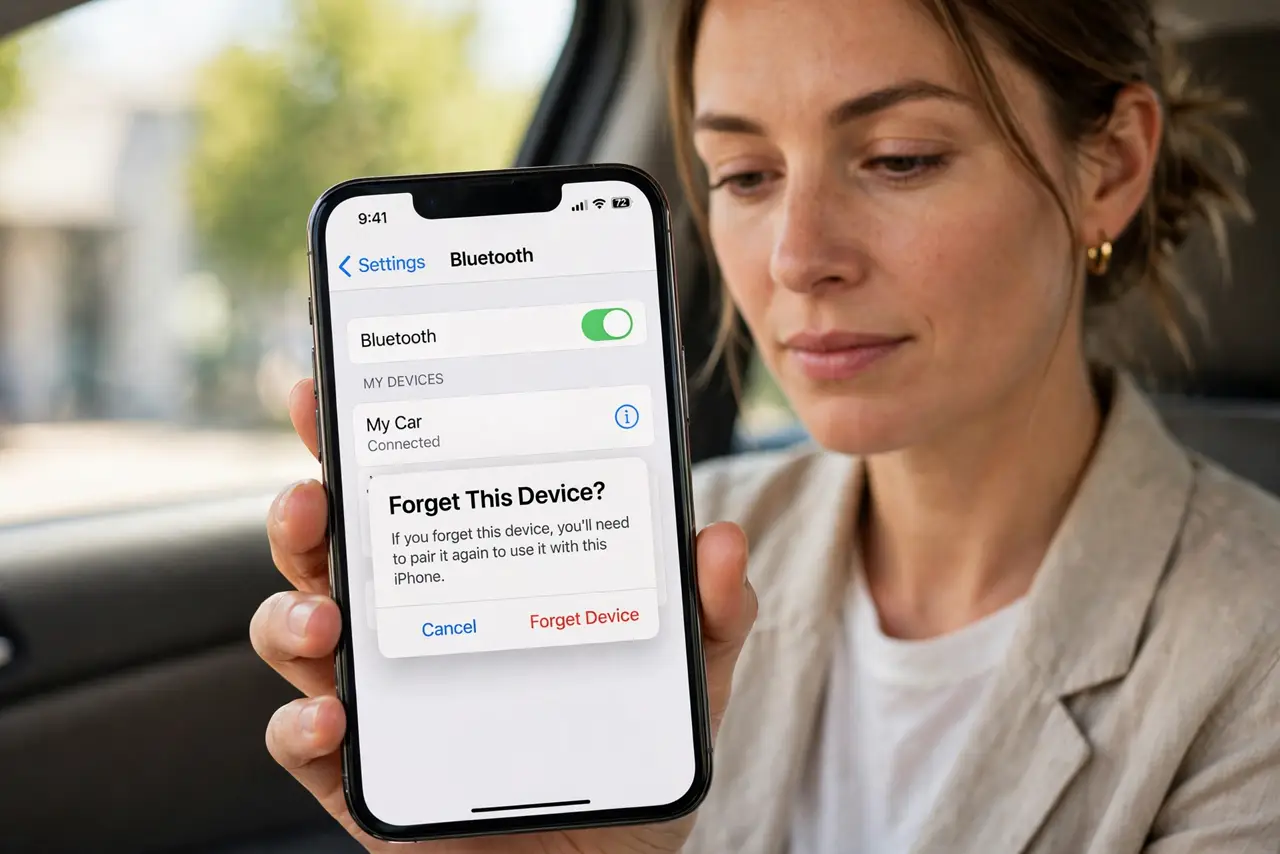
Quick fix: forget the car in iPhone Bluetooth settings, restart the iPhone, then pair the car again from scratch. Keep the iPhone in the car cabin, not in a bag in the trunk, during testing. Then test the fix for a full day before changing anything else.
Follow these steps
- Forget and re-pair the car. Open Settings, then Bluetooth, tap the car, then Forget This Device. Restart the iPhone, then pair the car again as a new device.
- Keep the iPhone close. Place the iPhone in the cabin, near the dashboard or console, during testing. Distance and metal barriers weaken Bluetooth and cause drops.
- Check the car audio source. On the car screen, confirm Bluetooth is the selected source, not radio or USB. A car that switches sources will seem to drop audio.
- Disconnect other Bluetooth devices. Disconnect watches, earbuds, or other paired devices during a test drive. Competing connections can interrupt car audio.
- Test with downloaded audio. Play downloaded music instead of streaming for a test. If downloaded audio holds steady, mobile signal, not Bluetooth, may be dropping the stream.
- Update iPhone and car system. Install pending iPhone updates, and check the car maker guidance for system updates. Updates often fix Bluetooth stability bugs.
What NOT to do
- Do not keep re-pairing every few minutes without testing. One clean re-pair plus a test drive tells you more than repeated pairing attempts.
- Do not leave the iPhone in the trunk during testing. Distance alone can cause drops that look like a Bluetooth fault.
- Do not stream over weak mobile signal and blame Bluetooth. Test downloaded audio first to separate signal drops from Bluetooth drops.
- Do not ignore the car source setting. A car set to the wrong source will not play Bluetooth audio steadily, whatever the phone does.
Frequently asked questions
Why does car Bluetooth drop?
Usually pairing glitches, distance, competing devices, or weak streaming signal. Re-pairing and testing downloaded audio narrows it down.
Should I forget the car or just reconnect?
Forget and re-pair cleanly. A fresh pairing clears stuck pairing state that a simple reconnect leaves in place.
What if audio drops only on calls, not music?
Calls use a different Bluetooth profile. Check car call audio settings and test a call separately from music.