iPhone Camera Focuses on Background? Fix It
Every photo focuses on the background while your subject stays soft. The camera focuses on the highest-contrast area it finds, and if you never tap the subject, it guesses. The portrait version is Portrait Mode blurring the wrong part, but the tap-to-focus fix is the same.

TL;DR / Quick Fix
Quick fix: tap the subject, press and hold to lock focus, clean the lens, use good light, keep the subject still, and restart Camera if focus sticks. If it still fails after these steps, note exactly when it happens, since that pattern reveals the cause.
Follow these steps
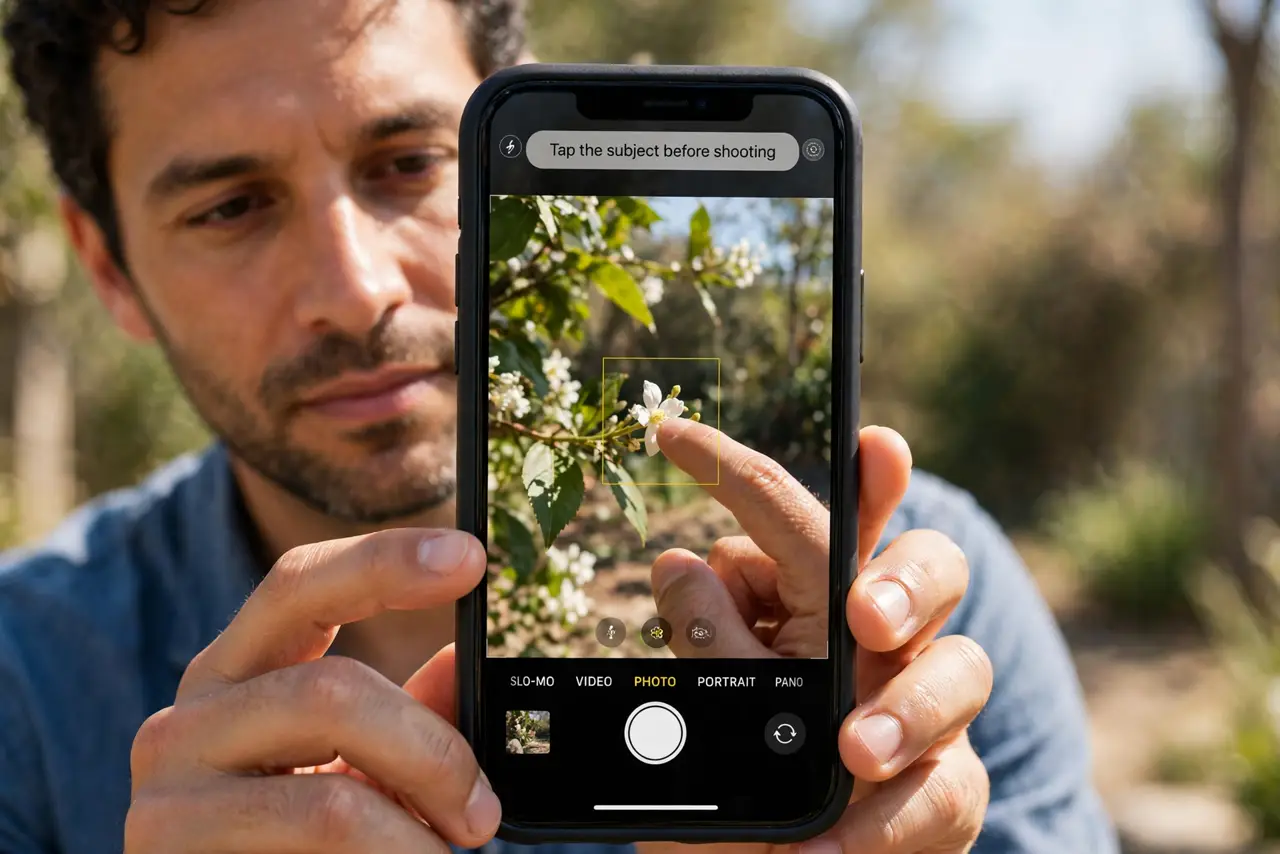
- Tap the subject before shooting. Tap the person or object you want sharp. Tapping overrides the camera's guess and focuses exactly where you tapped.
- Press and hold to lock focus. Press and hold the subject until AE/AF Lock appears. Locking stops the camera from refocusing on the background when you recompose.
- Clean the lens. Wipe the camera lenses with a soft, dry cloth. A smudged lens softens the subject and lets the background win the focus guess.
- Use good, even light. Shoot in bright, even light. Low light makes focus hunt, and the camera often settles on the brighter background instead.
- Keep the subject still and close enough. Ask the subject to hold still, and stand close enough for the camera to separate them from the background. A distant, moving subject loses focus easily.
- Force-close Camera and retry. Swipe Camera away in the app switcher and reopen it. A stuck focus state after a long session sometimes needs a fresh launch.
What NOT to do
- Do not shoot without tapping the subject. The camera guesses focus, and the background often wins that guess.
- Do not use digital zoom to fix soft focus. Zooming magnifies softness, so move closer instead.
- Do not ignore a dirty lens. A fingerprint is the simplest cause of soft subjects, and it takes seconds to fix.
- Do not assume the camera is broken after one soft photo. Tap, lock, clean, and relight first, since those fix most cases.
Frequently asked questions
Why does my camera focus on the background?
Because you did not tap the subject, and the camera guessed. Tap the subject to override the guess.
What does AE/AF Lock do?
It locks exposure and focus on the tapped spot, so recomposing does not shift focus to the background.
Why is focus worse in low light?
Because the camera struggles to find contrast. Better light gives it a sharper target to lock onto.