iPhone CarPlay Maps Freezes? Fix It
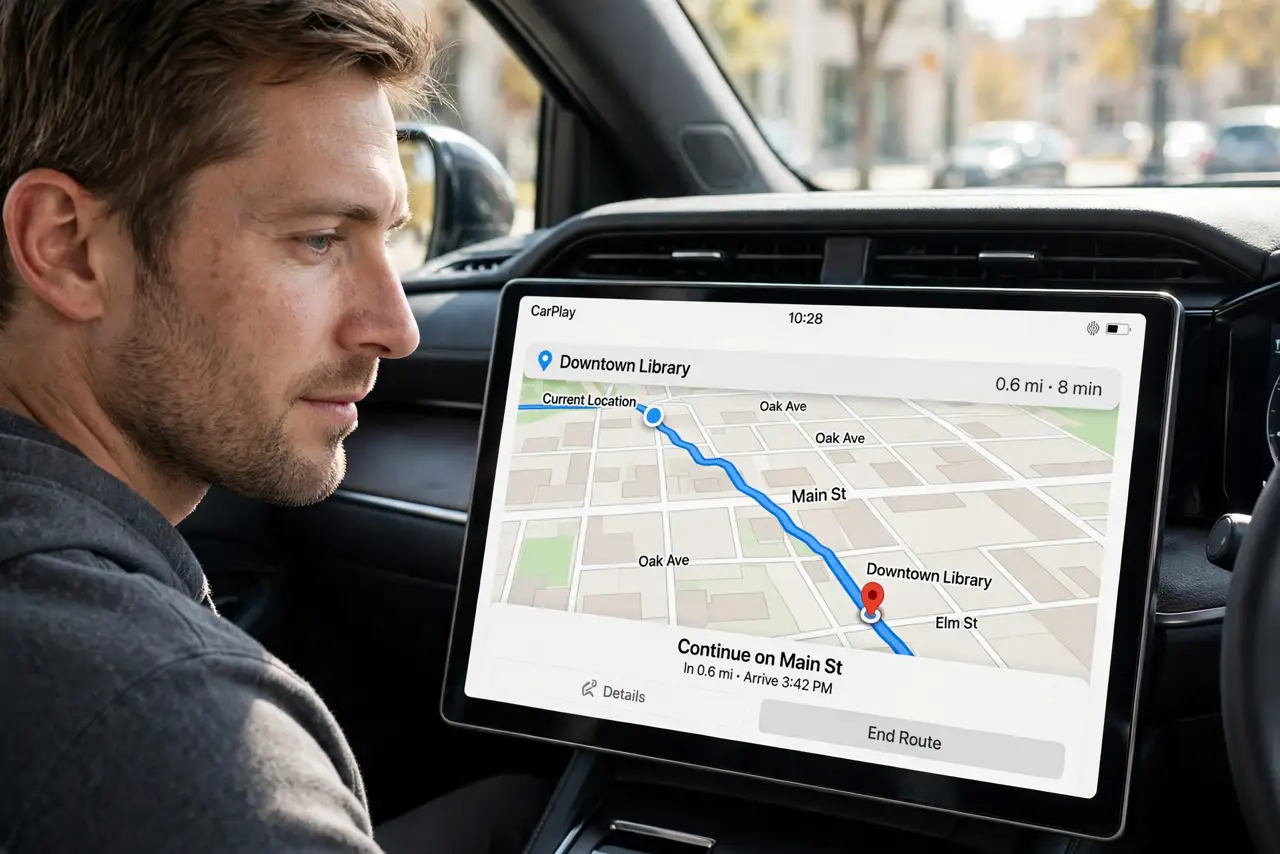
CarPlay Maps freezes mid-route while music keeps playing. A frozen map is usually a location, signal, or app problem, not a broken car display. The black-screen twin is CarPlay showing a black screen, which is the display failing instead of the map.
TL;DR / Quick Fix
Quick fix: check GPS signal outdoors, allow Maps location While Using, force-close and reopen Maps, check the cable, restart phone and car, and update iOS. If it still fails after these steps, note exactly when it happens, since that pattern usually reveals the real cause.
Follow these steps
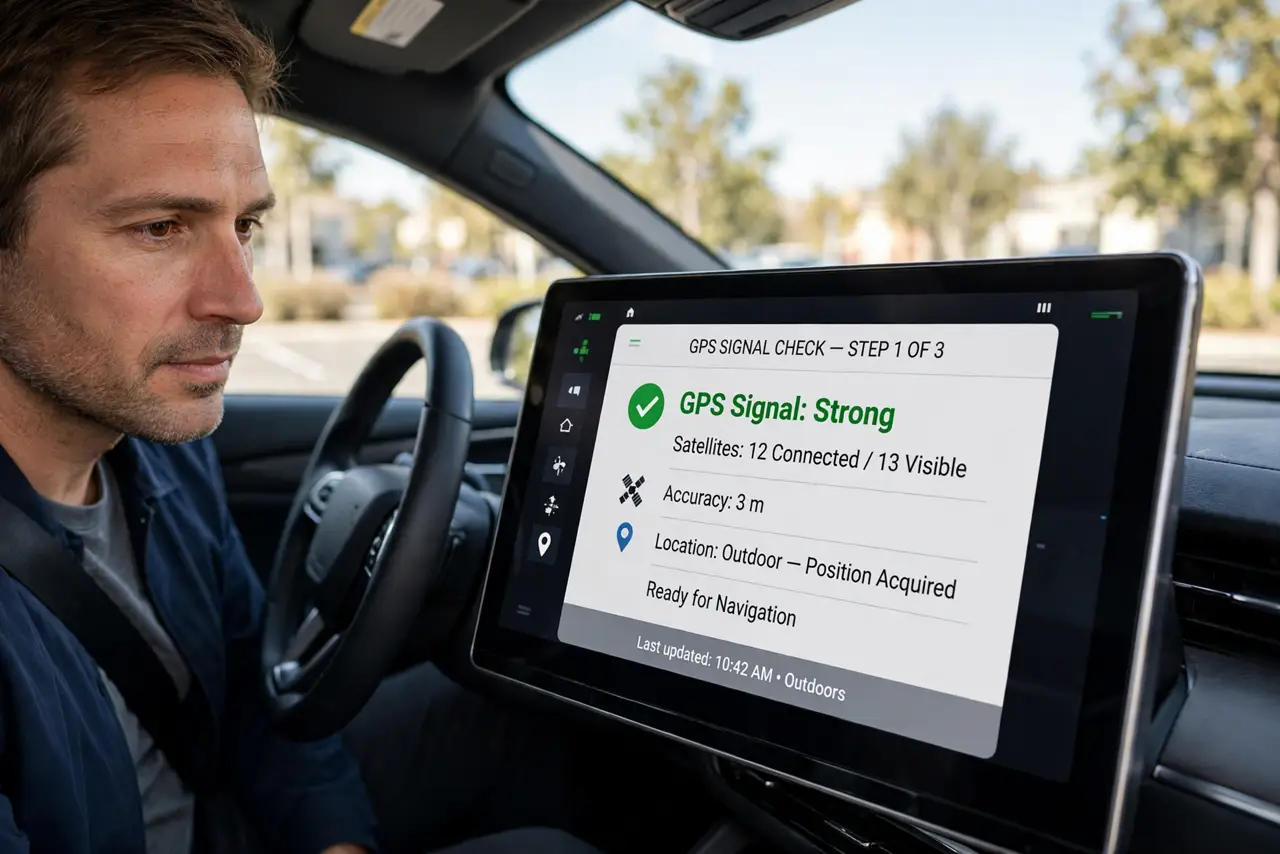
- Check GPS signal outdoors. Drive or park where GPS has a clear sky view. Maps freezes when GPS is weak, especially in garages, tunnels, and between tall buildings.
- Allow Maps location While Using. Open Settings, then Privacy and Security, then Location Services, then Maps, and choose While Using the App with Precise Location on.
- Force-close and reopen Maps. On the phone, swipe Maps away in the app switcher and reopen it. A stuck Maps session freezes the CarPlay view even when the phone seems fine.
- Check the cable and connection. Reseat the cable in the CarPlay port, or rejoin wireless CarPlay if you use it. A loose cable or dropped wireless link freezes the map first.
- Restart the phone and the car system. Restart the iPhone, then turn the car off and on. A restart clears a stuck CarPlay and location state on either side.
- Update iOS and Maps data. Open Settings, then General, then Software Update, and install any update. Map and CarPlay bugs are common update fixes, and fresh map data helps routing.
What NOT to do
- Do not keep driving with a frozen map and guessing turns. Pull over safely before troubleshooting navigation.
- Do not turn off Precise Location for Maps. Approximate location makes freezing and jumping worse, not better.
- Do not assume the car display is broken when only Maps freezes. If music and other apps work, the display is fine and Maps is the problem.
- Do not reinstall Maps as a first step. Location, cable, and restart fixes solve most freezes without reinstalling.
Frequently asked questions
Why does Maps freeze but music keeps playing?
Because Maps depends on GPS and location, while music does not. A GPS or app stall freezes only the map.
Does wireless CarPlay freeze more than wired?
It can, since wireless links drop more easily. Try a cable to test whether the link is the cause.
Will an update fix a frozen map?
Sometimes. Map and CarPlay bugs are fixed in updates, so check for one after the other steps.