iPhone Only Charges to 80%? It's Optimized
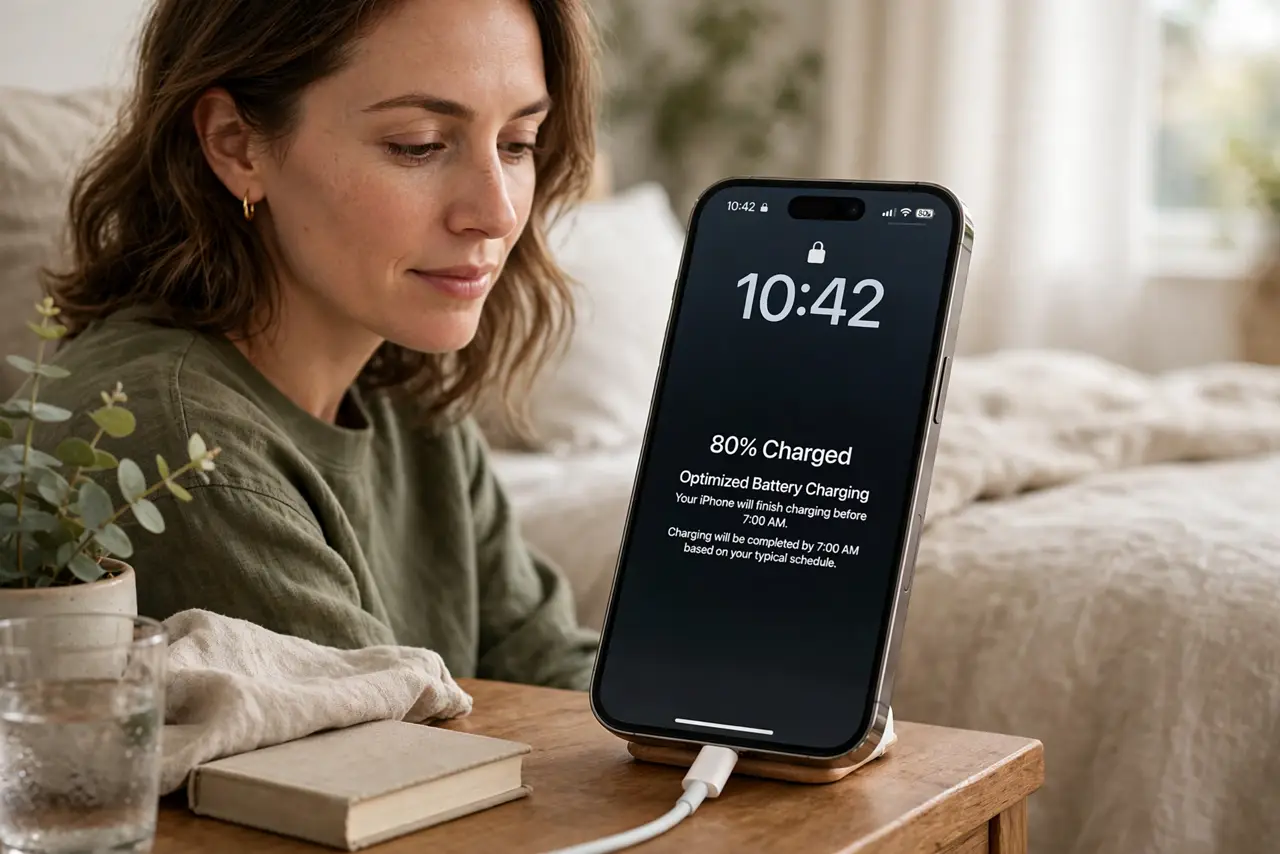
Your iPhone stops at 80 percent and will not go further, even on the charger all night. That is almost always Optimized Battery Charging doing its job — it learns your routine and waits to finish. This guide shows how to tell the feature apart from a real charging fault, and how the 80 percent limit differs.
TL;DR / Quick Fix
Quick fix: an iPhone stopping at 80 percent is usually Optimized Battery Charging, which finishes before you wake. Wait until morning, or turn the feature off in Battery settings if you need full charge now. If it still never passes 80, try a different cable and adapter.
Follow these steps
- Check for the optimized charging notice. On the lock screen or in Battery settings, look for a message saying charging is on hold. That message means the phone chose to wait — it is not broken.
- Wait for your usual unplug time. The feature learns when you normally unplug and finishes the last 20 percent just before. If morning brings 100 percent, everything is working as designed.
- Charge past it once when needed. Tap and hold the notification, or use the 'Charge to full now' option, when you need a full battery early. You do not have to disable the feature for one early morning.
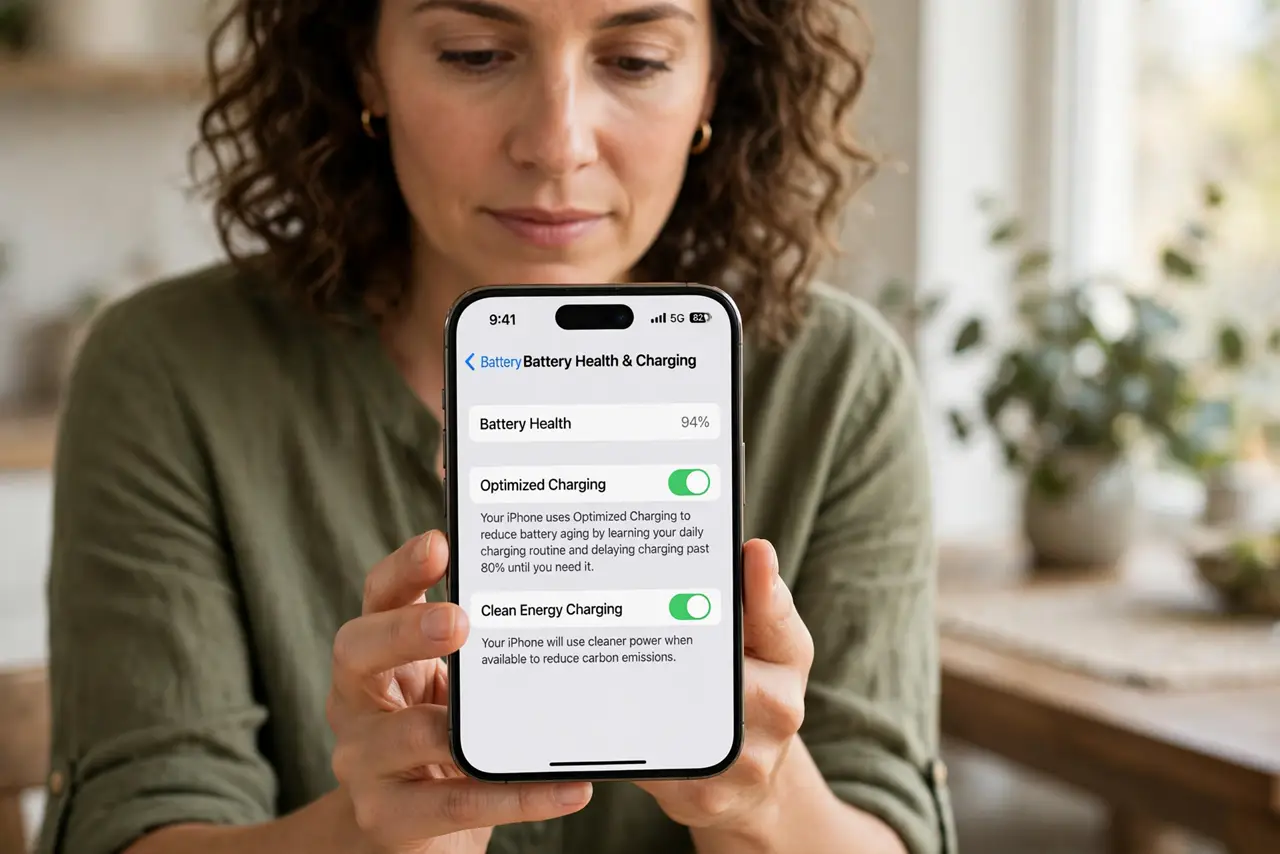
- Turn it off only if it misfires. In Settings, Battery, Battery Health, you can disable Optimized Battery Charging. Do this only if it consistently guesses your schedule wrong.
- Rule out heat as the real stopper. A hot phone also pauses charging around 80 percent to protect the battery. If the phone feels warm, cool it down — an overheating phone limits charging by design.
- Test with another cable and adapter. If it never exceeds 80 with the feature off and the phone cool, swap the cable and adapter. A weak or damaged charger can stall charging at the same point.
What NOT to do
- Do not assume the battery is dying. An 80 percent stop with a healthy battery is a feature, not a failure.
- Do not leave optimized charging off forever 'just in case.' It measurably slows battery aging over the years.
- Do not force-charge a hot phone. Heat plus charging accelerates wear, so let it cool first.
- Do not buy a new battery over this alone. Check the setting and the heat first — both are free fixes.
Frequently asked questions
Why does my iPhone only charge to 80%?
Almost always Optimized Battery Charging, which pauses at 80 and finishes before your usual wake time to reduce battery aging.
Can I make it charge to 100% right now?
Yes — use the 'Charge to full now' option on the notification, or temporarily disable optimized charging in Battery settings.
Is it bad to always charge to 100%?
Not terrible, but staying at full charge ages the battery faster. The 80 percent pause exists to slow that down.