Edit Cinematic Mode Video
Cinematic mode films with a shallow depth of field — and then lets you redirect focus after the fact, like a film editor. The camera focused on the wrong person? Tap them in the edit and the focus rack moves. Here is how to re-cut focus, adjust the blur, and export the result.
TL;DR / Quick Fix
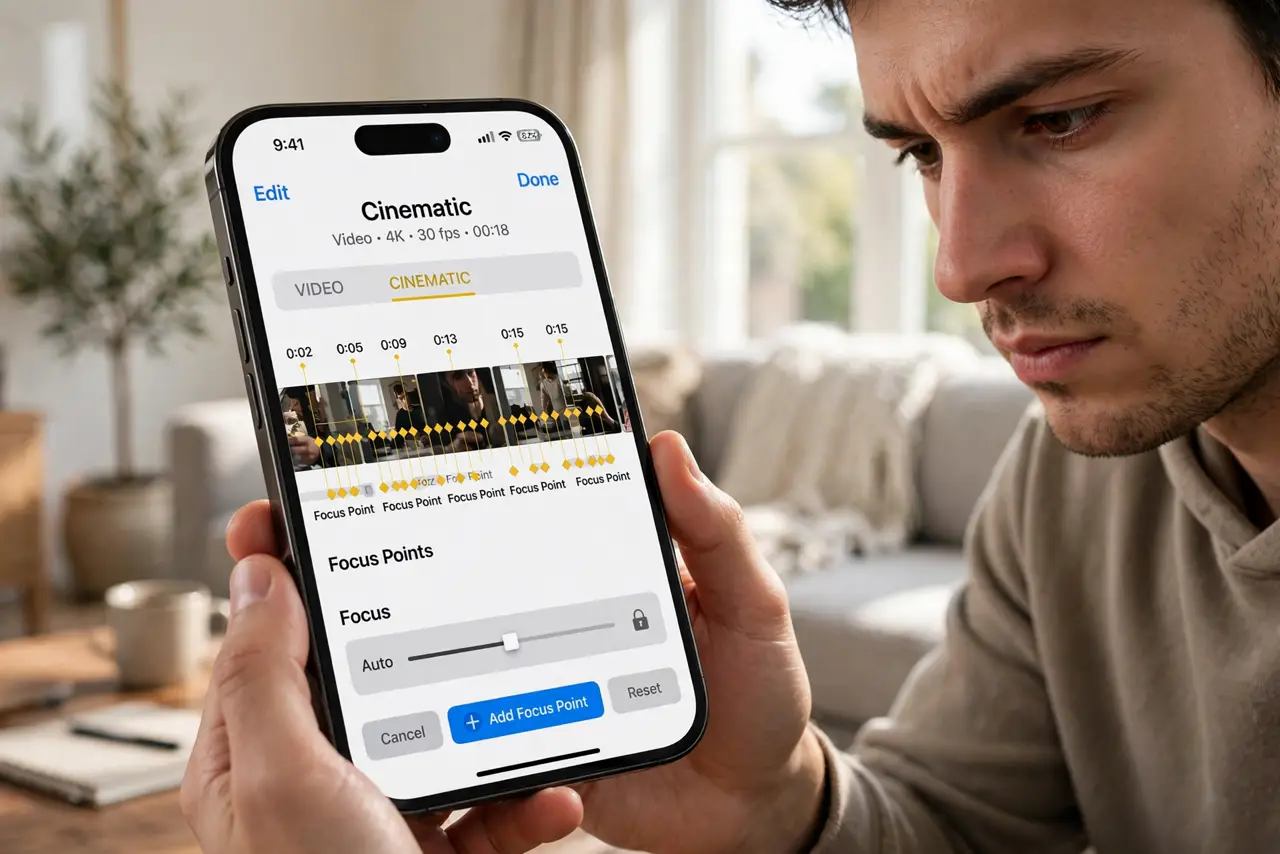
Quick fix: open the Cinematic video, tap Edit, and tap a face or object to move focus there — a yellow box marks your pick. Drag the depth slider for stronger blur, or tap timeline points to shift focus mid-clip. Export shares the video with your edits baked in.
Follow these steps
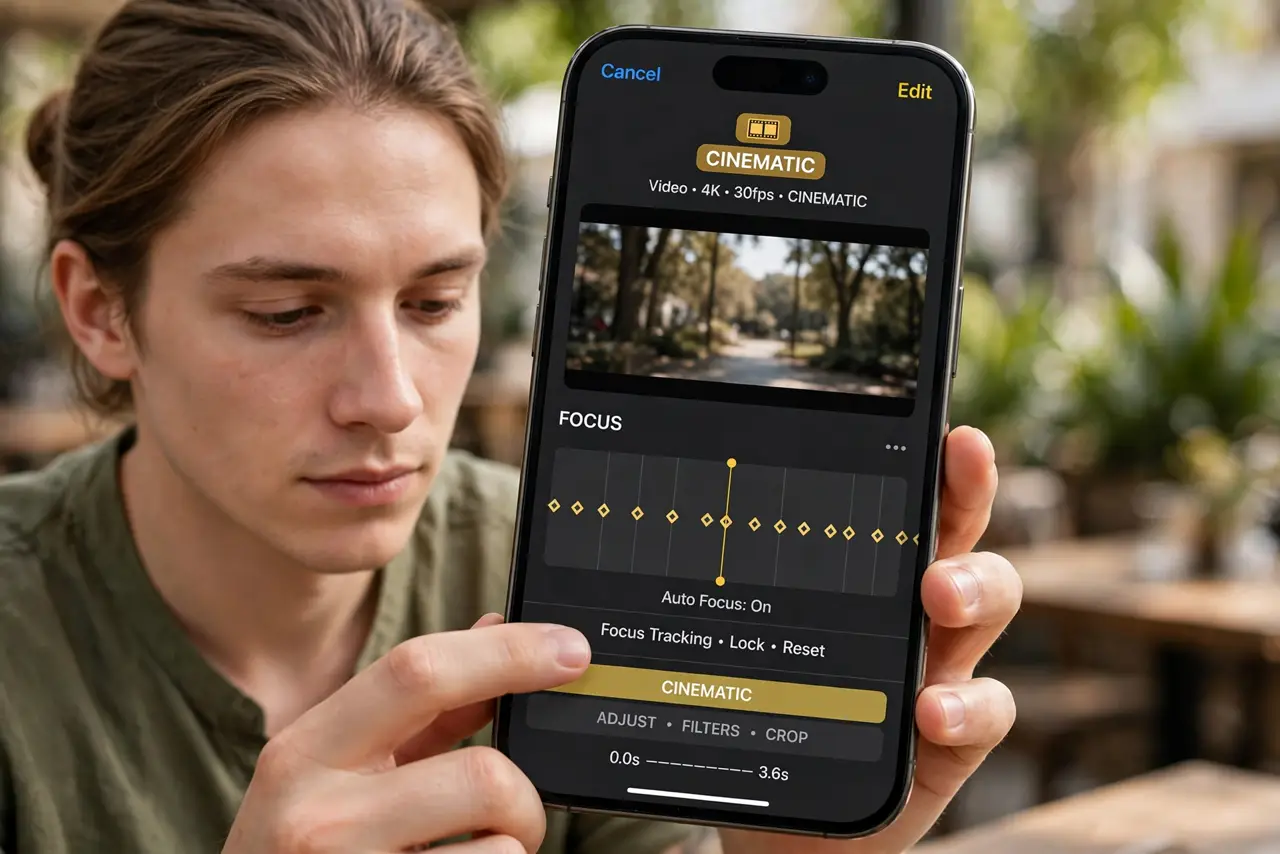
- Open the clip and tap Edit. Cinematic videos carry the CINEMATIC badge. Edit reveals the focus timeline with diamond markers where focus changed.
- Tap to redirect focus. Tap any face or object in the frame. A yellow box confirms the new focus target, and the rack-focus animates smoothly.
- Add focus changes mid-clip. Scrub the timeline, pause, and tap a new subject — a new diamond marker appears. Play to watch focus travel between your marks.
- Adjust the depth of field. The depth button (f-number) controls background blur strength, just like portrait photos. Less blur forgives focus misses.
- Delete a bad focus pull. Tap an existing diamond marker and delete it. The focus glides to your remaining marks instead.
- Export to bake it in. Share or save — the exported video carries your focus decisions permanently. Keep the original too if you might re-cut.
What NOT to do
- Do not expect Cinematic mode in the dark. Low light plus shallow depth is a blurry mess — it needs decent light.
- Do not rack focus every two seconds. Constant focus hunting looks amateur; pick your moments like a real focus puller.
- Do not max the blur on moving subjects. Strong blur plus motion equals mush — moderate depth tracks better.
- Do not delete the original after exporting. Re-editing needs the depth data, which only the original holds.
Frequently asked questions
Which iPhones shoot Cinematic mode?
iPhone 13 and later. Newer models add 4K Cinematic and better low-light handling.
Can I change focus after exporting?
No — export bakes the focus in. Keep the original Cinematic clip to re-edit later.
Why is my Cinematic video blurry?
Usually too little light, or the depth set too shallow for a moving subject. Add light and moderate the blur.