Convert Currency Fast
Standing at a foreign market stall doing mental exchange-rate math while the vendor waits is nobody’s idea of fun. Your phone converts currency in seconds — usually with a current rate, no app install needed. Here is the fastest way on iPhone and Android, plus the offline backup for when you have no signal.
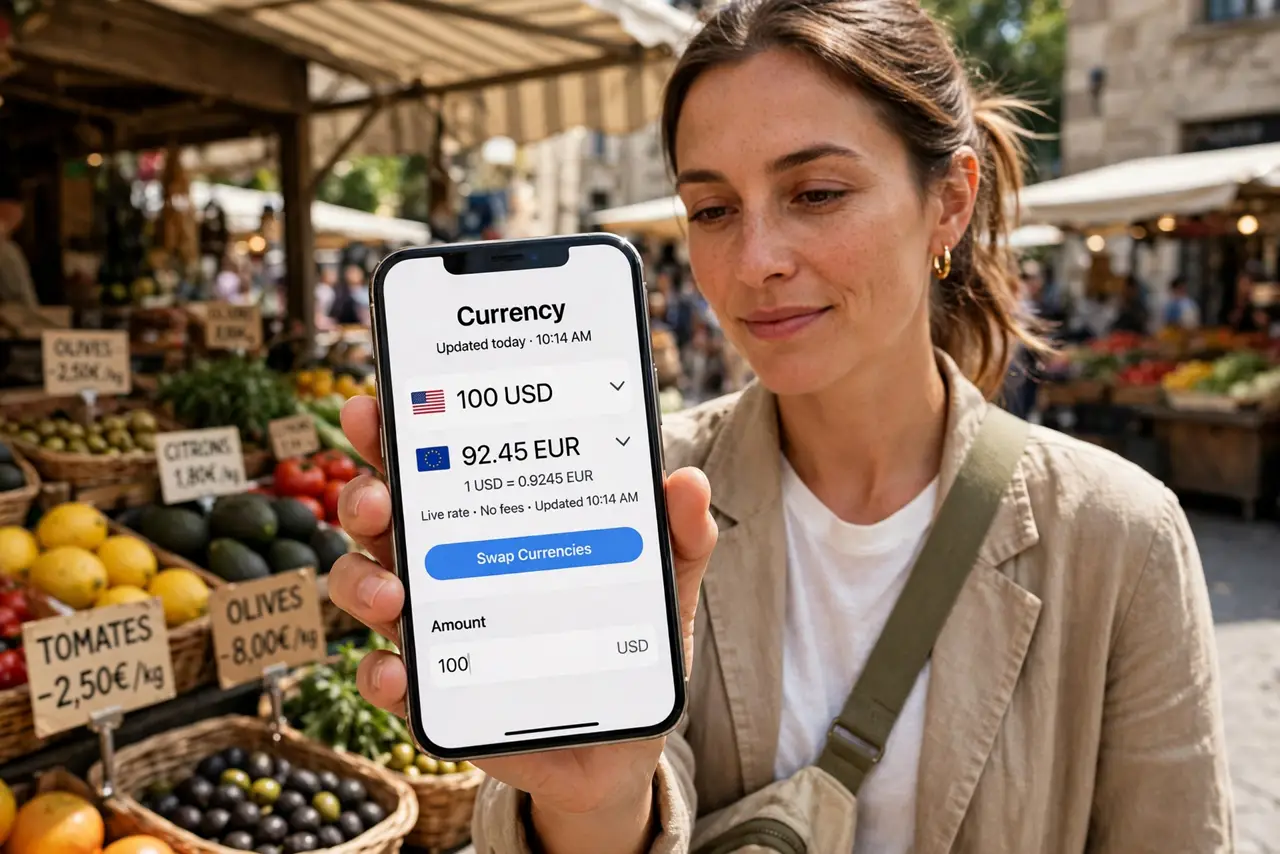
TL;DR / Quick Fix
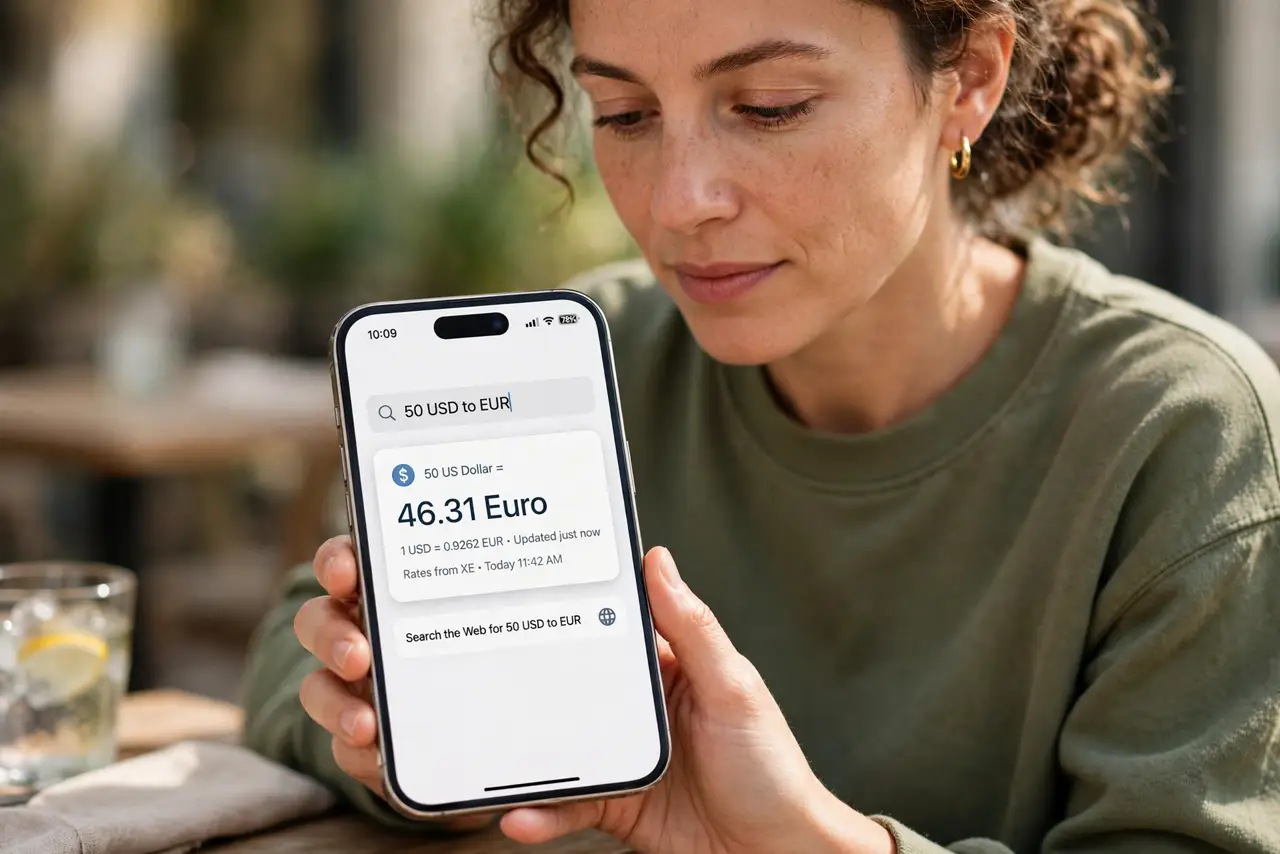
Quick fix: open Spotlight (iPhone) or Google search (Android) and type an amount with two currencies, like 50 USD to EUR — the rate is current. For offline trips, download a currency app beforehand or screenshot the rate. Never trust airport exchange boards; their markup is the real cost.
Follow these steps
- Use the built-in search. On iPhone, swipe down and type ‘50 USD to EUR’ in Spotlight. On Android, type it into Google search. Both show a live conversion instantly — no app, no account, no setup.
- Type it in the natural format. Amount, source currency, ‘to,’ target currency: 200 GBP to JPY. Currency codes (USD, EUR, MXN) work most reliably; full names work too.
- Check the rate’s freshness. Search results show when the rate was updated. For big purchases, confirm the rate is from today — weekend and holiday rates can lag the real market.
- Prepare an offline backup. Before the trip, install a currency app with offline rates or screenshot the current rate for the currencies you need. No signal at the market is exactly when you need the number most.
- Do the sanity math on fees. The converted number is the mid-market rate — your card or exchange booth adds its own cut. If a deal looks too good, the fee is hiding somewhere; ask for the total in your currency.
- Consider a travel eSIM for live rates. Constant connectivity makes all of this effortless abroad — see the travel eSIM guide if you want live rates everywhere without roaming fees.
What NOT to do
- Do not trust airport exchange boards. Their rates include brutal markups — convert the number yourself before agreeing to anything.
- Do not do mental math for big purchases. A misplaced decimal on a large amount is an expensive mistake; let the phone do it.
- Do not use last week’s screenshot for big buys. Rates move daily — a stale screenshot is fine for coffee, not for a laptop.
- Do not forget card foreign-transaction fees. The conversion is only half the cost; check what your card adds on top.
Frequently asked questions
What’s the most accurate free converter?
Your phone’s built-in search uses reputable market data and is fine for everyday use. For trading or large transfers, a dedicated finance app shows tighter spreads.
Why does my card charge more than the converted amount?
Banks add a foreign-transaction fee (often 1-3%) on top of the exchange rate. Cards with no foreign fee eliminate this entirely.
Can I convert without internet?
Yes if you prepared — an offline currency app or a saved screenshot works. Live rates always need a connection, which is another reason travelers like eSIMs.