iPhone Do Not Disturb Blocks Alarms? Check
You worry that Do Not Disturb will silence your morning alarm. The good news is that alarms are designed to sound through Do Not Disturb, but a Focus setting, a silent switch, or a deleted alarm can still leave you oversleeping. This overlaps with phone Do Not Disturb for sleep, which is the setting most people actually mean.
TL;DR / Quick Fix
Quick fix: confirm the alarm is on and has a sound, check that no Focus blocks it, make sure volume is up, test the alarm, and use a backup alarm for important mornings. If it still fails, note exactly when it happens before trying again.
Follow these steps
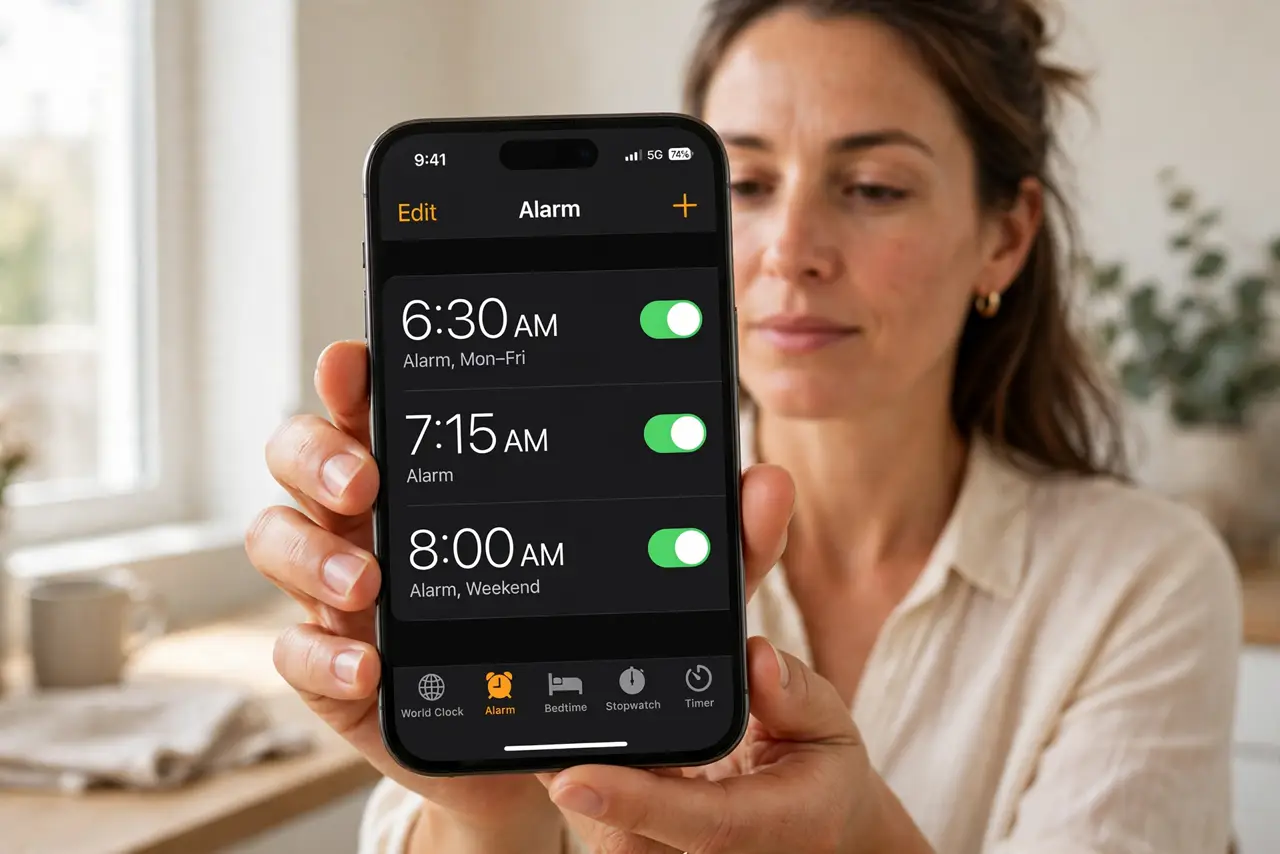
- Confirm the alarm is on and has a sound. Open Clock, then Alarms, and check the alarm is toggled on with a sound chosen, not None. An alarm set to None vibrates only, which is easy to sleep through.
- Check the Focus settings. Open Settings, then Focus, then Do Not Disturb, and check the schedule and allowed people. Alarms should sound through Focus, but a misconfigured Focus can still confuse the setup.
- Make sure volume is up. Press a volume button and check the ringer volume, not just media volume. An alarm at minimum volume is easy to miss, even though it technically sounded.
- Check the silent switch and bedtime settings. Look at the side switch or Action Button setting, and check any Sleep schedule in Health. Sleep schedules can change alarm behavior, so confirm the wake-up alarm is the one you expect.
- Test the alarm now. Set an alarm for two minutes from now and wait for it. A live test proves the alarm sounds through your current Focus and volume settings.
- Use a backup alarm for important mornings. For a flight or exam, set a second alarm five minutes later, or one on another device. A backup costs nothing and protects against one failed alarm.
What NOT to do
- Do not assume Do Not Disturb silences alarms. Alarms are designed to sound through it, so look for the real cause instead of blaming Focus.
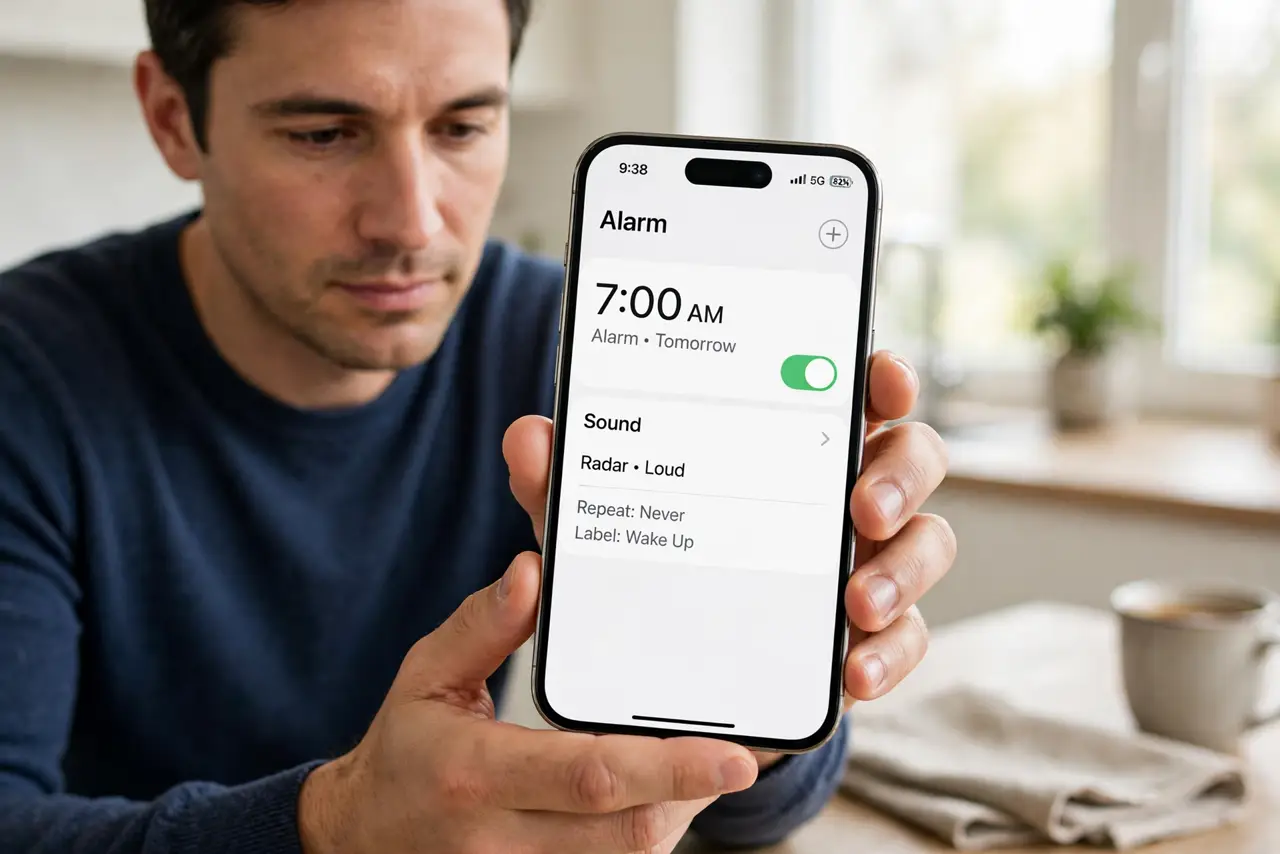
- Do not set an alarm with sound set to None. Vibration alone is weak, especially if the phone is on a soft surface.
- Do not rely on a single alarm for something critical. One alarm can fail for many small reasons, so a backup is cheap insurance.
- Do not turn off all Focus modes permanently. Focus helps sleep, so fix the alarm setting instead of abandoning Focus.
Frequently asked questions
Does Do Not Disturb silence alarms?
No. Alarms are designed to sound through Do Not Disturb and Focus modes.
Why did my alarm not sound then?
Usually it was off, set to no sound, at minimum volume, or replaced by a Sleep schedule alarm.
Can I test an alarm without waiting until morning?
Yes. Set one for two minutes from now and listen for it with your current settings.