Live Activities in Dynamic Island
The little pill at the top of your iPhone is not just where the camera lives — it is a live dashboard. Timers count down there, food deliveries creep closer, sports scores update, all without opening a single app. Here is how Live Activities work in the Dynamic Island, how to expand them, and how to quiet the ones you never asked for.
TL;DR / Quick Fix
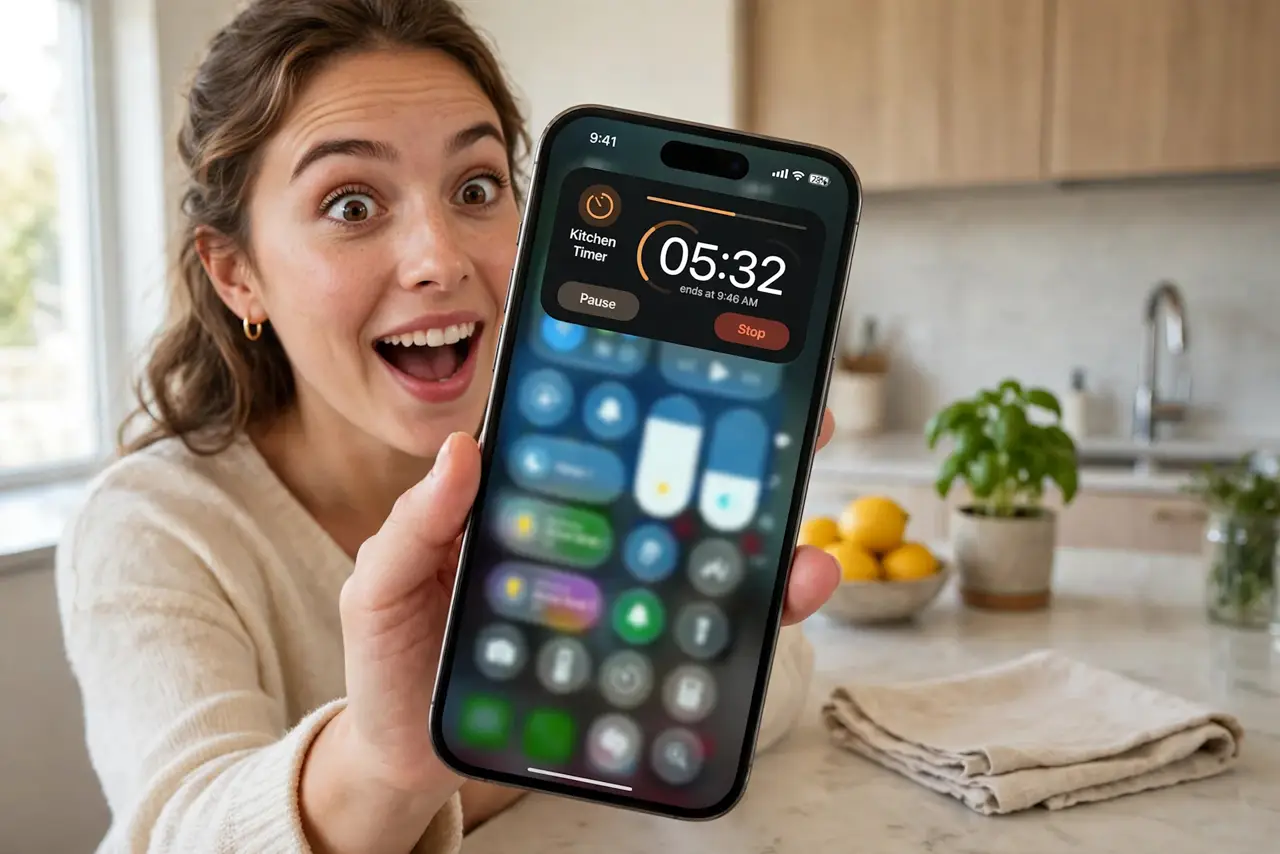
Quick fix: Live Activities appear in the Dynamic Island automatically when an app supports them — timers, deliveries, scores, rides. Long-press the island to expand, tap to open the app. If one never shows, check that app's Live Activities switch in Settings. You need an iPhone 14 Pro or newer.
Follow these steps
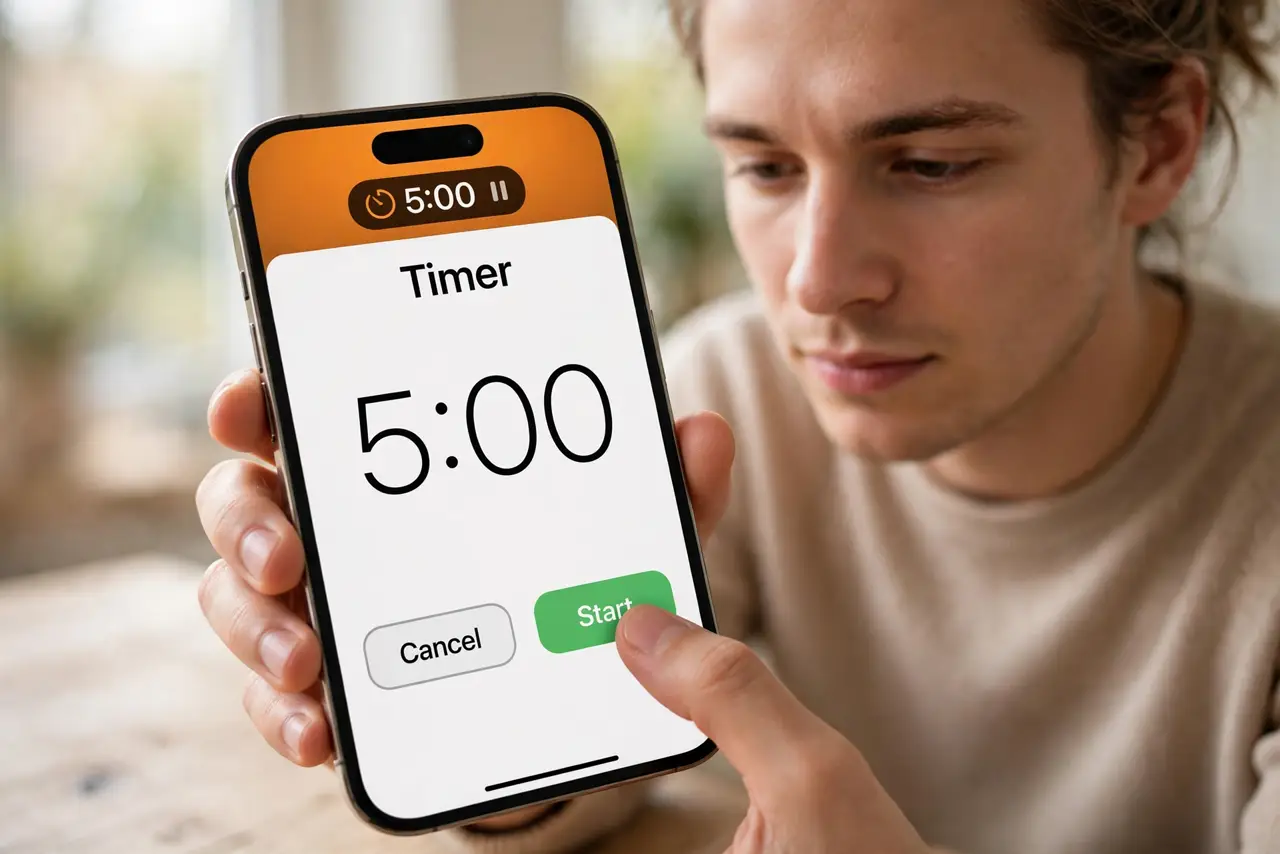
- Know what can appear there. Timers, food delivery tracking, ride shares, sports scores, flight boarding — any app that adopted Live Activities can claim the island.
- Long-press to expand. Press and hold the island to open the full Live Activity card with details and controls. A quick tap usually just opens the app.
- Tap to jump into the app. Tapping the island opens the responsible app directly — the fastest route from a delivery ping to the map.
- Enable per app in Settings. If an activity never appears, open Settings, find the app, and confirm its Live Activities switch is on. Also check notification permissions.
- Dismiss what you do not need. Swipe the expanded activity away or end it in its app. Stale activities — a finished timer — clear themselves eventually.
- Check your model. The Dynamic Island needs an iPhone 14 Pro or newer. Older iPhones show Live Activities on the lock screen instead.
What NOT to do
- Do not expect every app to support it. Adoption is per developer — your favorite app may simply not offer one.
- Do not confuse the island with a notification. It is persistent and live; notifications still arrive the normal way alongside it.
- Do not disable all Live Activities over one noisy app. Turn off the single offender in its settings instead.
- Do not long-press expecting settings. Long-press expands; settings live in each app's Settings page.
Frequently asked questions
Why don't I see Live Activities in the Dynamic Island?
Either the app does not support them, its switch is off in Settings, or your iPhone predates the 14 Pro. Check all three.
Do Live Activities drain the battery?
Minimally — they update on the app's schedule. A sports score refreshing every minute costs less than you would guess.
Can two Live Activities show at once?
Yes — the island splits to show two, with the most recent prominent. Long-press to see both expanded.