iPhone Earbuds Connect to Wrong Device? Fix Pairing
Your earbuds connect to the laptop or tablet instead of your iPhone, right when you want to listen on the phone. Automatic switching and multiple paired devices cause it. Turn off auto-switch, disconnect the rival, and connect manually.
TL;DR / Quick Fix
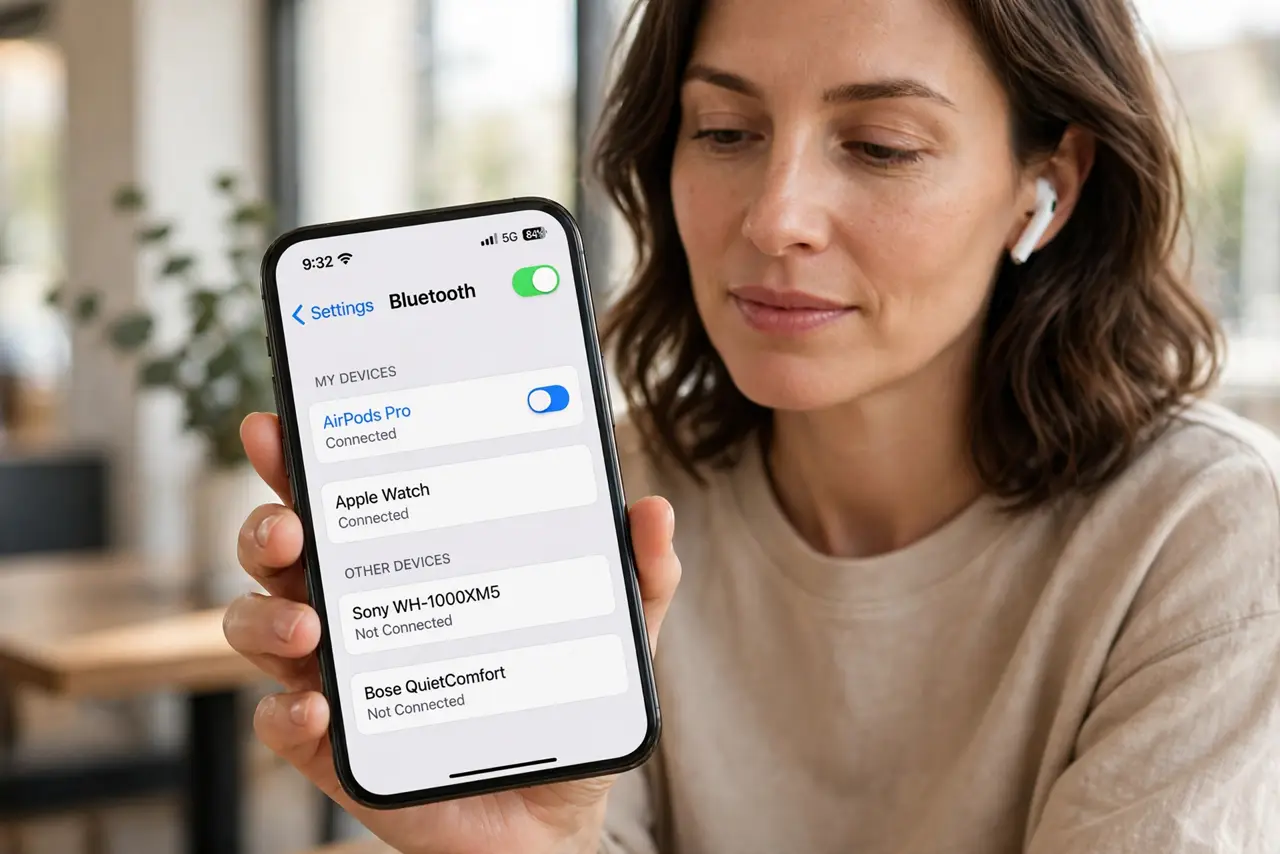
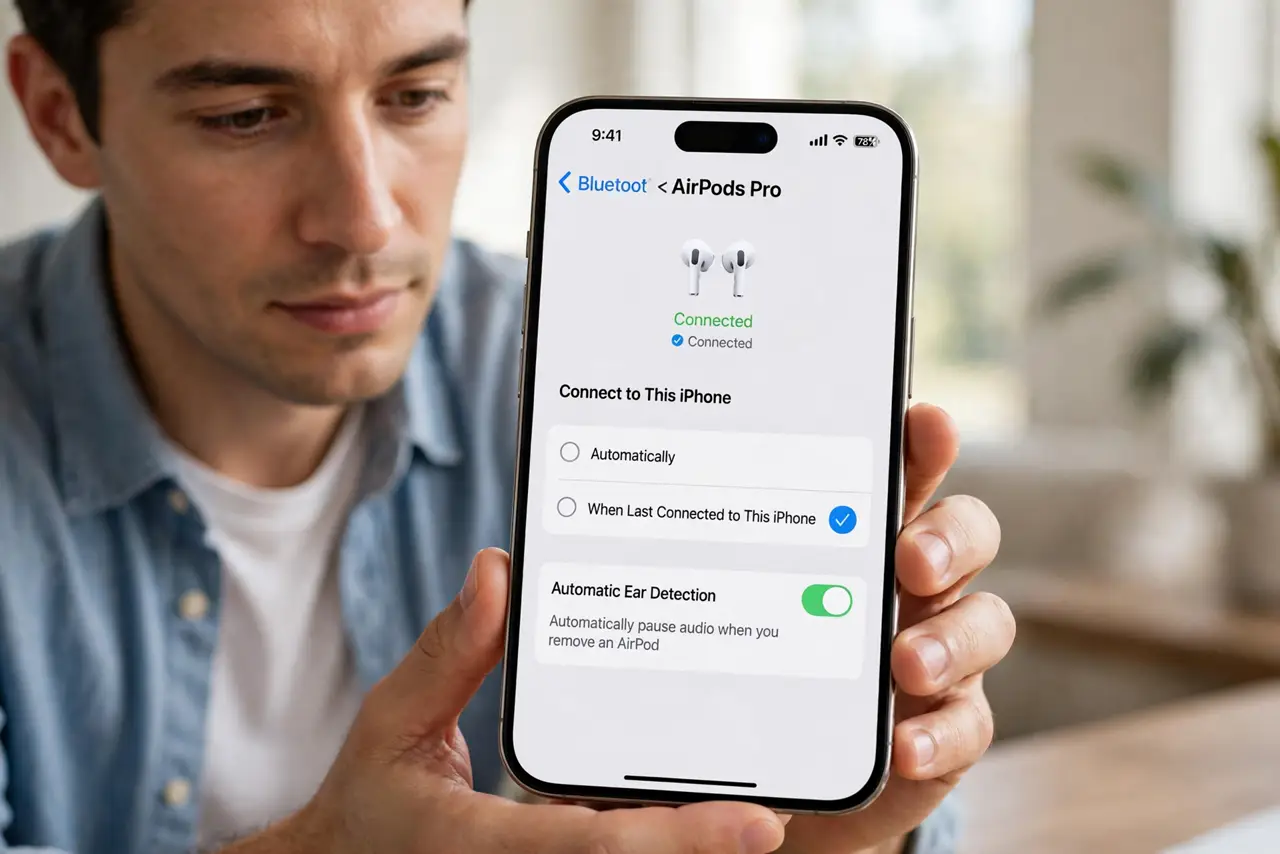
Quick fix: open Settings, then Bluetooth, tap your earbuds, and set Connect to This iPhone to When Last Connected. Disconnect the rival device, then connect the earbuds manually from the iPhone. Then test the fix for a full day before changing anything else.
Follow these steps
- Set earbuds to last connected. Open Settings, then Bluetooth, tap the earbuds, and set connection to When Last Connected to This iPhone. This reduces automatic jumps to other devices.
- Disconnect the rival device. On the laptop or tablet that steals the earbuds, disconnect Bluetooth or turn its Bluetooth off for testing. Fewer active rivals means fewer jumps.
- Connect manually from the iPhone. In iPhone Bluetooth settings, tap the earbuds to connect them deliberately. Manual connection overrides the last automatic choice for now.
- Forget the earbuds on the rival. If one device keeps stealing them, forget the earbuds on that device entirely. You can pair them again later if you truly need them there.
- Keep earbuds in the case until use. Store earbuds in their case until you want them. Open cases near several devices invite the nearest device to grab the connection.
- Test with only the iPhone nearby. Turn Bluetooth off on other devices, then open the earbuds case near the iPhone only. If they connect correctly, a rival device was the cause.
What NOT to do
- Do not keep fighting the earbuds every morning without changing auto-switch. The setting, not the earbuds, causes most jumps.
- Do not pair earbuds to every device you own and expect stability. Each paired device is another candidate to steal the connection.
- Do not reset the earbuds as a first step. Auto-switch and rival disconnection fix most wrong-device connections without a reset.
- Do not leave the case open near a laptop all day. An open case invites nearby devices to connect before you even pick the earbuds up.
Frequently asked questions
Why do earbuds connect to my laptop first?
Automatic switching or last-connection logic chose the laptop. Setting When Last Connected and disconnecting the rival stops most jumps.
Should I forget earbuds on other devices?
Only on the device that keeps stealing them and that you do not need them on. Forgetting is reversible by pairing again.
What if earbuds still jump with auto-switch off?
Check the rival device Bluetooth settings too. That device may be set to grab nearby earbuds automatically.