Emergency Bypass? Basics
Your phone is on silent during the night, but if your kid, your partner, or your aging parent calls, you need to hear it. Emergency Bypass lets chosen contacts ring through Do Not Disturb and silent mode — calls and texts from them always make noise. It is a small setting with big peace-of-mind value. Here is how to set it for the people who matter.
TL;DR / Quick Fix
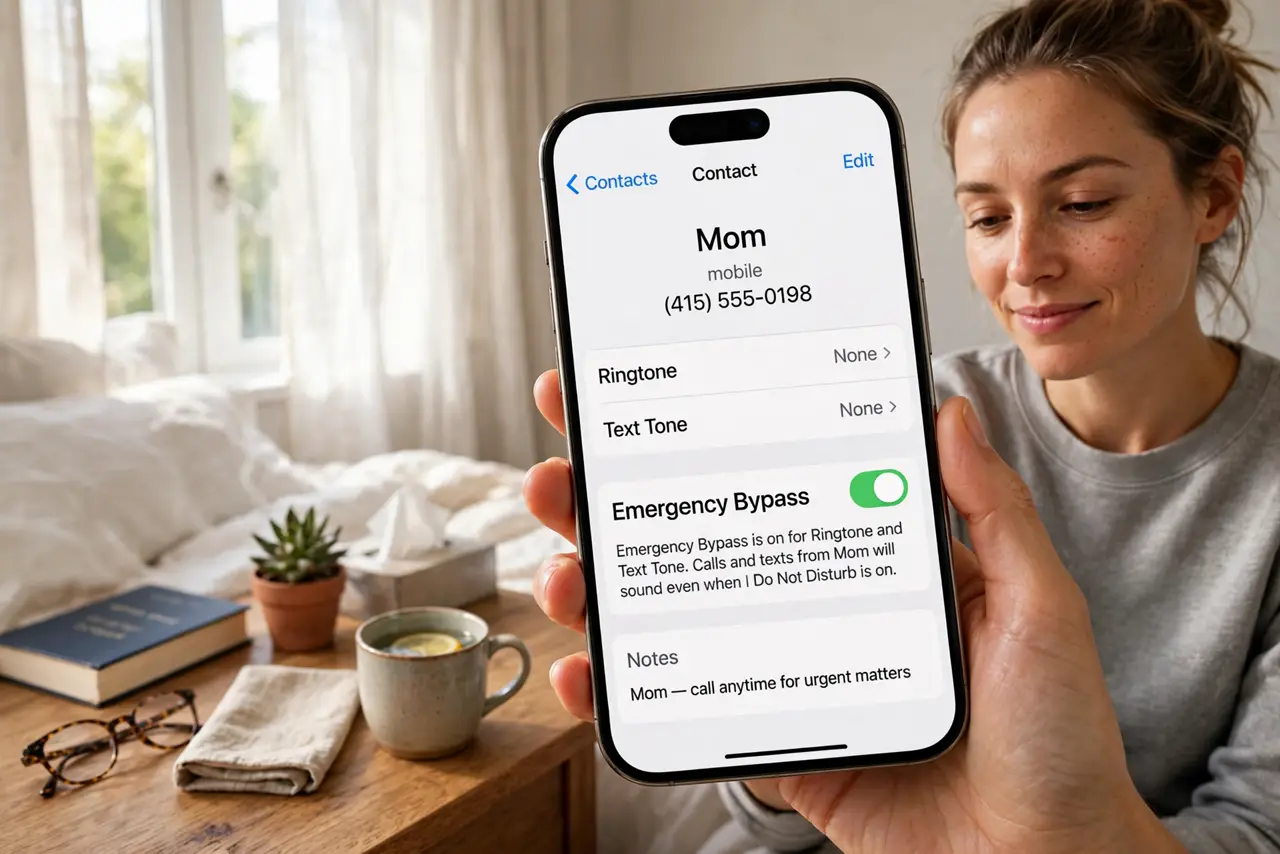
Quick fix: open the contact, tap Edit, tap Ringtone (or Text Tone), and turn on Emergency Bypass. That contact's calls and texts now sound even in silent mode and Do Not Disturb. Set it only for true emergencies — a handful of people, not your whole address book.
Follow these steps
- Understand what it bypasses. Emergency Bypass punches through silent mode, Do Not Disturb, and any Focus for one contact's calls and texts. Everything else stays silent — it is a per-contact exception, not a master switch.
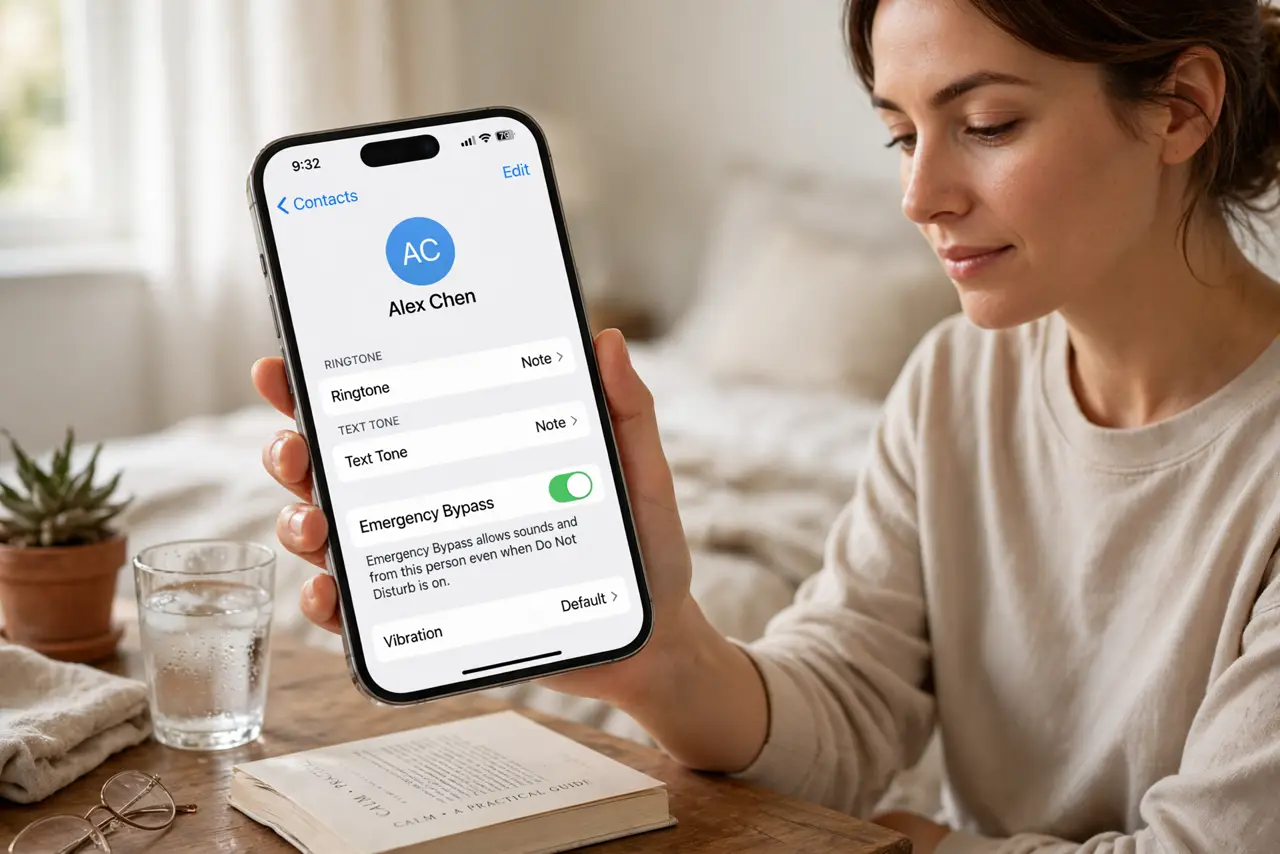
- Enable it for calls. Open the contact, tap Edit, tap Ringtone, and toggle on Emergency Bypass at the top. Now this person's calls ring audibly no matter how quiet the phone is.
- Enable it separately for texts. Texts have their own toggle: in the same contact, tap Text Tone and enable Emergency Bypass there too. Calls and messages are independent — set both if both matter.
- Choose the right people. Reserve this for genuine emergencies: kids, partner, parents, your on-call boss. Five contacts is plenty — fifty contacts with bypass is just silent mode with extra steps.
- Test it once. Put the phone on silent, have the contact call you, and confirm it rings. A bypass you never tested is a hope, not a plan.
- Review it occasionally. Relationships and roles change. Once or twice a year, skim which contacts have bypass and prune the ones that no longer need a 3 AM hotline to your pillow.
What NOT to do
- Do not enable it for group chats. One bypassed group chat with chatty members will destroy your nights — keep bypass to individual contacts.
- Do not confuse it with the iPhone's Emergency SOS. Bypass is about who can reach you; Emergency SOS is about calling for help. Different features.
- Do not set it and forget the volume. Bypass overrides silent mode, but if the ringer volume is at minimum, 'audible' is still a whisper — check volume too.
- Do not bypass your boss for non-urgent roles. Every bypass contact is a potential 3 AM wake-up — spend them like they cost sleep, because they do.
Frequently asked questions
Does Emergency Bypass work when the phone is off?
No — a powered-off phone receives nothing. Bypass works through silent, Do Not Disturb, and Focus, but the phone must be on.
Will bypassed texts still show on the lock screen?
Yes — they arrive with full sound and notification, like any important alert. Nothing about bypass hides the message.
Can Android do this?
Yes — Android lets you mark contacts as priority/starred so they ring through Do Not Disturb. Same idea, different name and menus.