Hide Your Email With Hide My Email
Every sign-up form wants your real email, and every one of them eventually leaks it to spammers. Hide My Email (part of iCloud+) generates random forwarding addresses — the site never learns your real address, and you can burn any alias that starts misbehaving. Setup takes a minute.
TL;DR / Quick Fix
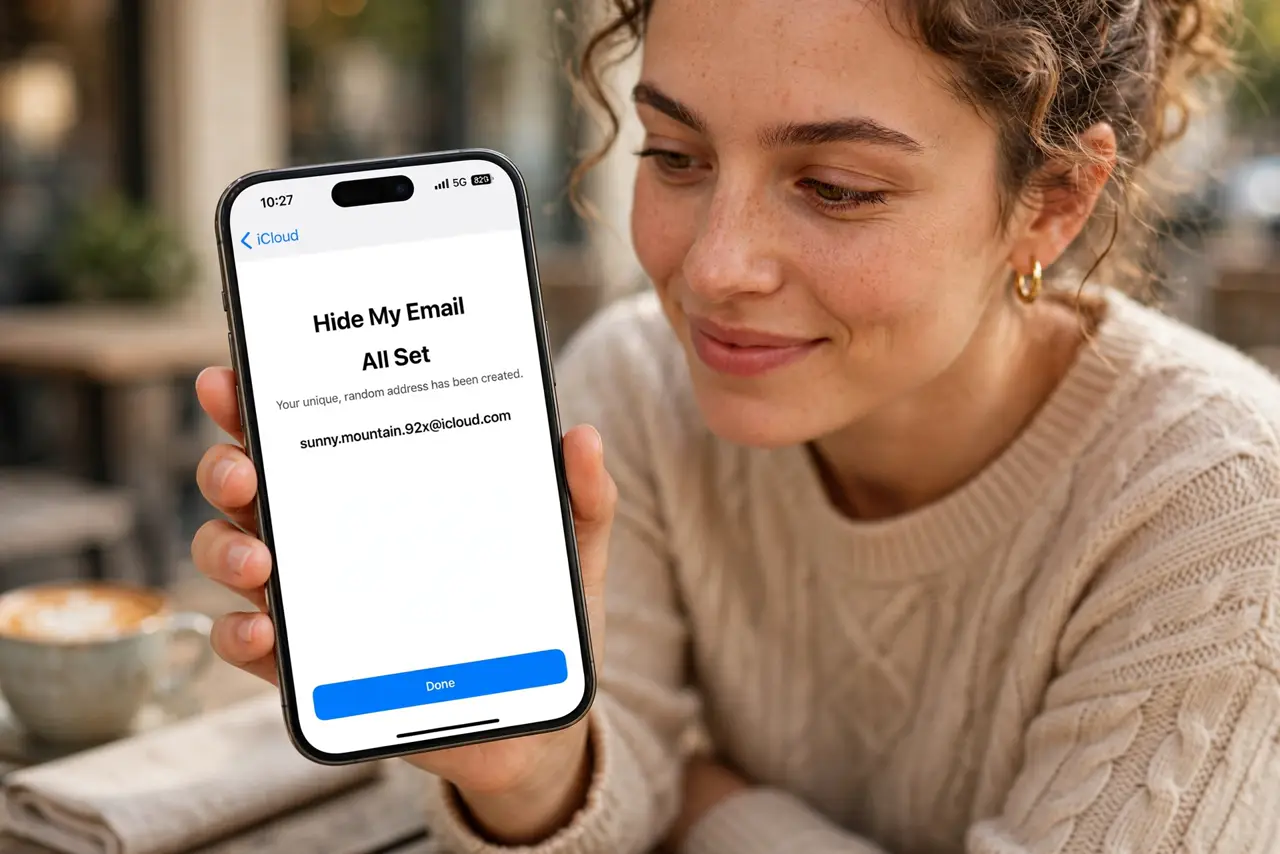
Quick fix: with iCloud+, open Settings > your name > iCloud > Hide My Email and tap Create new address. Use the random address on sign-up forms; replies forward to your real inbox. Delete an address anytime to stop its mail.
Follow these steps
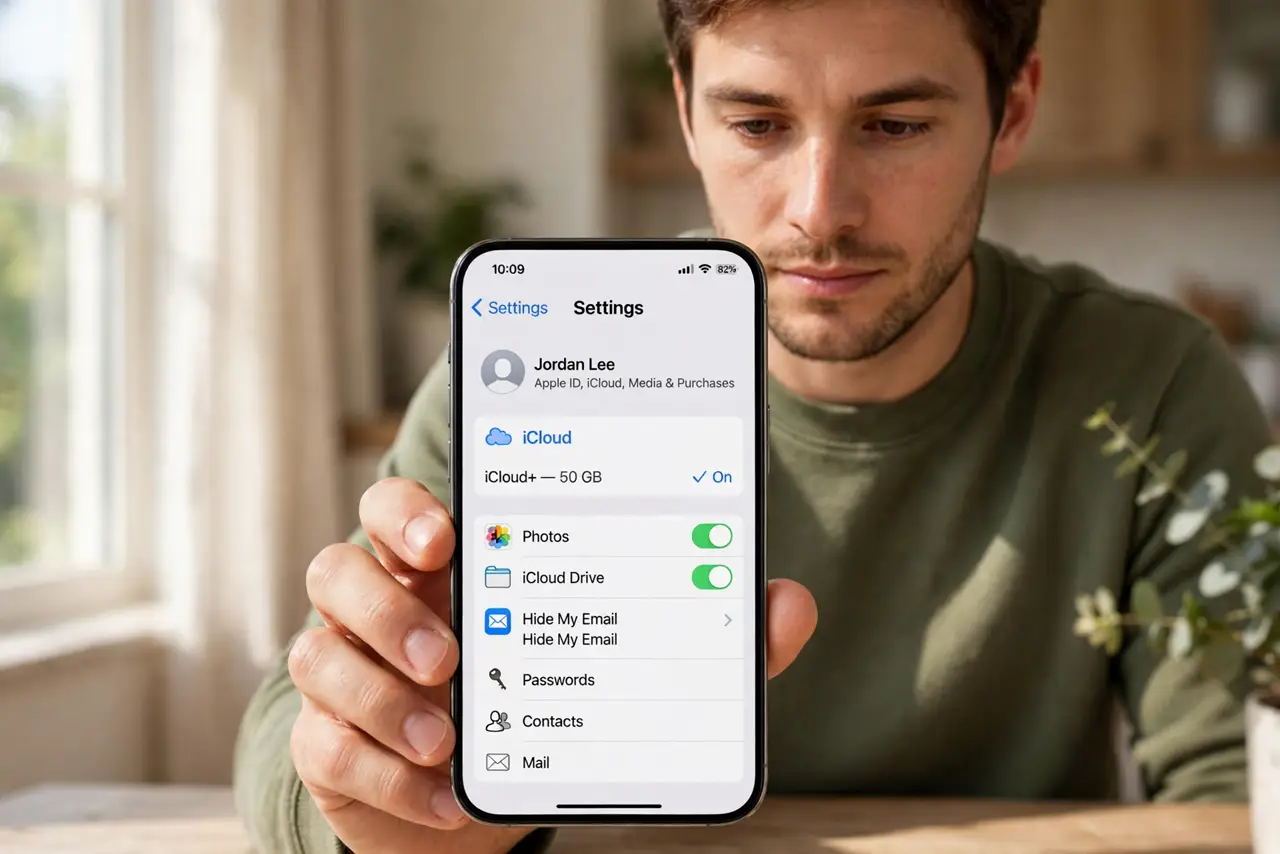
- Confirm you have iCloud+. Hide My Email needs a paid iCloud+ plan (any tier). Check under Settings > your name > iCloud — the Hide My Email row appears only with iCloud+.
- Create your first alias. Tap Hide My Email > Create new address. Apple generates a random @icloud.com address; you can add a label like ‘newsletters’ and a note.
- Use it on sign-up forms. When a site asks for email, paste an alias — or let Safari suggest one automatically at sign-up fields when iCloud Keychain is on.
- Read replies in your real inbox. Mail to the alias forwards to your personal inbox automatically. Replying reveals your real address, so reply only when you intend to.
- Burn misbehaving aliases. If an alias starts getting spam, open Hide My Email, tap it, and choose Deactivate or Delete. The spam stops instantly; your real address was never exposed.
- Pair it with strong logins. Aliases hide your identity; they do not replace passwords. Keep autofill passwords healthy on every device you own.
What NOT to do
- Do not use Hide My Email for banking or government accounts. If you lose the alias, account recovery gets painful — use your real address there.
- Do not reply to forwarded mail casually. Replies come from your real address, defeating the whole purpose.
- Do not create dozens of aliases with no labels. Unlabeled aliases become a mystery list you are afraid to delete.
- Do not expect it to stop all spam. It stops address harvesting; your real address can still leak other ways.
Frequently asked questions
Is Hide My Email free?
It requires iCloud+, which is any paid iCloud storage tier. There is no separate charge for the feature itself.
What happens if I cancel iCloud+?
Existing aliases keep forwarding for a while, but you cannot create new ones. Apple notifies you before anything stops working.
Can I choose my own alias address?
No — Apple generates random ones. The randomness is the point: it cannot be guessed or linked to you.