Make Images with Image Playground
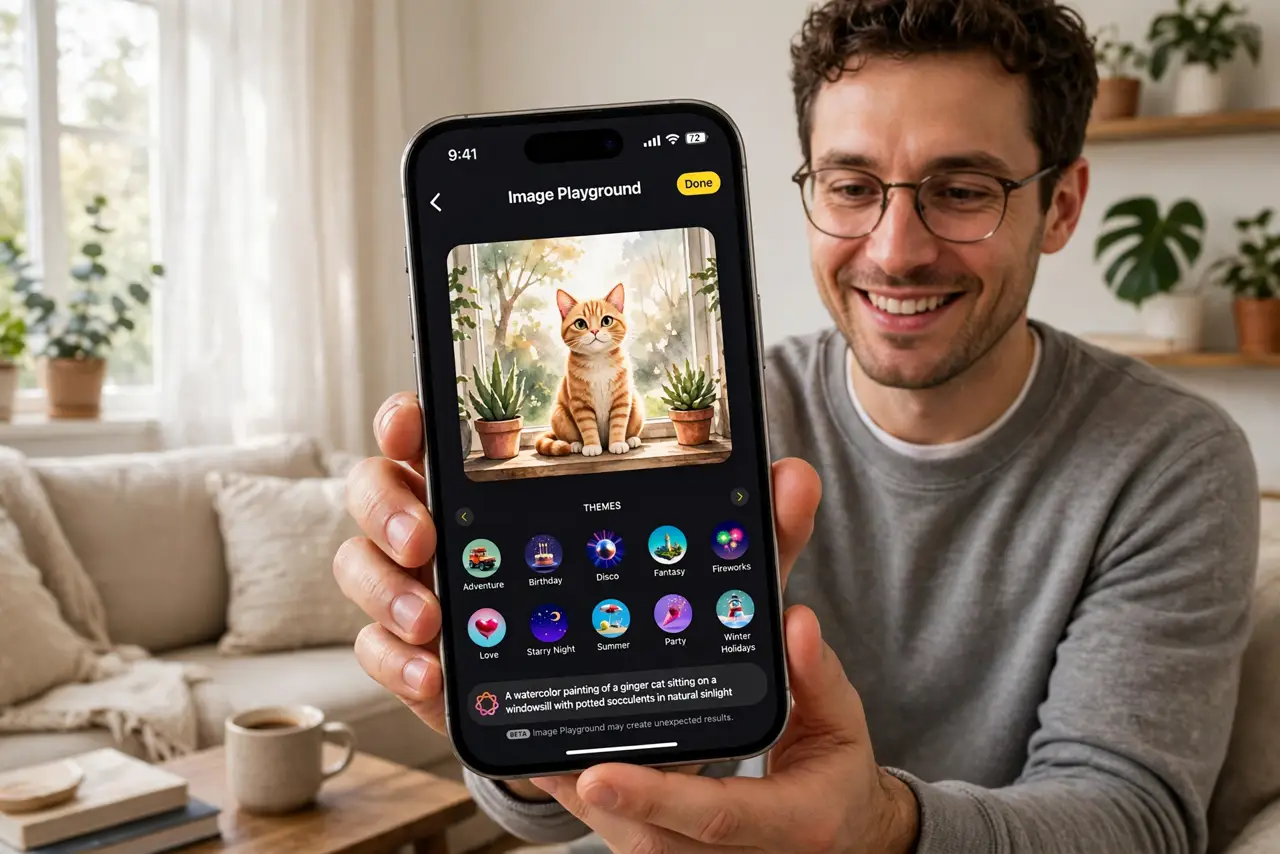
Need a fun image for a message — a cat astronaut, a birthday illustration in a weird style — and stock photos will not cut it. Image Playground generates original images from your descriptions right on your iPhone, in illustration and animation styles. It is Apple's built-in image maker.
TL;DR / Quick Fix
Quick fix: open Image Playground, describe the image you want, pick an illustration or animation style, and swipe through the generated options. You can base images on people in your photos. Requires Apple Intelligence on a supported iPhone. Save favorites to use in Messages and other apps.
Follow these steps
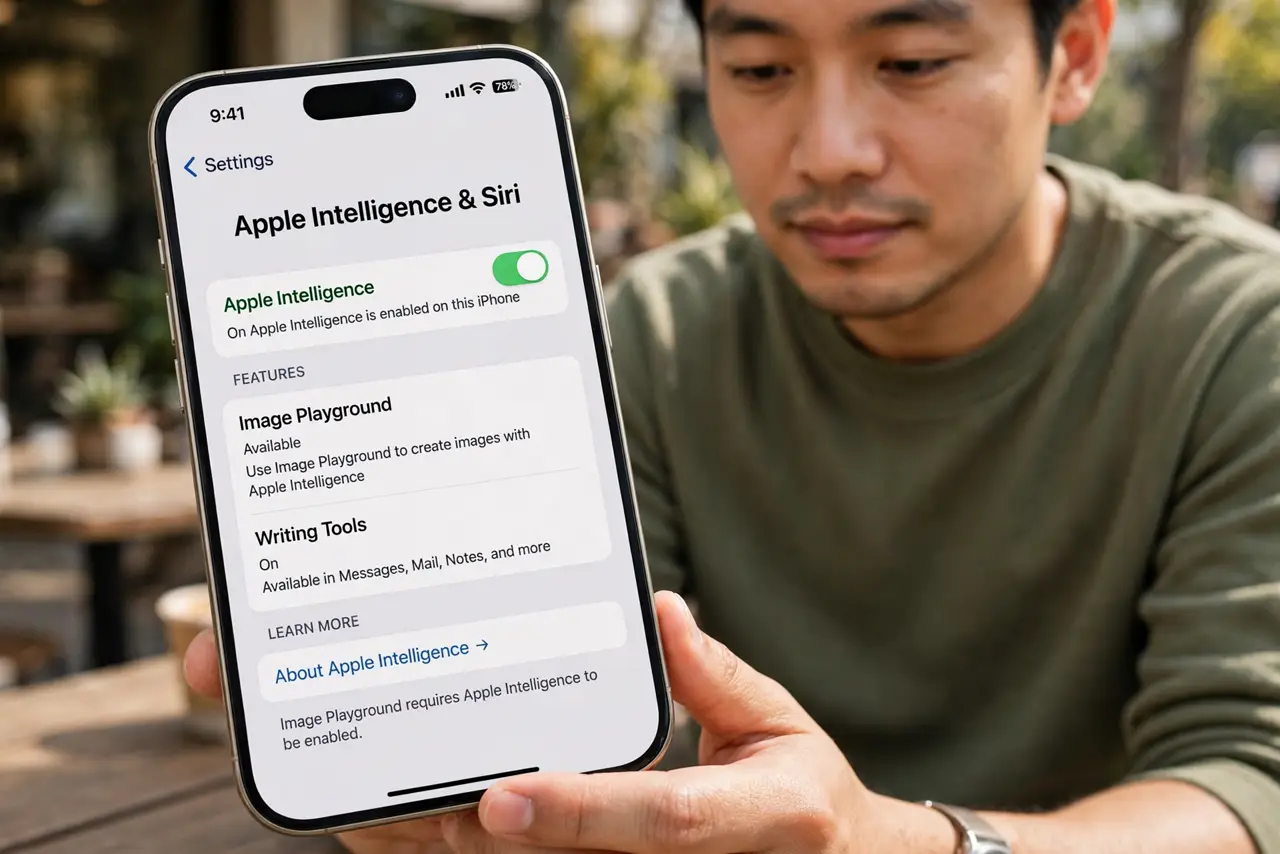
- Check you have Apple Intelligence. Image Playground needs a supported iPhone with Apple Intelligence enabled — see what Apple Intelligence is if the app is missing.
- Open the Image Playground app. Find it on your home screen or in Messages via the plus button. It works standalone and inside conversations.
- Describe your image. Type what you want: subject, activity, setting. A robot baking cookies in a cozy kitchen gives the AI plenty to work with.
- Pick a style. Choose between animation and illustration styles. Each description renders differently per style — try both.
- Refine with suggestions. Tap the suggested concepts (costumes, places, accessories) to layer details onto your prompt. Small additions change results a lot.
- Use people from your photos. You can generate images inspired by friends and family in your library — with their permission, ideally. Then drop the result into Genmoji-style fun conversations or Messages.
What NOT to do
- Do not expect photorealism. Image Playground deliberately makes stylized images, not fake photos — that is a feature.
- Do not generate images of real people without asking. Fun for friends who agree; not fun as a surprise.
- Do not use generated images to deceive. Stylized illustrations are obviously AI; presenting them as real photos is dishonest.
- Do not keep every generation. Swipe, pick the best, delete the rest — your library will thank you.
Frequently asked questions
Is Image Playground free?
Yes — built into iOS on supported iPhones with Apple Intelligence, no credits or subscription.
Can it make photorealistic images?
No, by design — it produces illustration and animation styles only. Apple kept photorealism out deliberately.
Where do my creations go?
They save to the app's library and can be shared into Messages, or saved to Photos.