iPhone Keyboard Does Not Appear? Bring It Back
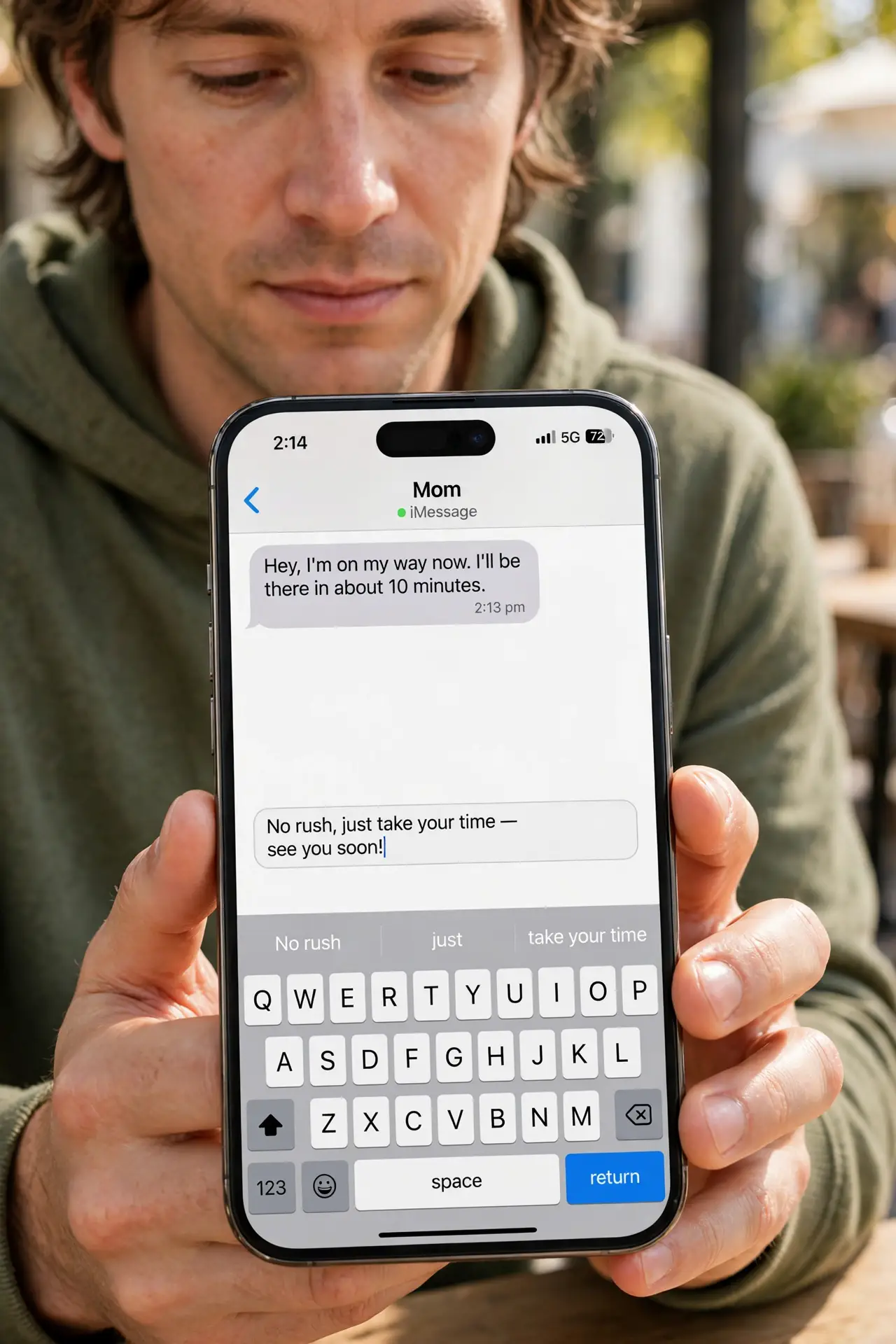
You tap to type, but no keyboard appears, and you cannot enter anything. The field may not have focus, the keyboard may be hidden, or the app is stuck. Tap a real text field first, then check keyboards and the app.
TL;DR / Quick Fix
Quick fix: tap directly into a text field, wait a second, then tap again. If nothing appears, switch keyboards with the globe key, or close and reopen the app and tap the field again. Then test the fix for a full day before changing anything else.
Follow these steps
- Tap a real text field. Tap directly inside a box where text goes, such as a message field. Tapping outside a field will not bring up a keyboard.
- Tap again and wait. Tap the field a second time and wait a second. A slow app can delay the keyboard, and a second tap often triggers it.
- Switch keyboards. If a keyboard area appears but is blank, tap the globe key to switch keyboards. A stuck third-party keyboard can hide until you switch away from it.
- Check keyboards in Settings. Open Settings, then General, then Keyboard, then Keyboards, and confirm at least one keyboard is listed. Add the standard keyboard if the list is empty.
- Close and reopen the app. Close the app fully from the app switcher, reopen it, and tap the text field again. A stuck app state often blocks the keyboard until restarted.
- Restart the iPhone if it persists. Restart the iPhone and test typing in Messages. If the keyboard appears there, the problem was the first app, not the system.
What NOT to do
- Do not reset all settings for a missing keyboard. Field focus, keyboard switching, and an app restart fix most cases first.
- Do not install a new keyboard app to fix this. A new keyboard adds another variable instead of fixing the missing one.
- Do not keep tapping random parts of the screen. Tap the text field itself, since only a focused field summons the keyboard.
- Do not assume the screen is broken because the keyboard hides. Test in Messages first; a system-wide failure looks different from one app.
Frequently asked questions
Why does the keyboard not appear?
Usually the text field lacks focus, the app is stuck, or a third-party keyboard failed to load.
What does the globe key do?
It switches between installed keyboards. Switching away from a stuck keyboard often restores typing.
What if the keyboard appears in Messages only?
The first app is likely stuck. Close and reopen that app, then test its text field again.