Keyboard Haptics? Turn Them On
Typing on a glass screen feels dead — no click, no bump, nothing. Keyboard haptics fix that with a tiny vibration under each keypress, making typing feel physical again. Apple added the option a few iOS versions back, but it's off by default and buried in settings. Here's how to turn it on and tune it.
TL;DR / Quick Fix
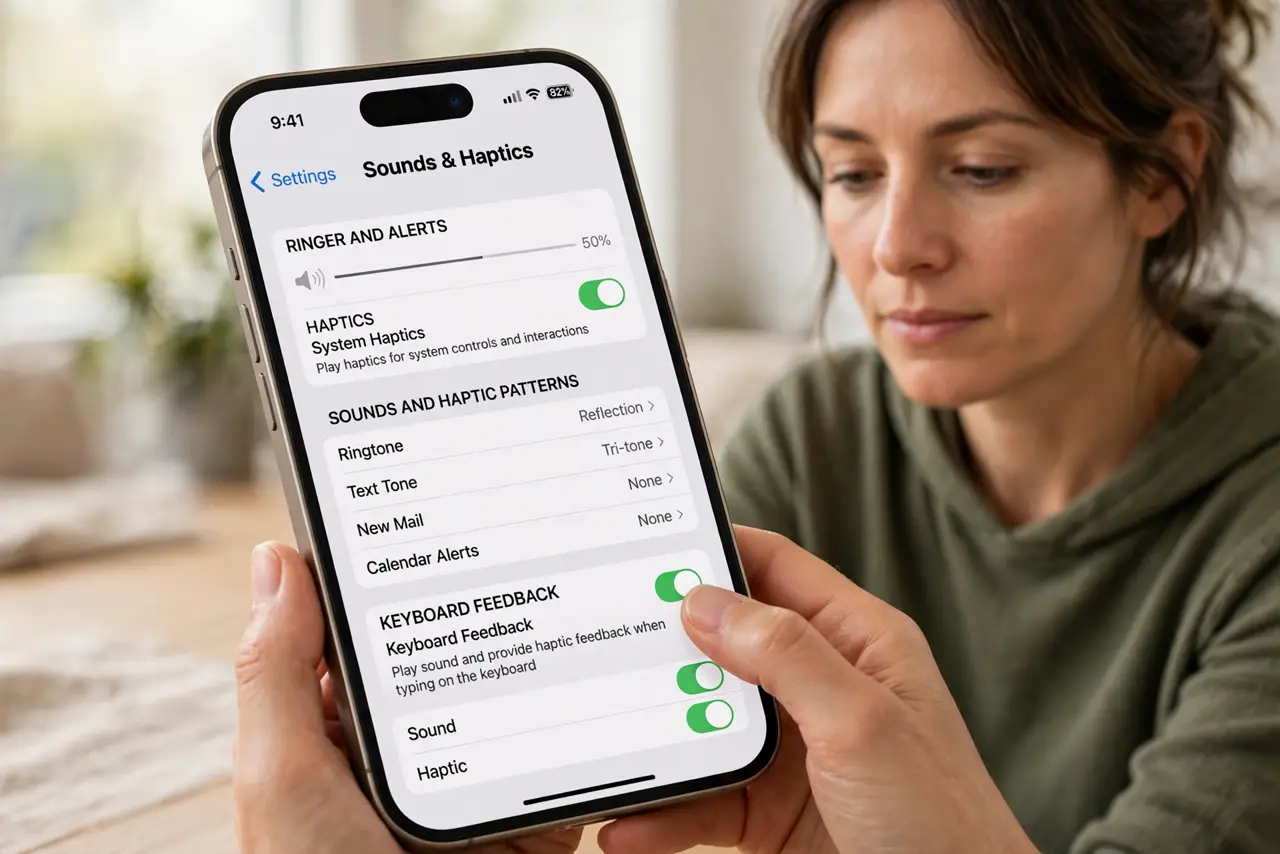
Quick fix: go to Settings, Sounds & Haptics, Keyboard Feedback, and turn on Haptic. Each keypress now gives a subtle tap. It uses a little extra battery, but most people find the tradeoff worth it — turn it off the same way if you don't.
Follow these steps
- Open Sounds & Haptics. Go to Settings, then Sounds & Haptics. This is the master panel for every vibration on your iPhone, including the keyboard.
- Enable Keyboard Feedback haptics. Tap Keyboard Feedback and switch Haptic on. You can leave Sound on or off independently — haptics without the click sound is the popular combo.
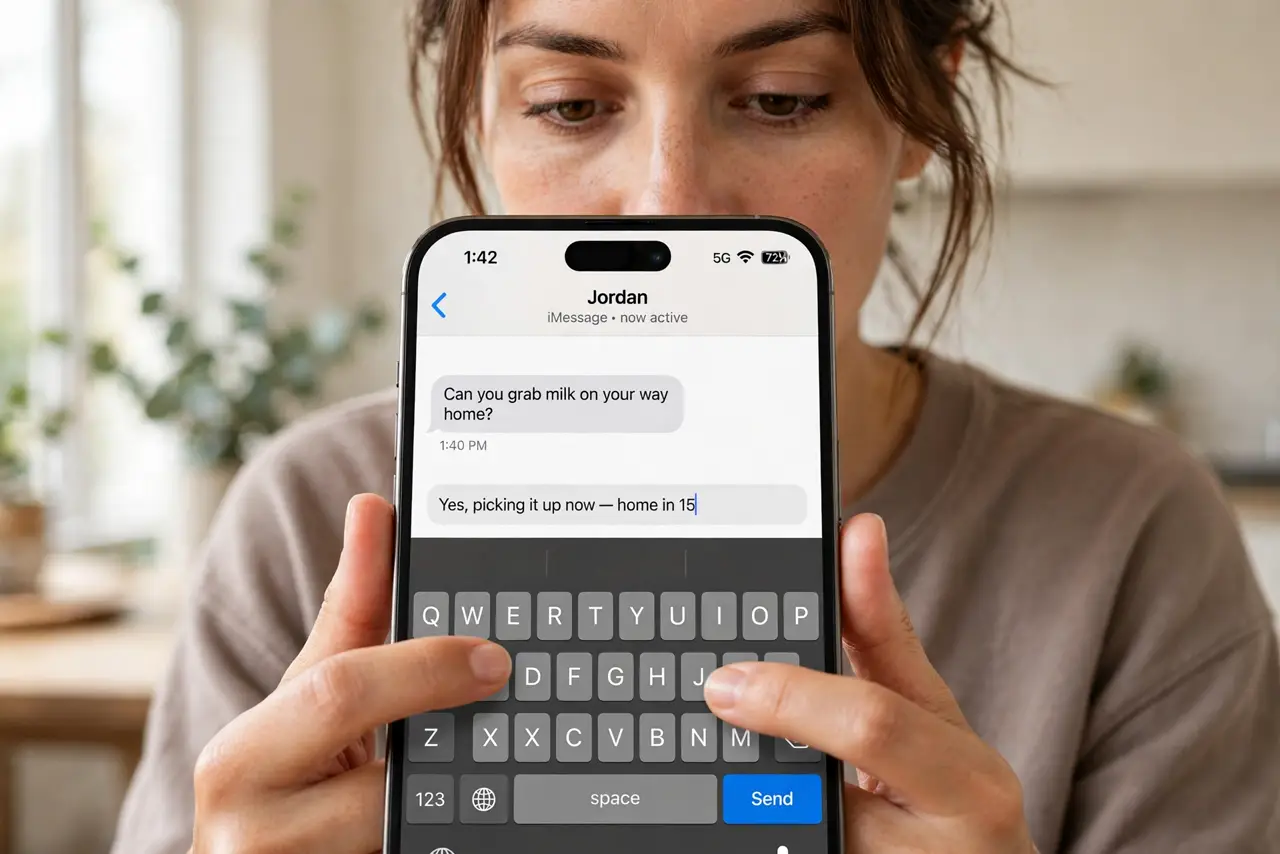
- Test it in any app. Open Notes or Messages and type. Each keypress should give a light tap. If you feel nothing, see missing feedback fixes — the motor settings may need attention.
- Know the battery tradeoff. Apple notes haptics can affect battery life slightly. In practice the drain is small, but if you're squeezing the last percent on a long day, it's one of the toggles that helps.
- Combine with the right keyboard. Haptics work with the stock keyboard and most third-party keyboards that support the API. If your alternate keyboard feels dead, check whether it implements haptic feedback at all.
- Turn it off just as easily. Not for you? Same path, toggle off. No restart needed — the change is instant, so experiment freely.
What NOT to do
- Do not confuse keyboard haptics with full vibration. A constant buzz on every tap means something else is wrong — haptics should feel like subtle taps, not a massage.
- Do not enable it and judge in a noisy room. You'll feel it more than hear it — test somewhere quiet to decide if you actually like it.
- Do not expect haptics on very old iPhones. The Taptic Engine needed for good haptics isn't in ancient models — the setting simply won't appear.
- Do not leave it on if it gives you a headache. Some people find constant micro-vibrations fatiguing — there's no prize for keeping a setting you dislike.
Frequently asked questions
Why is there no Keyboard Feedback option?
Your iOS is too old — the feature needs a recent version. Update iOS and the option appears under Sounds & Haptics.
Does it drain the battery a lot?
Apple warns it can affect battery life, but real-world impact is minor for most users. Heavy typists notice more drain than occasional texters — try it for a week and judge.
Can I make the taps stronger?
No system-wide intensity slider exists for keyboard haptics specifically. If taps feel wrong, check haptic strength issues — the motor or settings may be at fault.