iPhone Keyboard Lags When Typing? Fix It
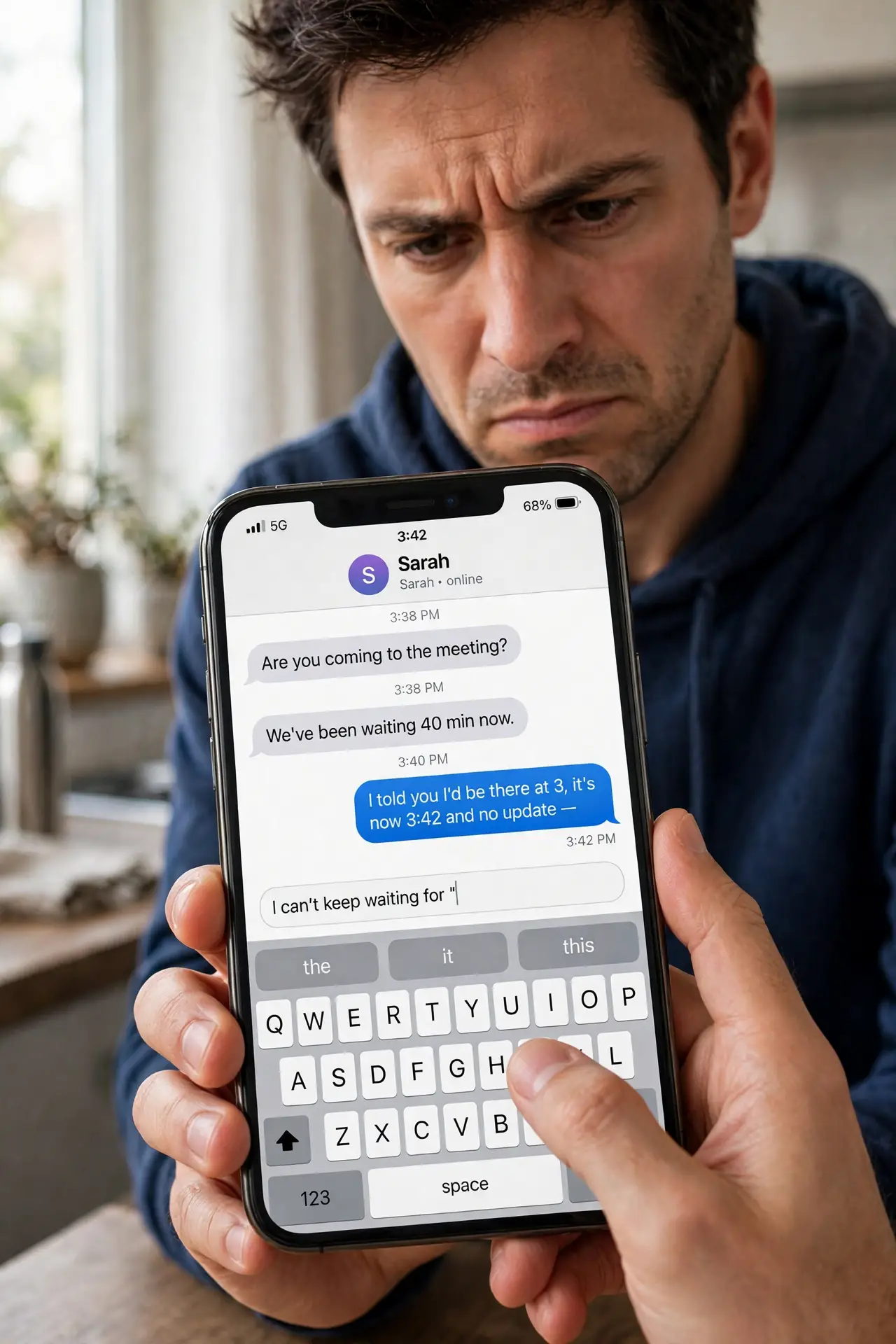
You type and the letters appear a beat later — or in a sudden burst all at once. iPhone keyboard lag is usually a software hiccup: a bloated keyboard dictionary, a struggling app, or a nearly full phone. This guide clears it step by step, from the quick fixes to the deeper ones, without losing your autocorrect data you want to keep.
TL;DR / Quick Fix
Quick fix: close the app you are typing in and reopen it, then restart the iPhone. If lag persists, reset the keyboard dictionary in Settings and free up storage. Third-party keyboards can also lag — switch back to the Apple keyboard to test.
Follow these steps
- Close and reopen the app. Keyboard lag often belongs to the app, not the keyboard. Force-close the app you are typing in and reopen it — lag that vanishes was the app's fault.
- Restart the iPhone. A restart clears temporary glitches affecting the keyboard process. It is quick and fixes a surprising share of lag complaints.
- Switch to the Apple keyboard to test. If you use a third-party keyboard, switch back to Apple's for a day. Third-party keyboards lag more often, especially after iOS updates.
- Reset the keyboard dictionary. In Settings, General, Transfer or Reset, choose Reset Keyboard Dictionary. This clears learned words that may have bloated or corrupted — you will lose custom learned words, so this is a deliberate trade.
- Free up storage space. A nearly full iPhone slows everything, keyboard included. Delete unused apps and old videos until several gigabytes are free.
- Update iOS. Apple fixes keyboard performance bugs in updates. If lag started after an update, the next one often contains the fix — install it when available.
What NOT to do
- Do not factory-reset the phone over keyboard lag. The fixes above resolve it without wiping anything.
- Do not install 'keyboard booster' apps. They cannot speed up the system keyboard and may harvest what you type.
- Do not ignore lag that affects the whole phone. If everything is slow, the issue is system-wide — check storage and updates, not just the keyboard.
- Do not keep a keyboard that logs keystrokes unnecessarily. If you use a third-party keyboard, check its privacy policy and limit full access.
Frequently asked questions
Why is my iPhone keyboard so slow suddenly?
Usually a glitch in the current app, a bloated keyboard dictionary, low storage, or a third-party keyboard misbehaving after an update.
Will resetting the keyboard dictionary delete my autocorrect?
It deletes learned custom words, returning autocorrect to defaults. Your contacts' names and system dictionary stay intact.
Does low storage cause keyboard lag?
Yes. A nearly full iPhone slows system processes across the board, and the keyboard is one of the first places you feel it.