Pick a Better Live Photo Frame
The perfect moment happened — but the still frame your iPhone chose shows everyone mid-blink. Every Live Photo is a short video clip, and you can pick any frame as the cover image. The motion stays; only the thumbnail moment changes. Twenty seconds, vastly better library.
TL;DR / Quick Fix
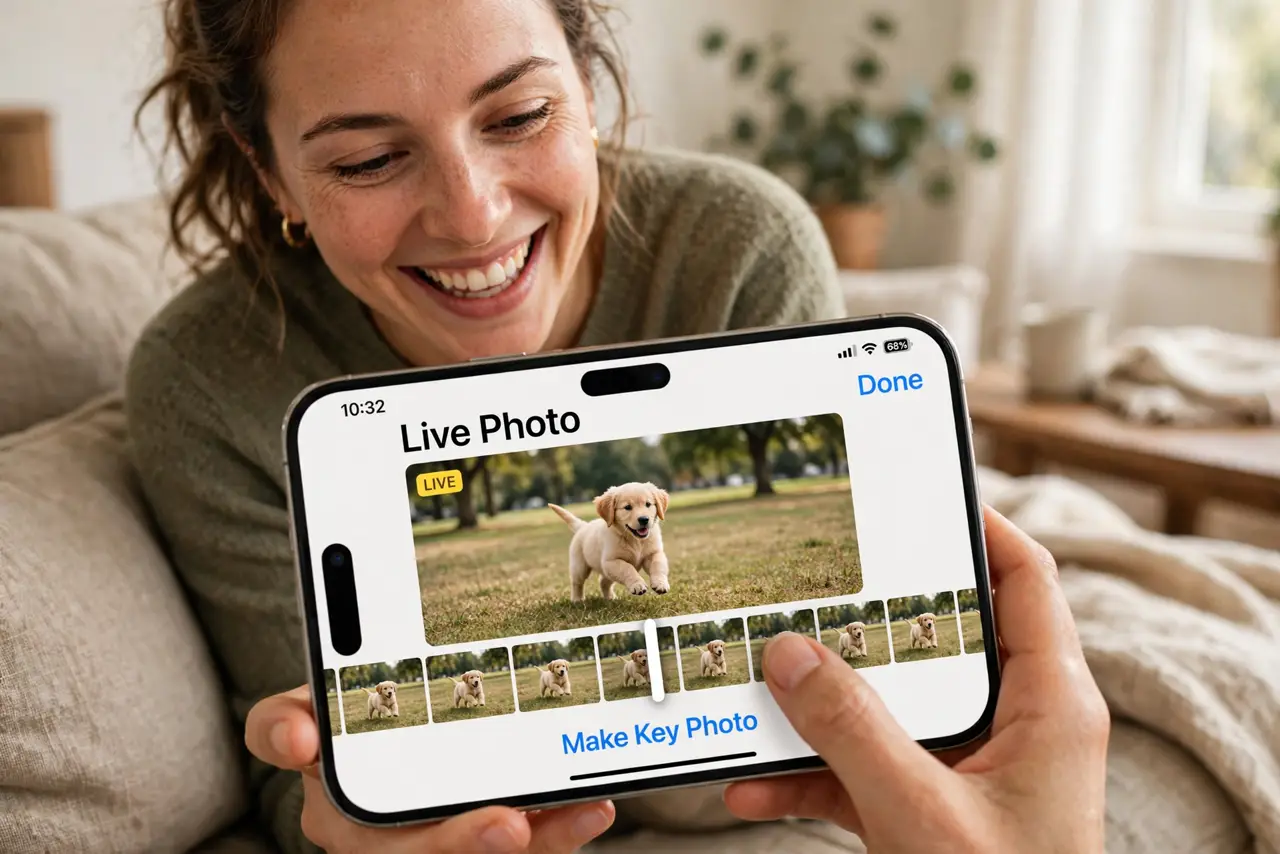
Quick fix: open the Live Photo, tap Edit, then drag along the frame strip at the bottom and tap Make Key Photo on the best frame. The still you see in your library changes to that frame. The motion clip stays intact — you are only changing the cover image.
Follow these steps
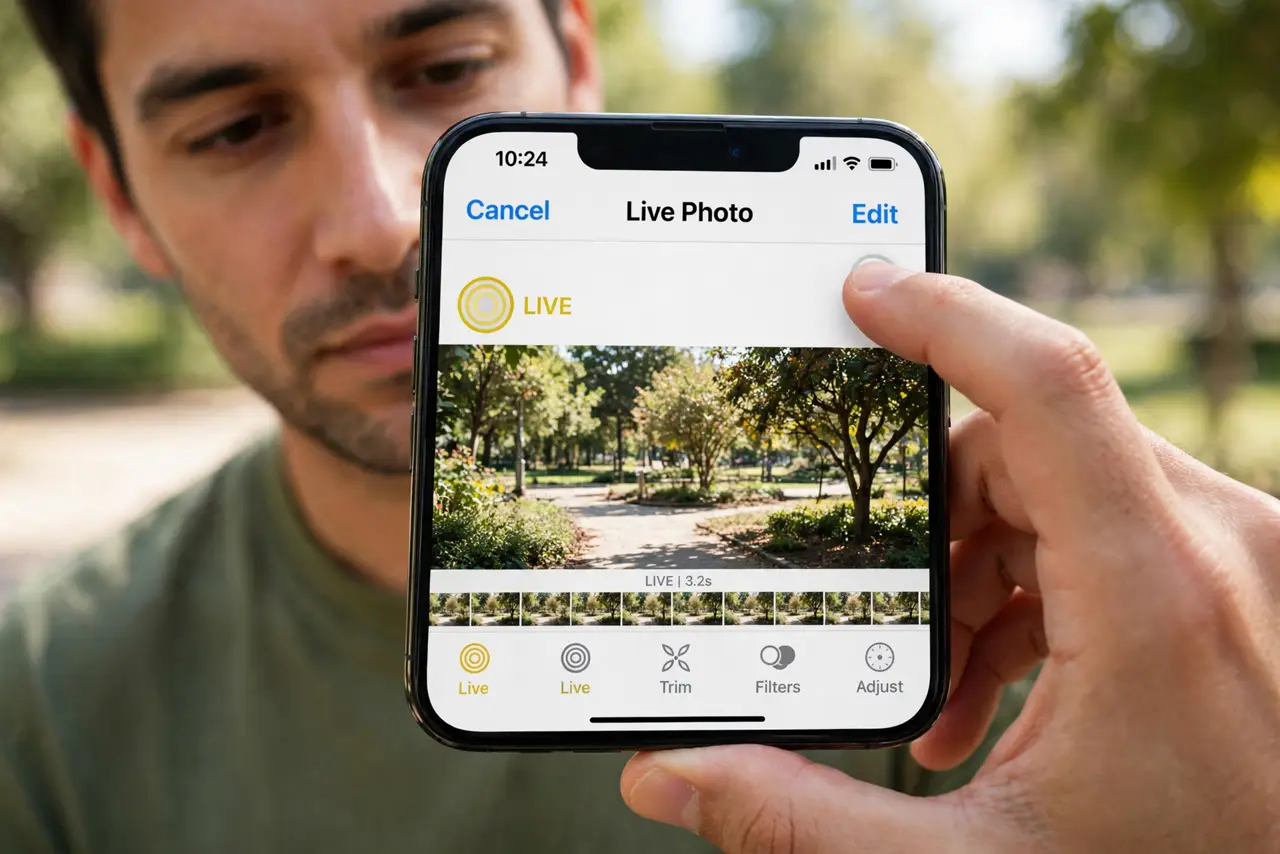
- Open the Live Photo and tap Edit. Live Photos carry the concentric-circles badge. Tap Edit to reveal the frame strip along the bottom.
- Scrub to the best moment. Drag through the frames — the 1.5 seconds around your shutter press. Find the open eyes, the real smile.
- Tap Make Key Photo. With the best frame showing, tap Make Key Photo. The library thumbnail updates to that exact frame.
- Confirm the motion survived. Exit Edit and long-press the photo — the full Live Photo animation still plays. Only the cover changed.
- Try the effects while you are there. Swipe up on a Live Photo for Loop, Bounce, and Long Exposure. Long Exposure turns fountains and traffic into silk.
- Turn off Live for a still instead. Tap the Live badge at the top of the Edit screen to disable motion — useful when the clip adds nothing.
What NOT to do
- Do not delete and re-shoot over a bad key frame. The good frame is already inside the clip — scrub, don't reshoot.
- Do not assume Make Key Photo crops the video. The entire motion clip stays intact; you only changed the poster frame.
- Do not share expecting the motion everywhere. Some apps and services receive only the still — the video part needs compatible sharing.
- Do not turn off Live Photos globally in frustration. One bad cover frame is an editing task, not a reason to lose the feature.
Frequently asked questions
What is the key photo?
The single frame shown as the still image in your library and in shares. The Live Photo still contains the full motion around it.
Can I pick a key frame from the video part?
That is exactly what Make Key Photo does — any frame within the captured clip is eligible.
Why is Make Key Photo grayed out?
The photo may be a duplicate or a shared version without the video component. Check the original in your library.