Turn Photos into Stickers
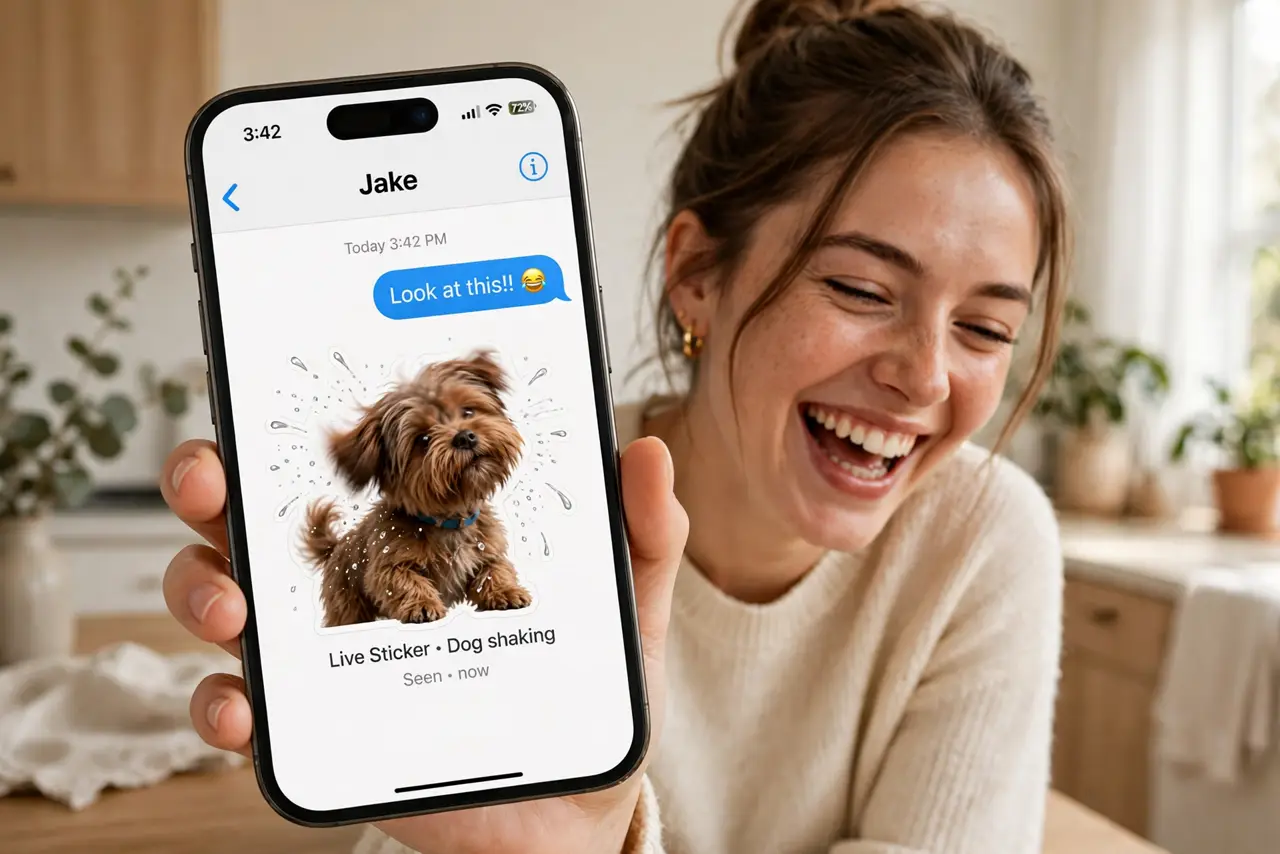
Static stickers are fun, but a sticker that moves — your dog shaking off water, a friend's perfect eye-roll — hits different. Live Stickers turn Live Photos into animated stickers with one tap, and the iPhone does all the cutting out. This guide makes them, adds bounce effects, and shares them anywhere stickers go. For the still versions, see how to make custom stickers.
TL;DR / Quick Fix
Quick fix: in Messages, open the sticker drawer, tap the plus, and choose a Live Photo — it becomes an animated sticker automatically. Add effects like bounce or comic for extra flair. Send by tapping, or drag onto a message. Any Live Photo with a clear subject works.
Follow these steps
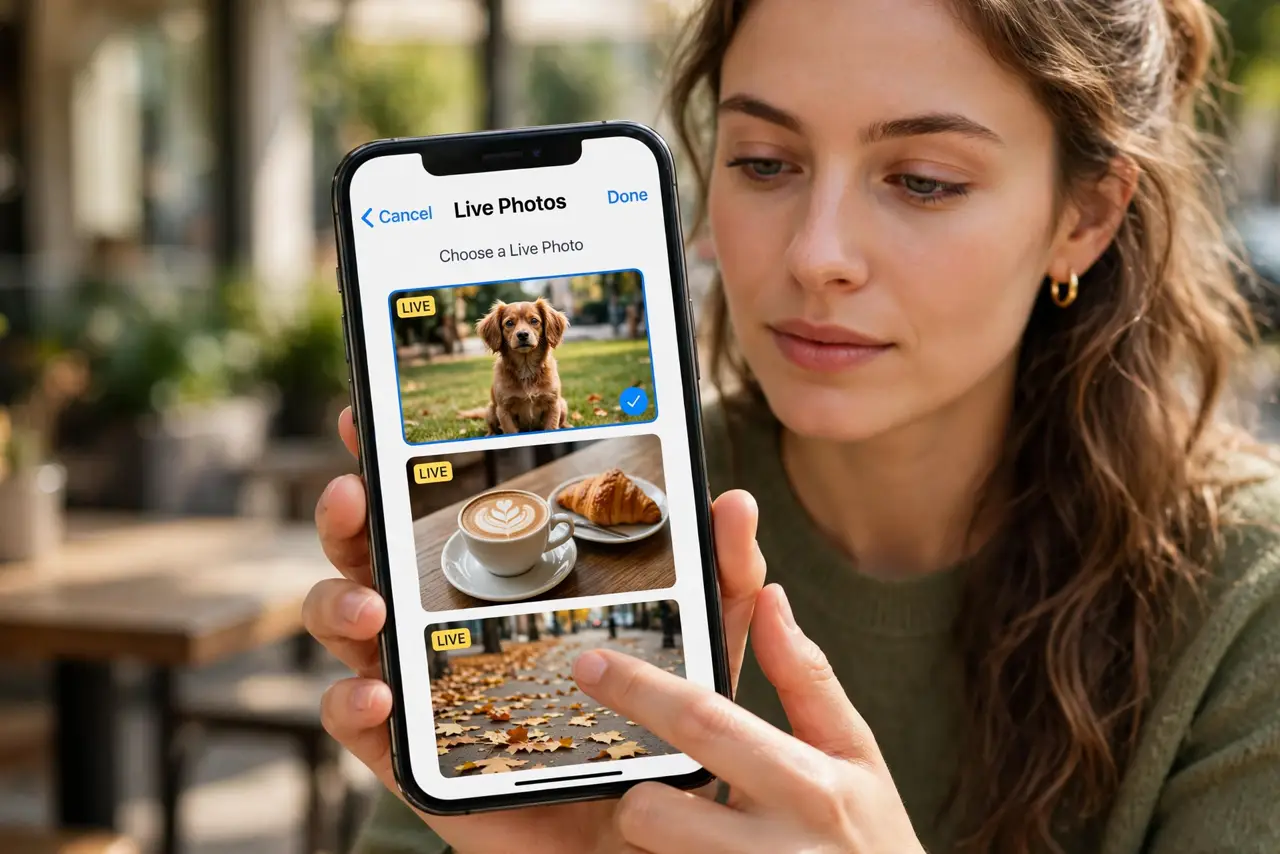
- Take or pick a Live Photo. Live Stickers need Live Photos — the ones with motion. Your pet album is probably full of candidates; pick one with a clear subject and some movement.
- Create the sticker. In Messages, open the sticker drawer, tap the plus, and choose the Live Photo. The iPhone cuts out the subject and keeps the animation — seconds, no editing.
- Add an effect. Long-press the sticker and add an effect. Outline and comic work on live stickers too; the animation plays through the effect.
- Send or drag it. Tap to send the animated sticker alone, or drag it onto a message to stick it there. The animation loops when viewed.
- Use them beyond Messages. Live stickers work anywhere stickers do — drag them onto photos, documents, and other apps that accept sticker input.
- Prune the collection. Animated stickers are bigger and more distracting than still ones. Keep a tight rotation of the true bangers.
What NOT to do
- Do not make live stickers of people without permission. Motion makes them more personal — and more sensitive — than stills.
- Do not expect ancient photos to work. Only Live Photos animate; regular photos become still stickers instead.
- Do not send huge sticker bursts in serious chats. One animated sticker is delightful; ten is a denial-of-service attack on the conversation.
- Do not forget they need iMessage for animation. SMS friends receive a still image — the motion is an iMessage-and-Apple-devices treat.
Frequently asked questions
Why is my live sticker not animating?
The source was not a Live Photo, or the recipient is on SMS. Both ends need iMessage and Apple devices for motion.
Can I edit a live sticker?
You can add effects and delete it, but not re-cut the subject — remake it from a better photo instead.
Do live stickers use more storage?
Slightly more than stills, since they hold a short video. A big collection is still tiny by phone-storage standards.