Live Voicemail Transcript Shows Up Blank
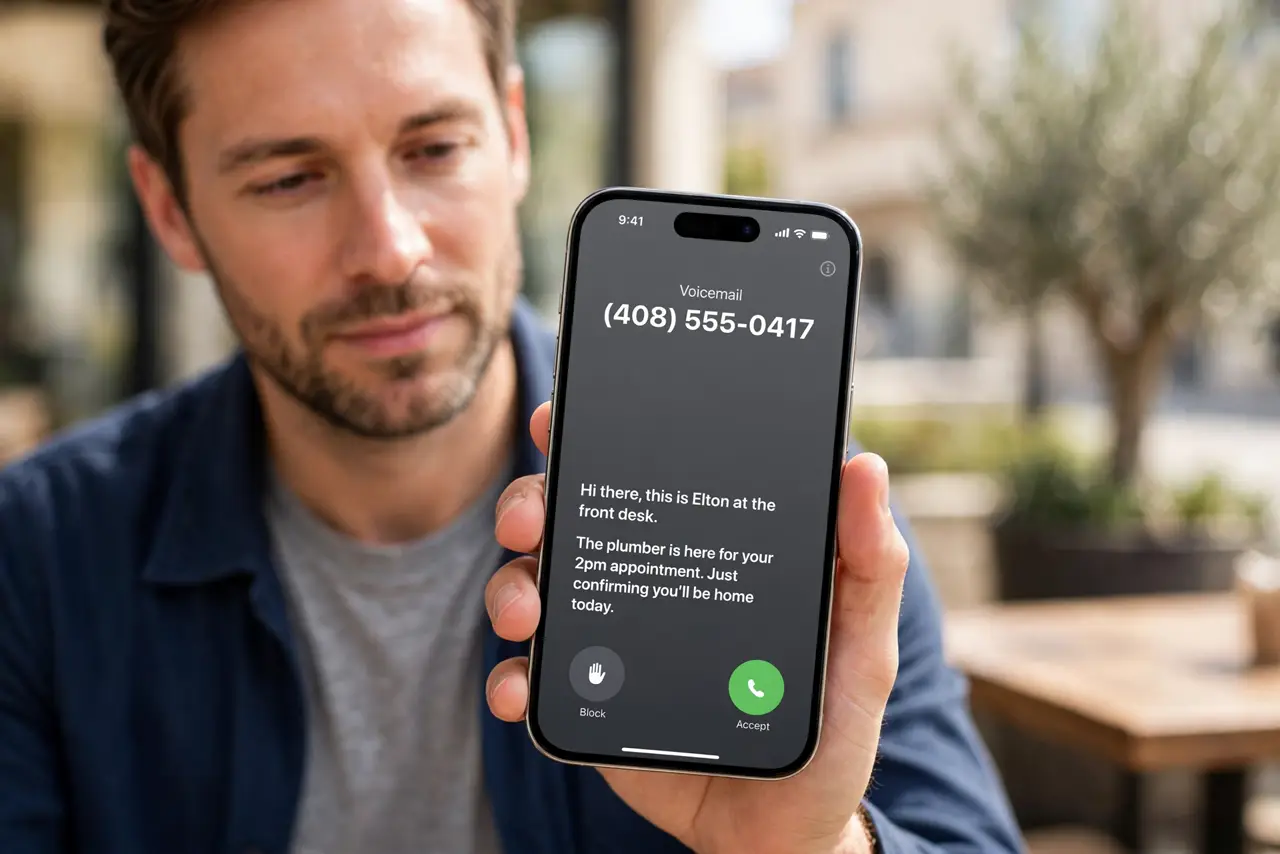
Live Voicemail answers, but the transcript area stays empty while the caller talks. The feature, the language, or a silenced-caller setting usually explains the blank screen.
TL;DR / Quick Fix
Quick fix: open Settings, then Phone, then Live Voicemail, and confirm it is on with the right language. Then ask a friend to call and leave a message while you watch the transcript appear and test it with a friend calling you directly.
Follow these steps
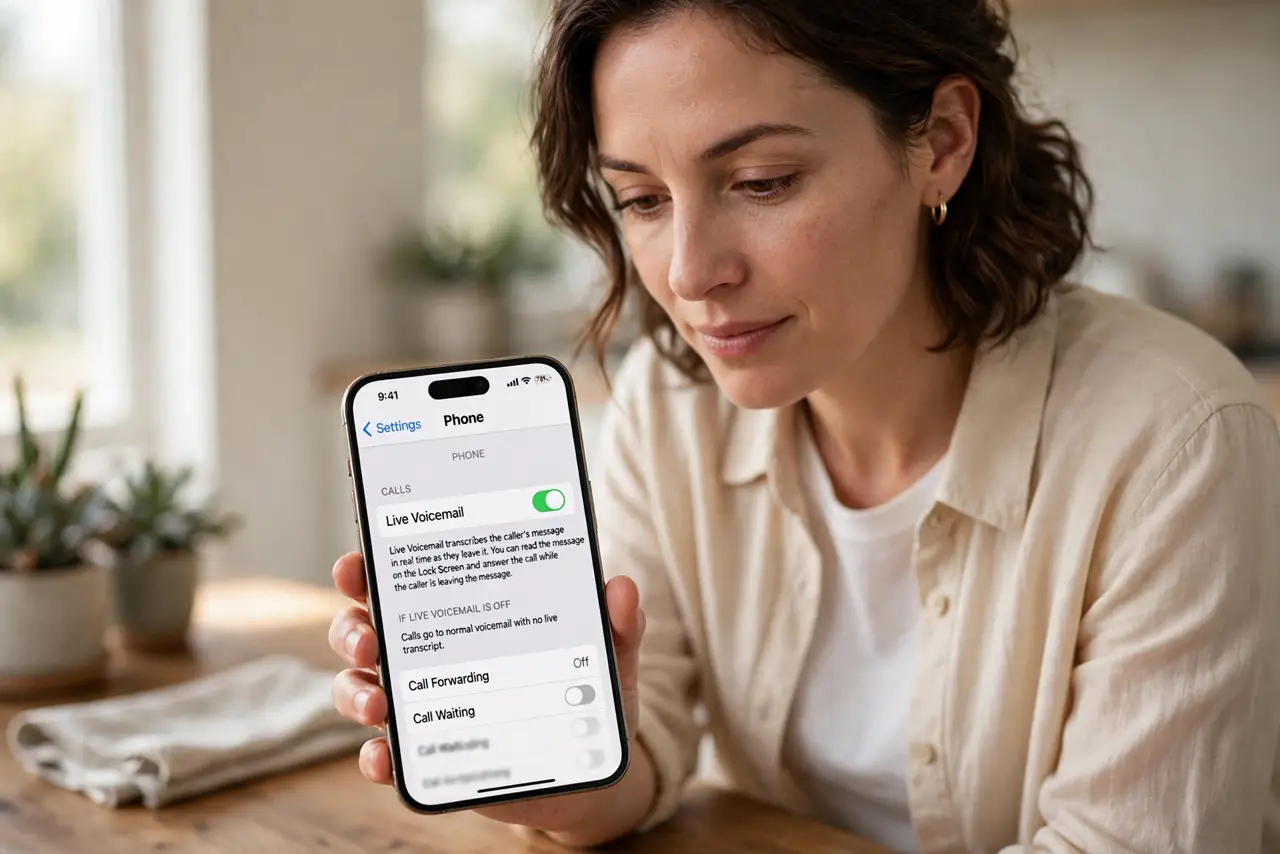
- Confirm Live Voicemail is on. Open Settings, then Phone, then Live Voicemail, and confirm the switch is on. If it is off, calls go to normal voicemail with no live transcript at all.
- Check the language setting. Live Voicemail transcribes in the language set for the iPhone. If the caller speaks a language the iPhone does not expect, the transcript can stay blank or partial.
- Check Silence Unknown Callers. If Silence Unknown Callers is on, unknown callers may go straight to voicemail without a live transcript screen. Turn it off for a test call from a known number.
- Test with a known caller. Ask a friend to call you and speak slowly for twenty seconds. A real test call shows whether transcription works, while guessing from old calls cannot.
- Restart the iPhone if transcripts stay blank. Restart once and repeat the test call. A restart clears a stuck phone process that can block transcription even when the setting looks right.
- Check carrier voicemail separately. If normal voicemail also fails, the problem may be carrier voicemail rather than Live Voicemail. Contact your carrier, since a carrier fault blocks both kinds of voicemail.
What NOT to do
- Do not delete voicemails hunting for a transcript. A blank live transcript is a settings issue, and deleting messages removes the very evidence you need.
- Do not turn off voicemail entirely to fix a blank transcript. That stops all messages, while the Live Voicemail switch is the setting to check.
- Do not assume every call gets a transcript. Very short calls, silent calls, and calls in an unsupported language may legitimately show little or nothing.
- Do not change the iPhone language just to test transcription. The caller's language and the transcription language must match, so test with a matching caller instead.
Frequently asked questions
Why is the transcript blank while the caller talks?
Live Voicemail may be off, the language may not match, or the caller may be silenced before transcription starts.
Does Live Voicemail work for unknown callers?
It can, but Silence Unknown Callers changes how those calls are handled, so test with a known caller first.
Will a restart delete my voicemails?
No. Restarting the iPhone does not delete voicemails, and it can clear a stuck transcription process.